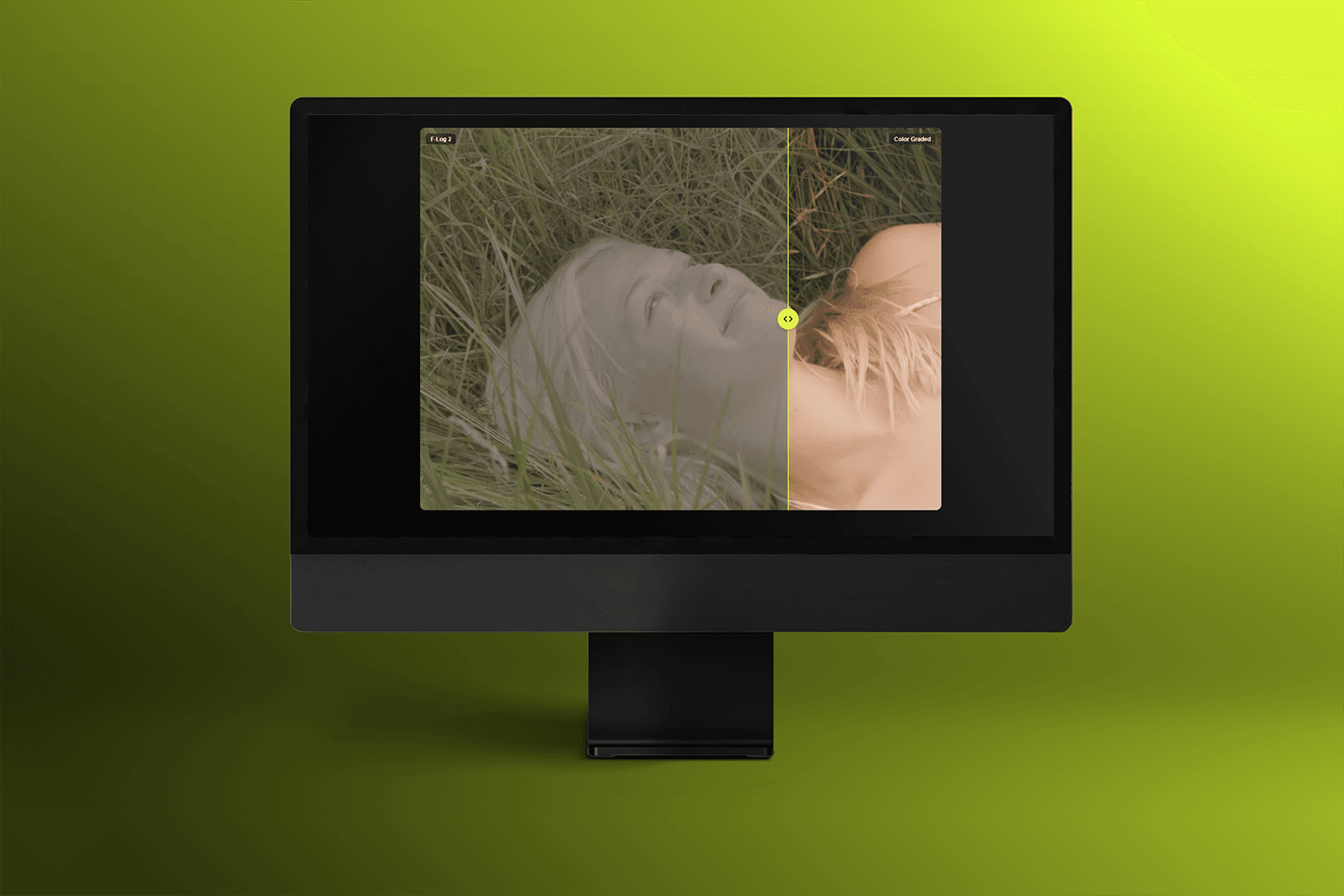
Built this because I kept getting frustrated showing transformation work — retouching, rebrands, redesigns — as two static images side by side. Nobody actually feels the difference that way. So I made the interaction I wanted for my own site: drag to reveal.
What's in it: → The entire area is draggable, not just the handle — feels right on both desktop and touch → Handle auto-shrinks on narrow containers so it never looks oversized in a card or grid → Labels fade out gracefully as you cross them instead of overlapping → Fully customizable — handle color, border, size, corner radius, label styling — right from the property panel → Built on Pointer Events for reliable dragging across trackpads and touchscreens → Zero code — assign two images and you're done
Made for photographers, designers, and agencies who want their before/afters to actually land. Would love feedback if you try it out 🙌