About 3D Bloom Gallery
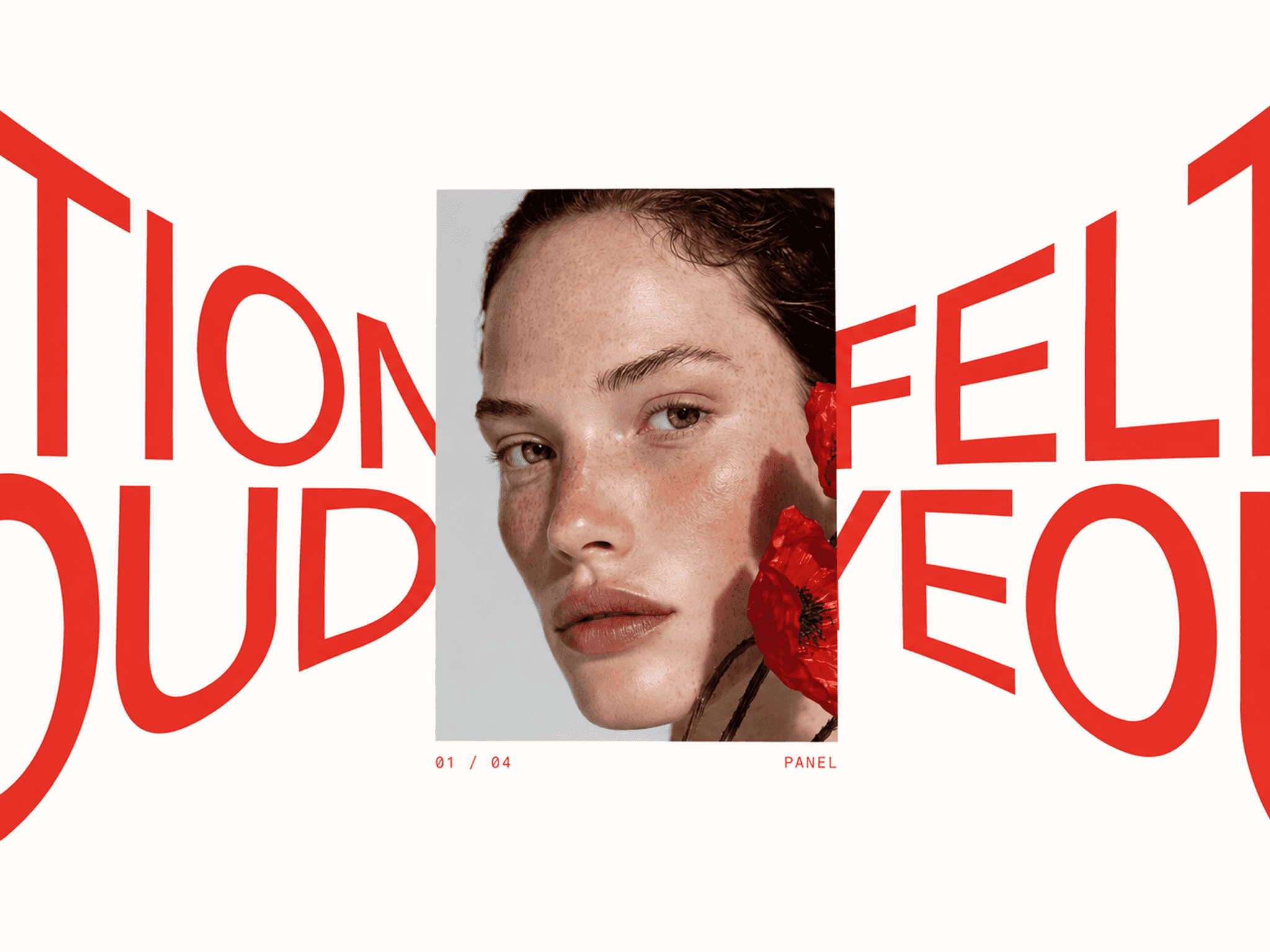
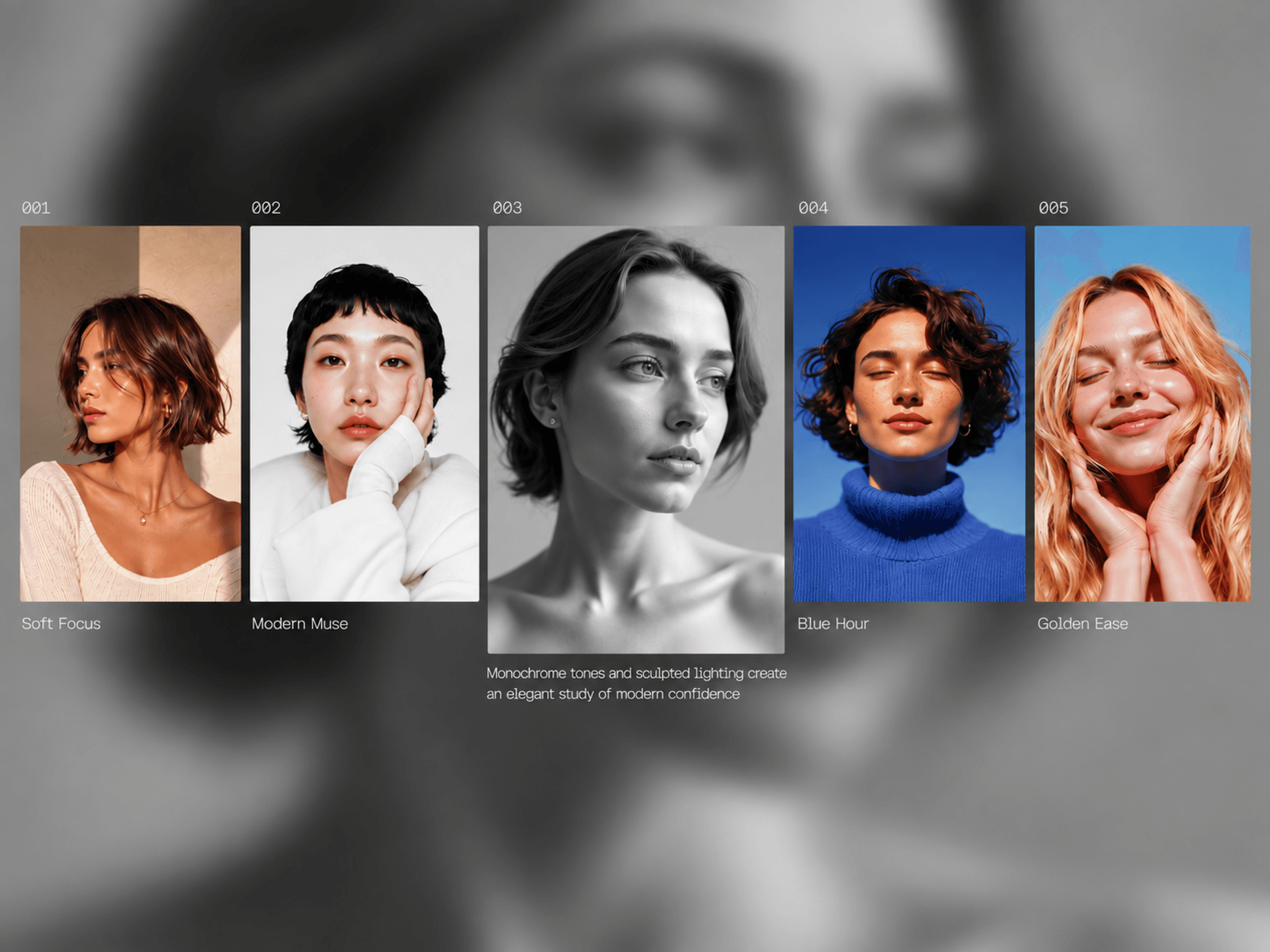
3D Bloom Gallery is an interactive image and video gallery for Framer where media panels expand, shift, and reveal more content as visitors explore. Hovering over a panel smoothly opens it in width and height while surrounding panels give way or overlap, creating a fluid, dimensional gallery experience.
Built for portfolios, photography, fashion, agencies, campaigns, products, and editorial storytelling, 3D Bloom Gallery combines expanding media, pointer movement, dynamic backdrops, CMS links, and responsive layouts.
✦ Key Features
Image & Video Support - Mix images and videos within the same gallery.
Expanding Panels - Panels smoothly grow in width and height on interaction.
Push or Overlap Modes - Let neighboring panels give way or allow the active panel to expand over them.
Flexible Growth Direction - Control whether panels expand left, right, or automatically.
Pointer Drift - Media subtly follows cursor movement inside the active panel.
Media Zoom - Add a smooth scale effect as each panel opens.
Dynamic Backdrop - Display the active image or video as a large blurred background.
Smart Video Playback - Play all videos or only the currently opened video.
Video Posters - Add custom poster images for video content.
CMS Links - Connect every panel to CMS pages or external destinations.
Glide & Spring Motion - Choose smooth easing or responsive spring animation.
Custom Styling - Control sizing, spacing, radius, typography, dimming, backdrop blur, tint, padding, and motion.
✦ What You Can Create
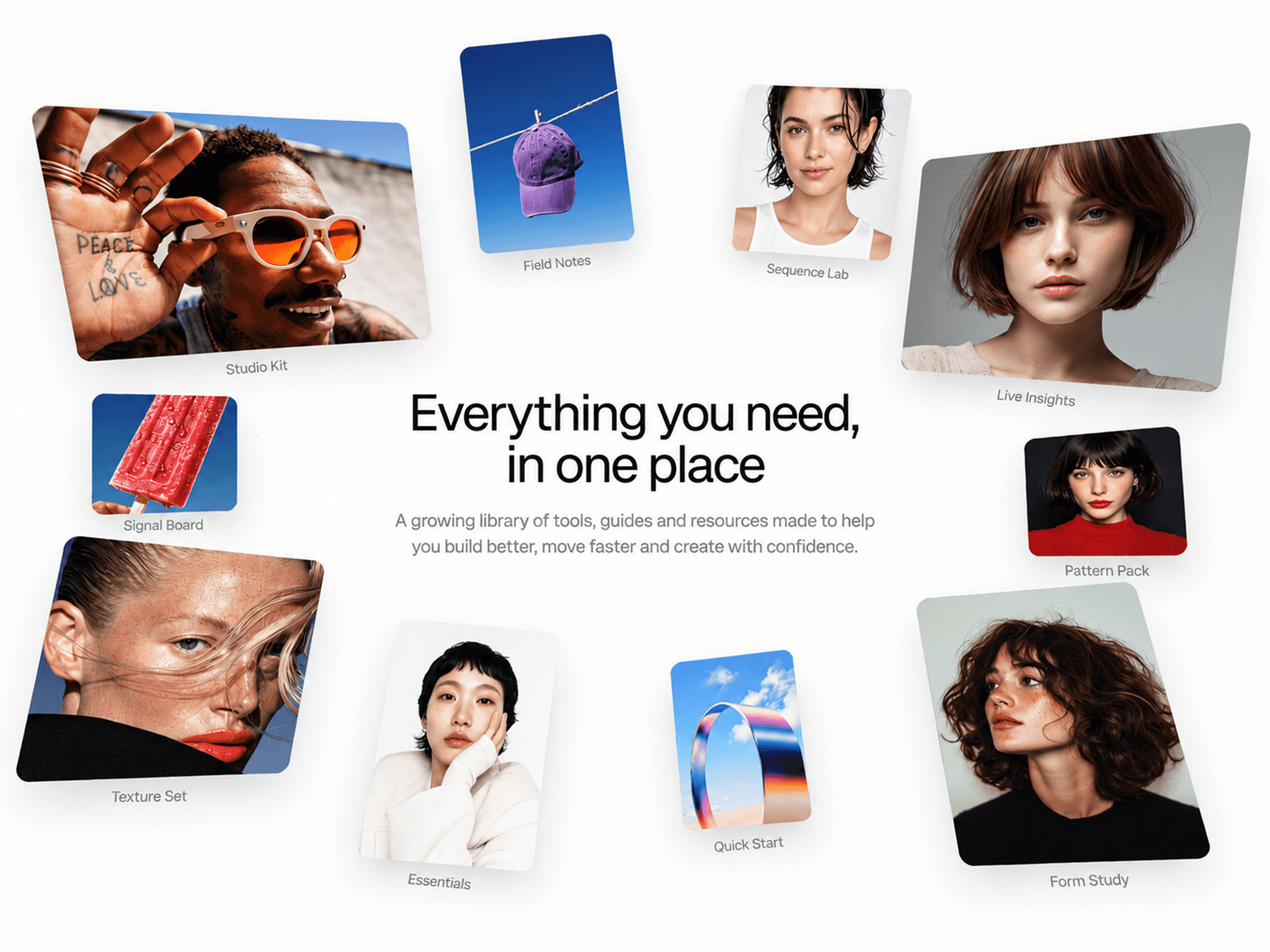
Portfolio galleries, photography showcases, fashion lookbooks, agency projects, campaign pages, product stories, video showcases, and editorial experiences.
✦ Make Every Panel Come Alive
3D Bloom Gallery turns a simple media row into an immersive expanding gallery with fluid motion, rich backdrops, mixed media, and responsive interaction. Keywords: 3D Bloom Gallery, Expanding Gallery, Image Gallery, Video Gallery, CMS Gallery, Interactive Gallery, Portfolio Gallery.