About 3D Tunnel Gallery
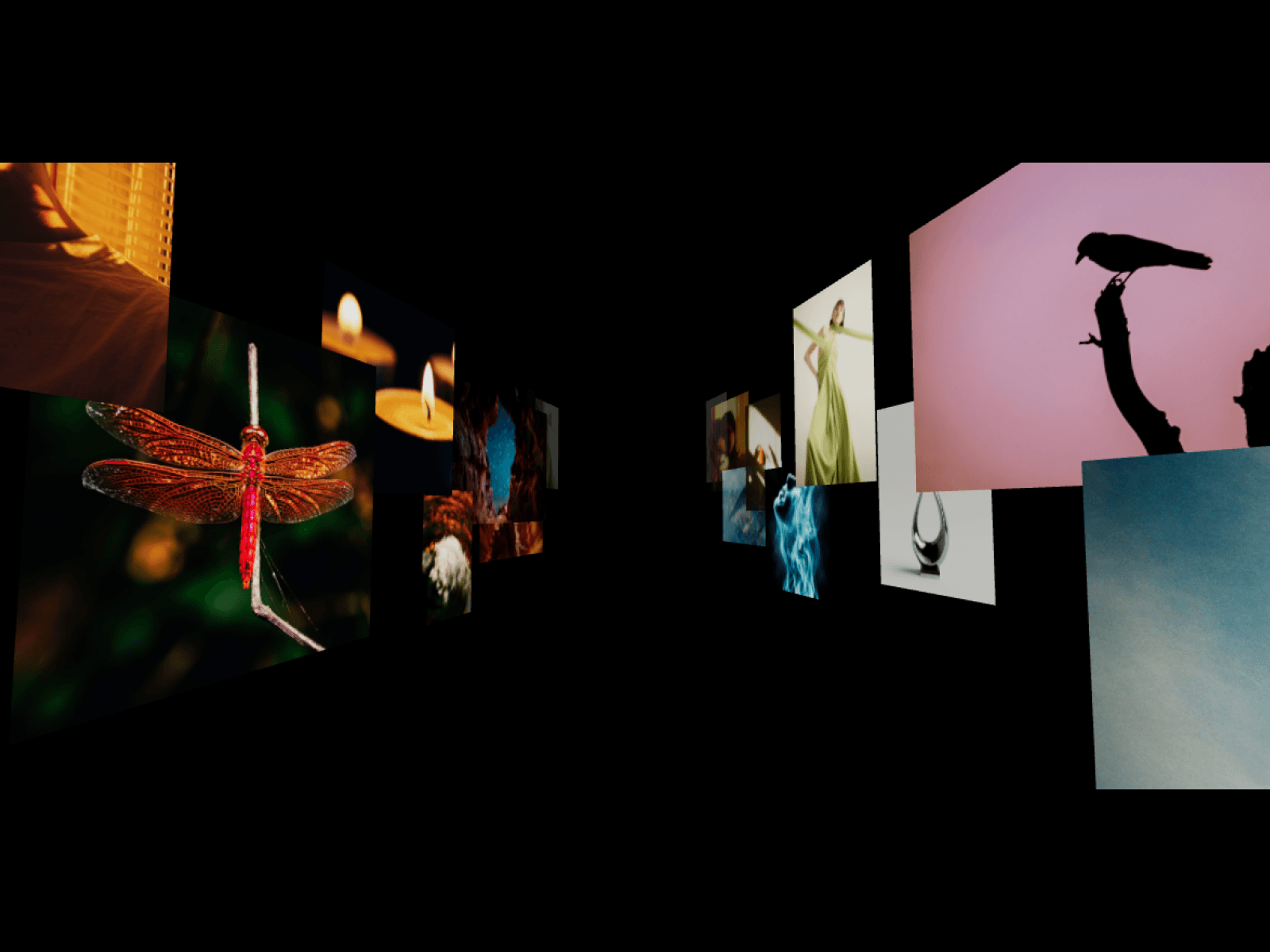
Transform ordinary media into an interactive 3D perspective tunnel with continuous forward momentum, tactile cursor parallax, and fluid drag-scrub controls.
Features
Infinite 3D perspective corridor layout
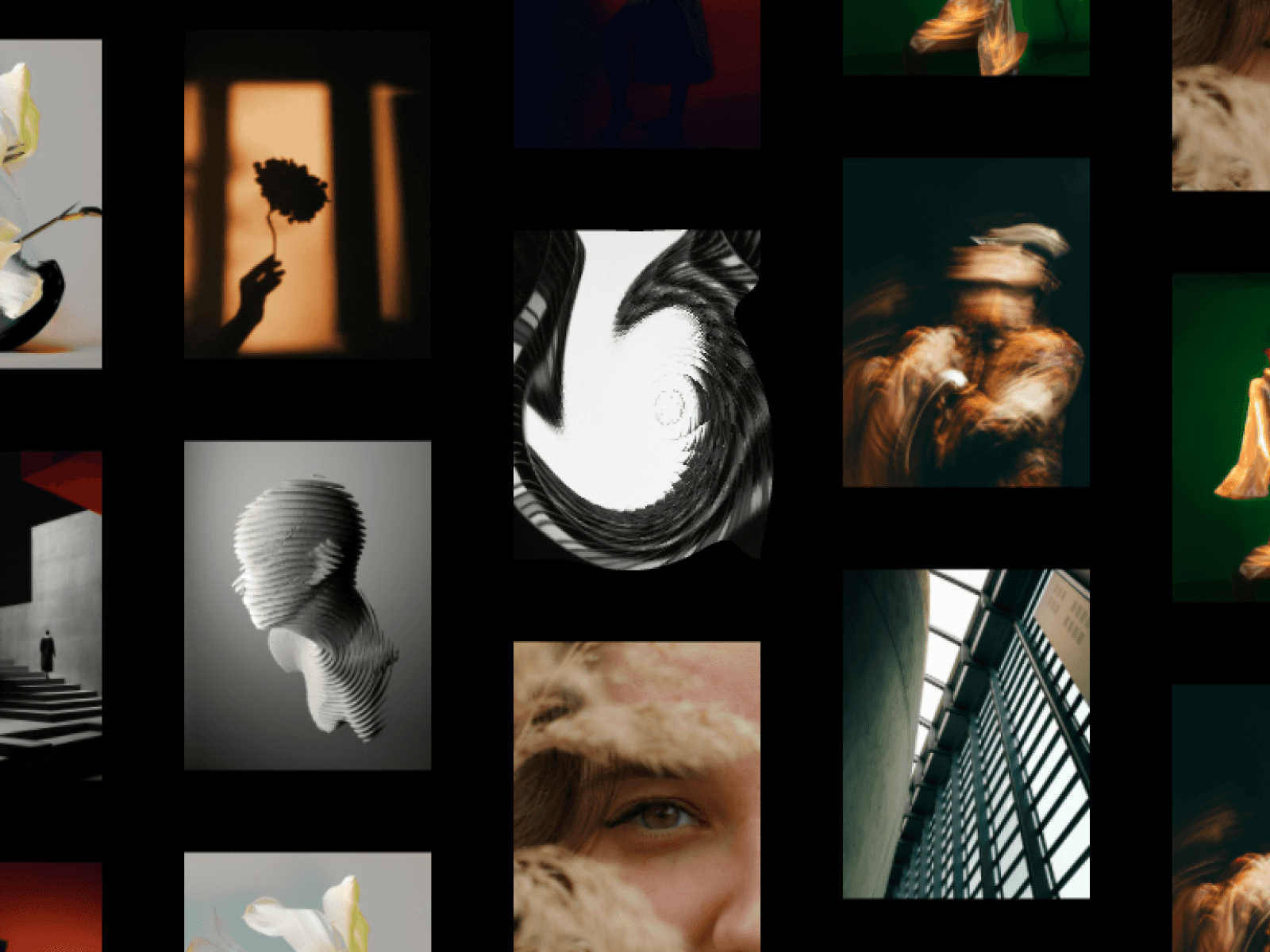
Dual support for high-res images and looping videos
Inertial drag-to-scrub and mouse-wheel velocity momentum
Cursor-tracking reactive camera parallax and velocity tilt
Harmonic idle floating sway for natural depth
Interactive 3D raycast hover detection with plane lift
Dual-end smooth alpha fading to eliminate clipping pop-in
ACES filmic tone mapping with transparent canvas blending
Viewport-gated rendering pauses automatically off-screen
Responsive canvas auto-adapting to media aspect ratios
Customization Options
Custom image and video file uploads
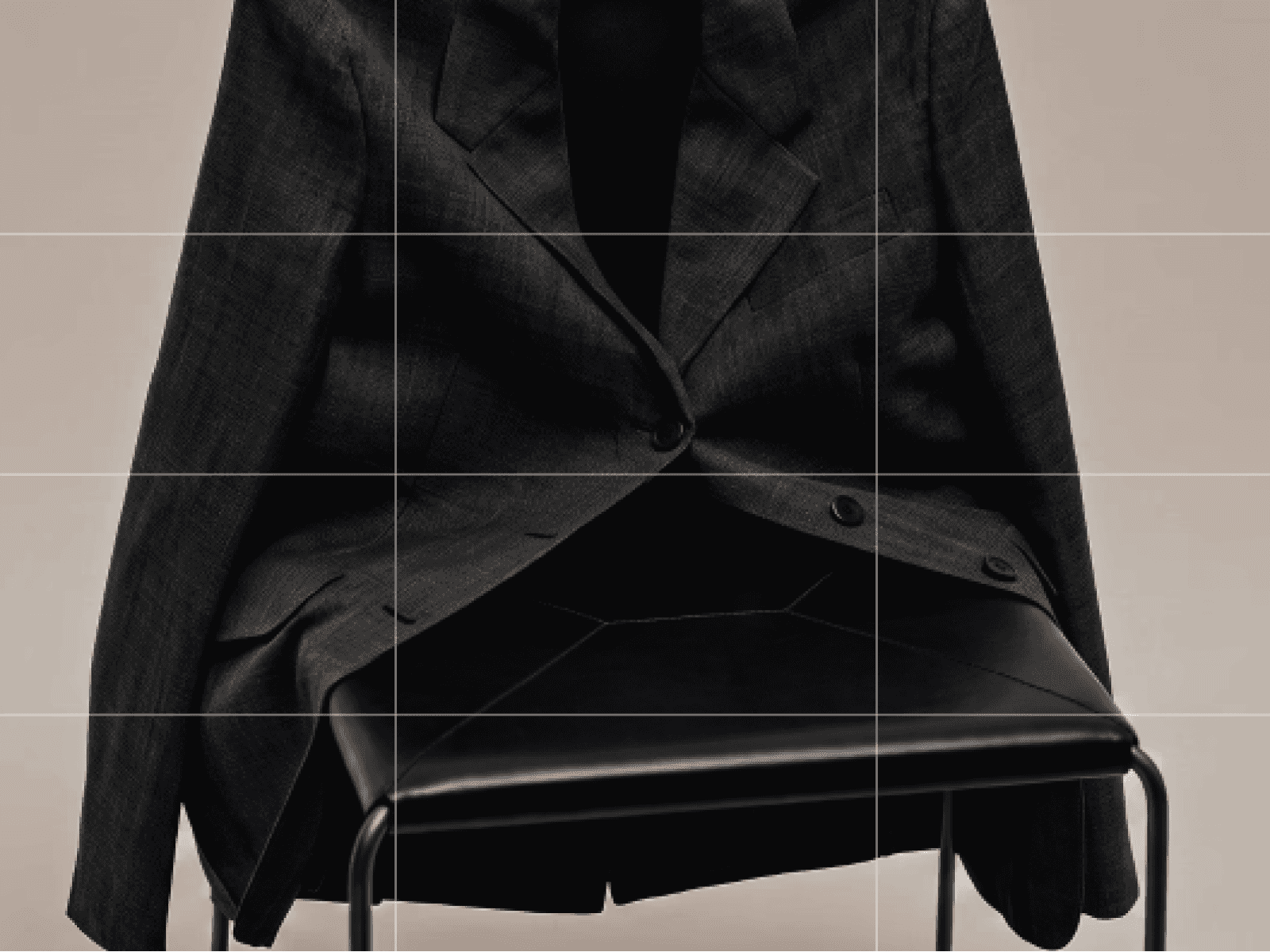
Aspect ratio modes (Natural Fit vs Uniform Ratio)
Longitudinal corridor item spacing gap
Overall gallery scale multiplier
Flight travel direction (Towards or Away)
Cruise speed control
Drag-scrub sensitivity power
Mouse-wheel velocity power
Speed-based velocity tilt intensity
Cursor parallax tilt strength
Floating idle sway strength
Corridor wall width spacing
Inward wall perspective angle
Live canvas editor preview toggle
How to Use
Drop the component onto your Framer canvas
Upload your images or MP4/WebM video files
Select between Natural Fit or Uniform Aspect Ratio
Adjust corridor width, wall angles, and travel speed
Fine-tune drag scrub power and cursor parallax
Publish your site for an immersive 3D spatial showcase
Use Cases
Creative director and design portfolios
High-end digital agency project showcases
Fashion lookbooks and editorial campaigns
SaaS product feature highlight reels
Interactive hero section visual backdrops
Digital art exhibitions and 3D render corridors
Cinematic showreels and video archives
Modern landing page visual dividers
Event recap galleries and festival archives
Web3 and dark mode interactive experiences