About Liquid Scroll
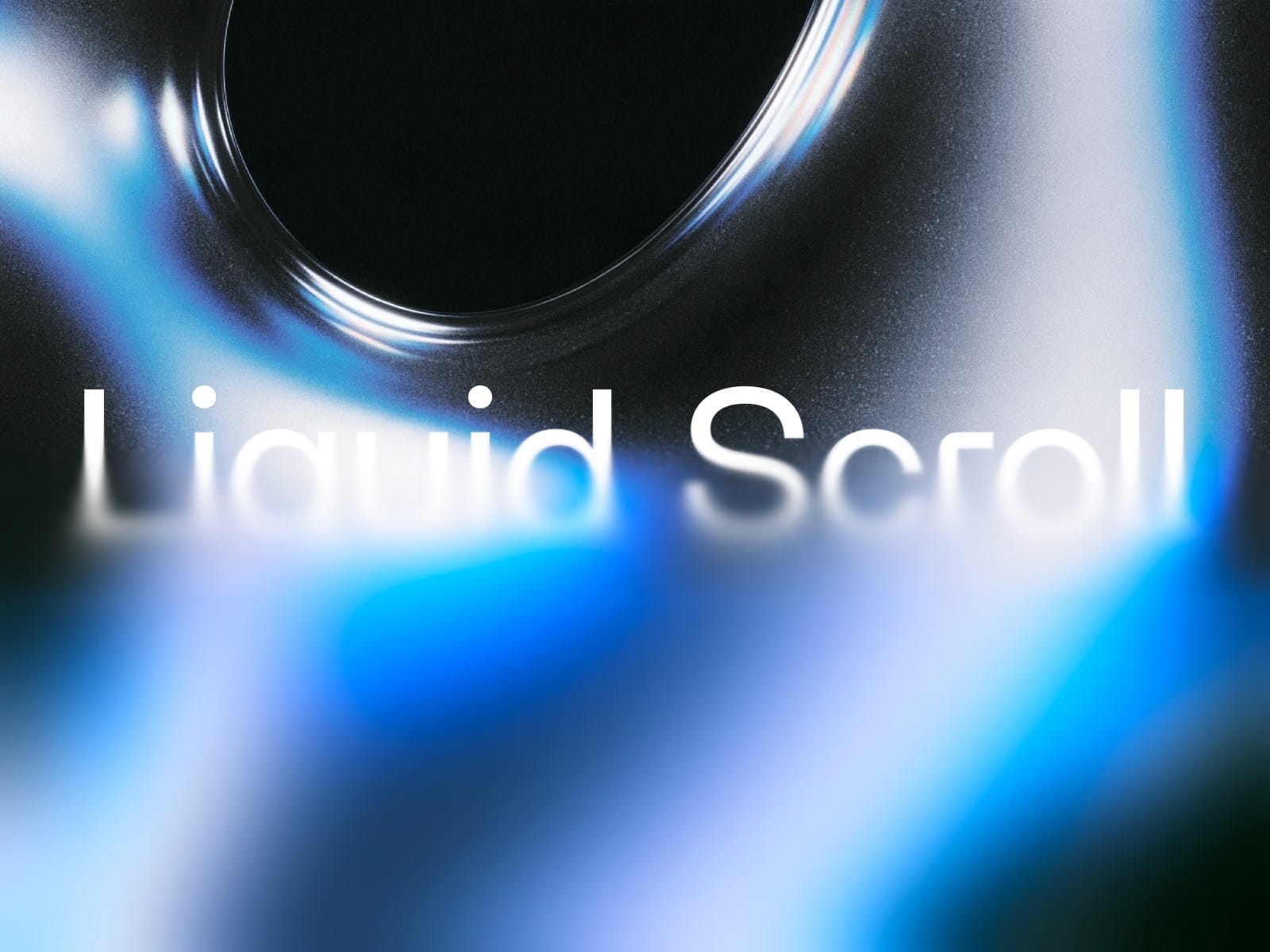
Liquid Scroll — Progressive Blur for Framer
Add a smooth, atmospheric blur to your Framer projects with Liquid Scroll.
**
Liquid Scroll creates a beautiful progressive blur that gradually blends into your content, adding depth, softness, and a refined visual touch to any layout.
Perfect for creating elegant transitions, immersive interfaces, and subtle overlays that make your designs feel more polished.
Features
Progressive Blur — Smooth, layered blur transitions instead of harsh edges.
Four Directions — Apply the effect from the top, bottom, left, or right.
Adjustable Intensity — Fine-tune the maximum blur to match your design.
Saturation Control — Enhance or soften colors beneath the effect.
Customizable Layers — Control the smoothness and quality of the blur.
Transition Control — Adjust how gradually the effect fades.
Fully Customizable — Easily configure everything directly in Framer.
Made for Designers
No complicated setup. Simply copy the component into your Framer project, position it over your content, and customize the effect using the properties panel.
Use it for image overlays, sticky navigation, immersive sections, or anywhere your design needs a softer transition.
One component. Endless possibilities.
Designed with care by Alister.