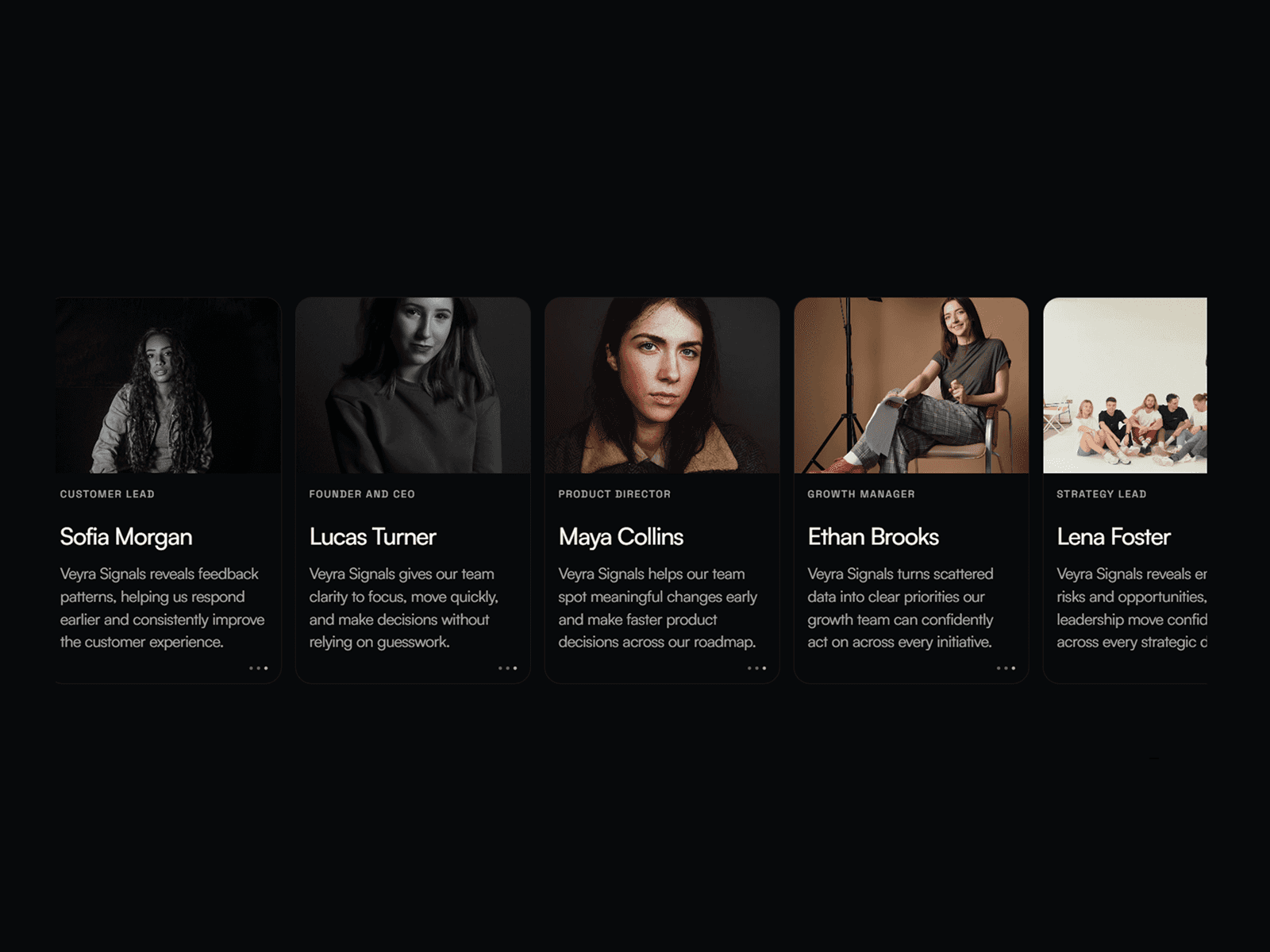
About Aisol Silk Carousel
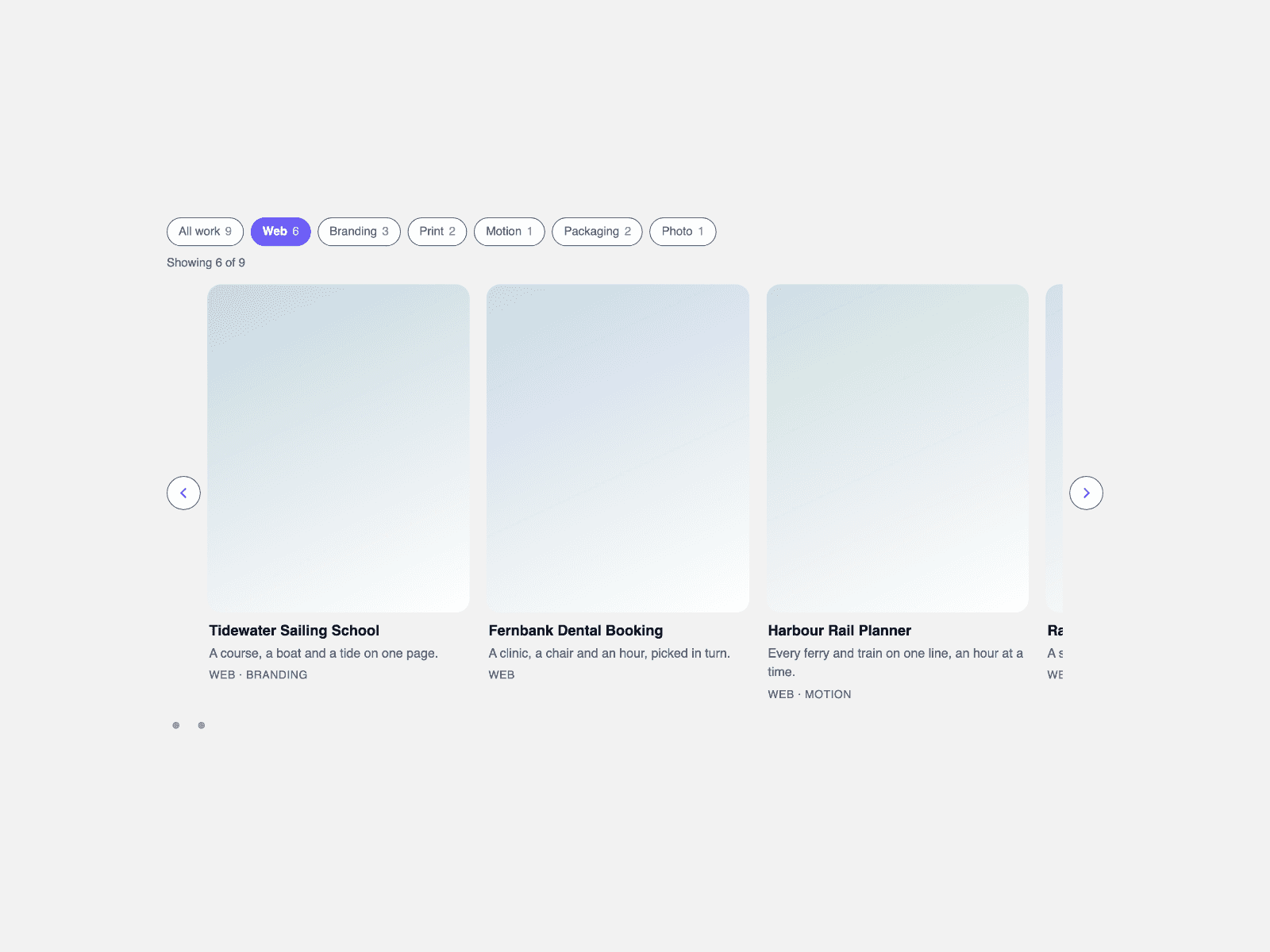
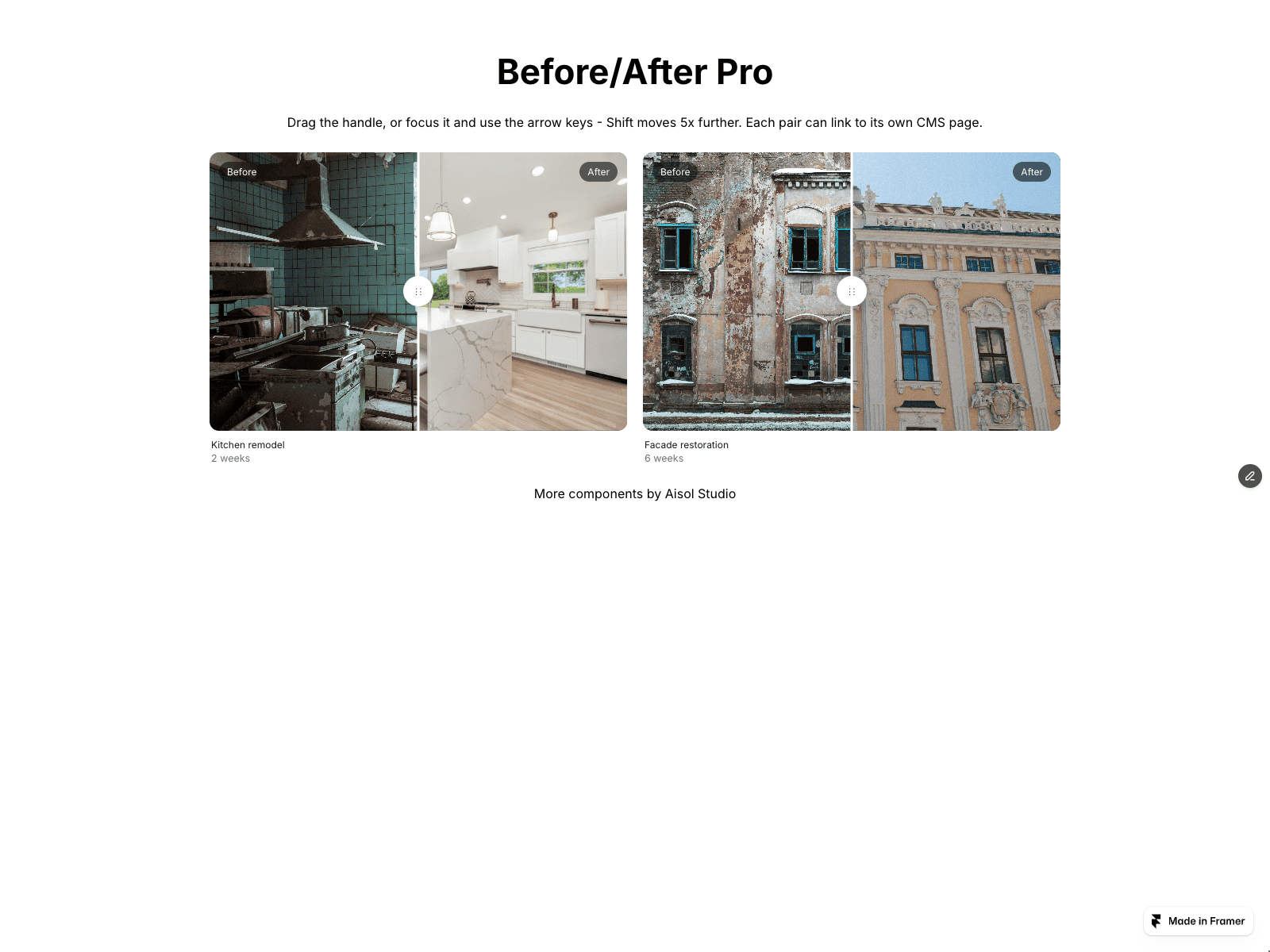
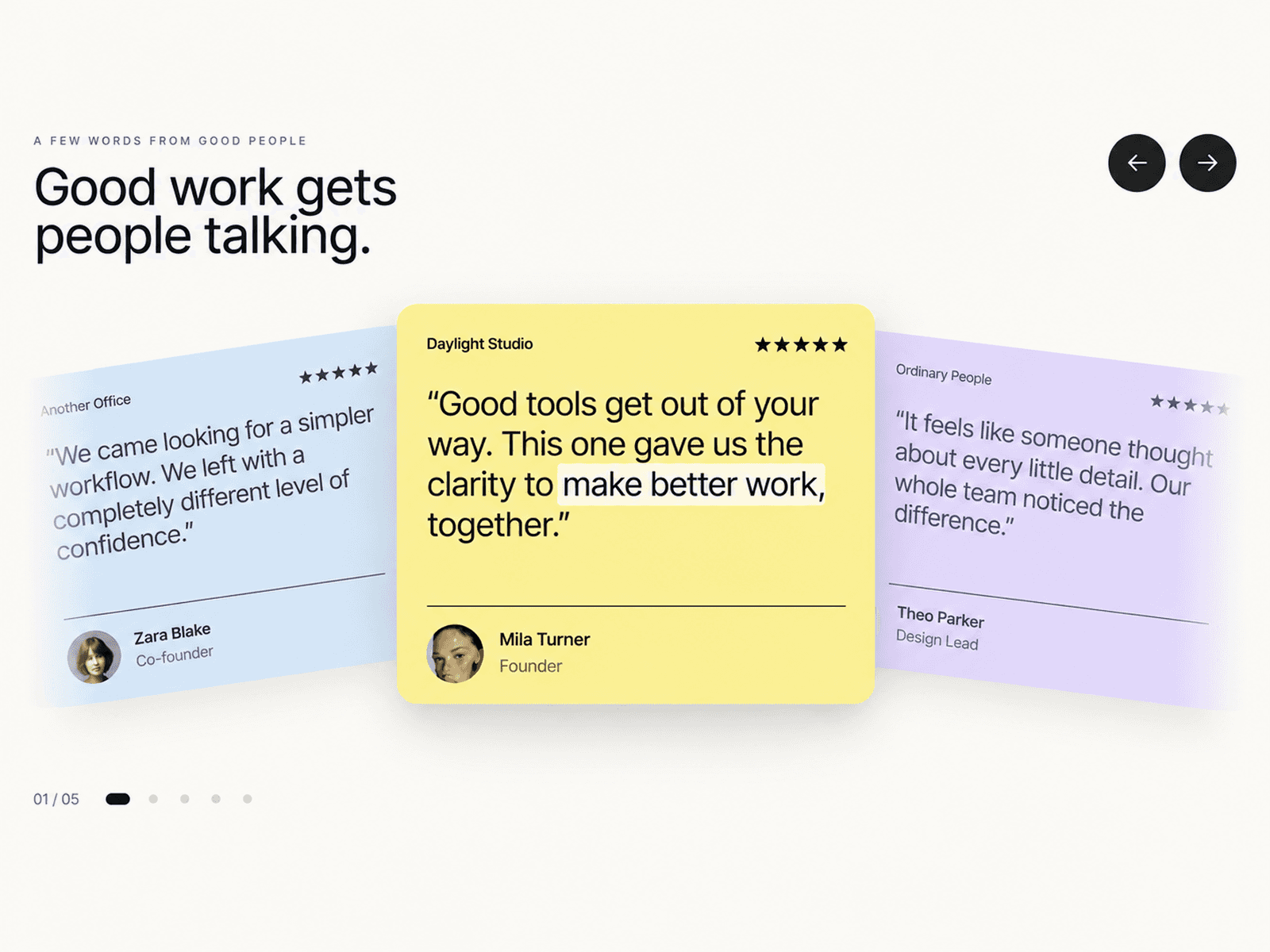
Aisol Silk Carousel is an endless row of image and video panels that bend like fabric while you drag them: the leading edge lags and the trailing edge follows.
Let go and the row glides, snaps to the nearest slide and the panels settle flat; an optional breeze adds a slight sway while the row is still.
It works with mouse, touch, trackpad and keyboard, pauses when off screen, and turns the bending off for visitors who prefer reduced motion.
- Eight built-in editorial posters fill the slides until you add your own images.
- Horizontal swipes move the row while vertical swipes still scroll the page; a sideways trackpad swipe moves it, a plain wheel does not.
- Arrow, Home and End keys move between slides, and the current slide is announced as “n of N”.
- Videos play muted only near the active slide and fall back to their poster if autoplay is blocked.
What you control
• Slides (up to 30): image, optional video, title, meta, link and link label
• Layout: panel width, aspect ratio, gap, corner radius
• Silk: bend, ripple, settle speed, breeze
• Motion: drag, snap, autoplay and interval
• Captions: show, below or overlay, text size, colour
• Controls: arrows, dots or progress line
• Theme: transparent or background colour, accent, accessible label
Limits: slides are entered in the property panel (no CMS binding); captions use a system font stack rather than your site font; images must allow cross-origin use to bend (Framer uploads do), otherwise that slide shows flat; bending and video need WebGL, and without it the carousel falls back to a plain scroll-snap row; videos are muted.
For a flowing cloth banner with a pause button, see the free sibling Aisol Silk Banner.