About Color Fill Tab Sync
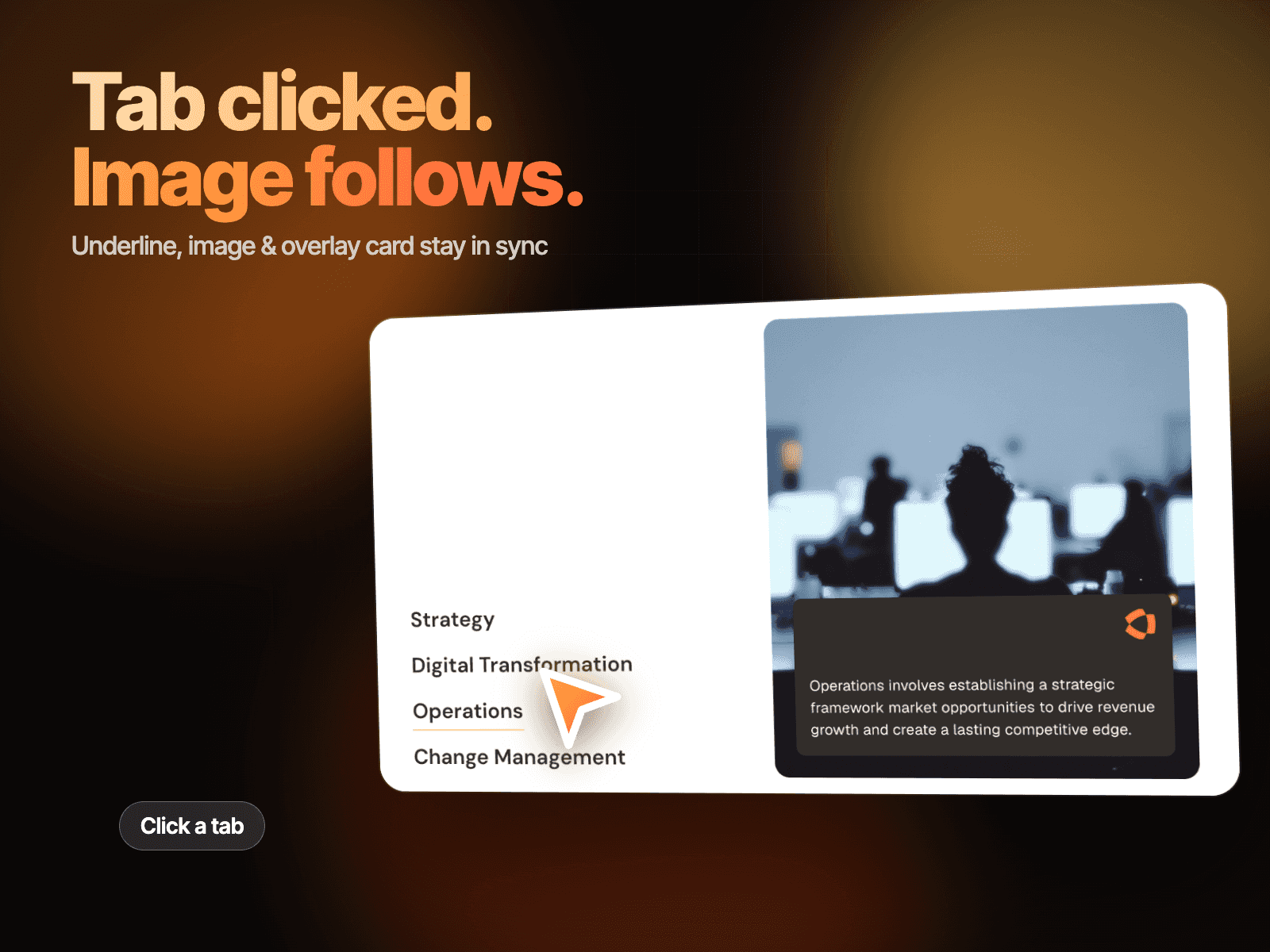
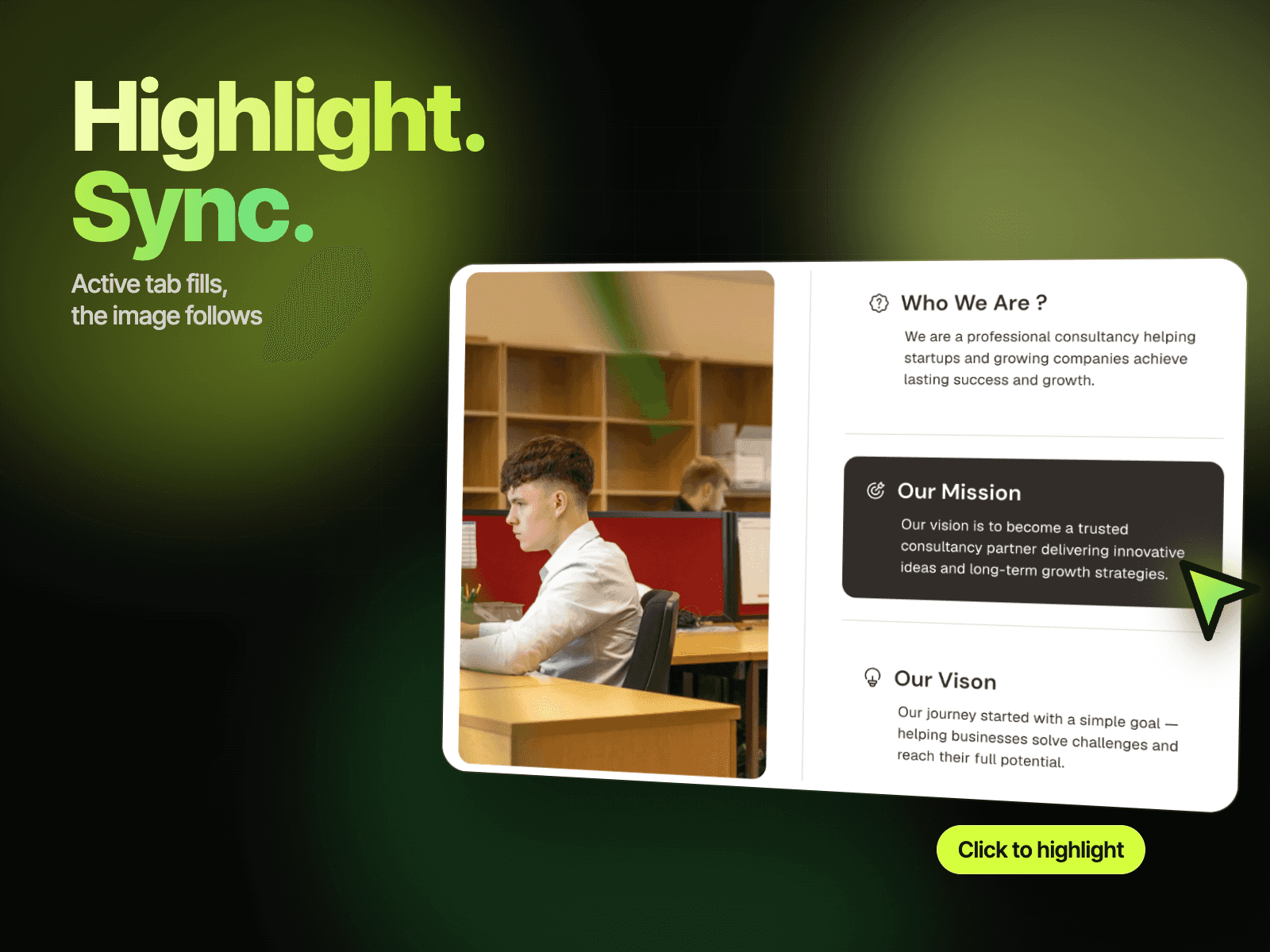
Color Fill Tab Sync – Tabs That Fill With Color and Swap Both Images
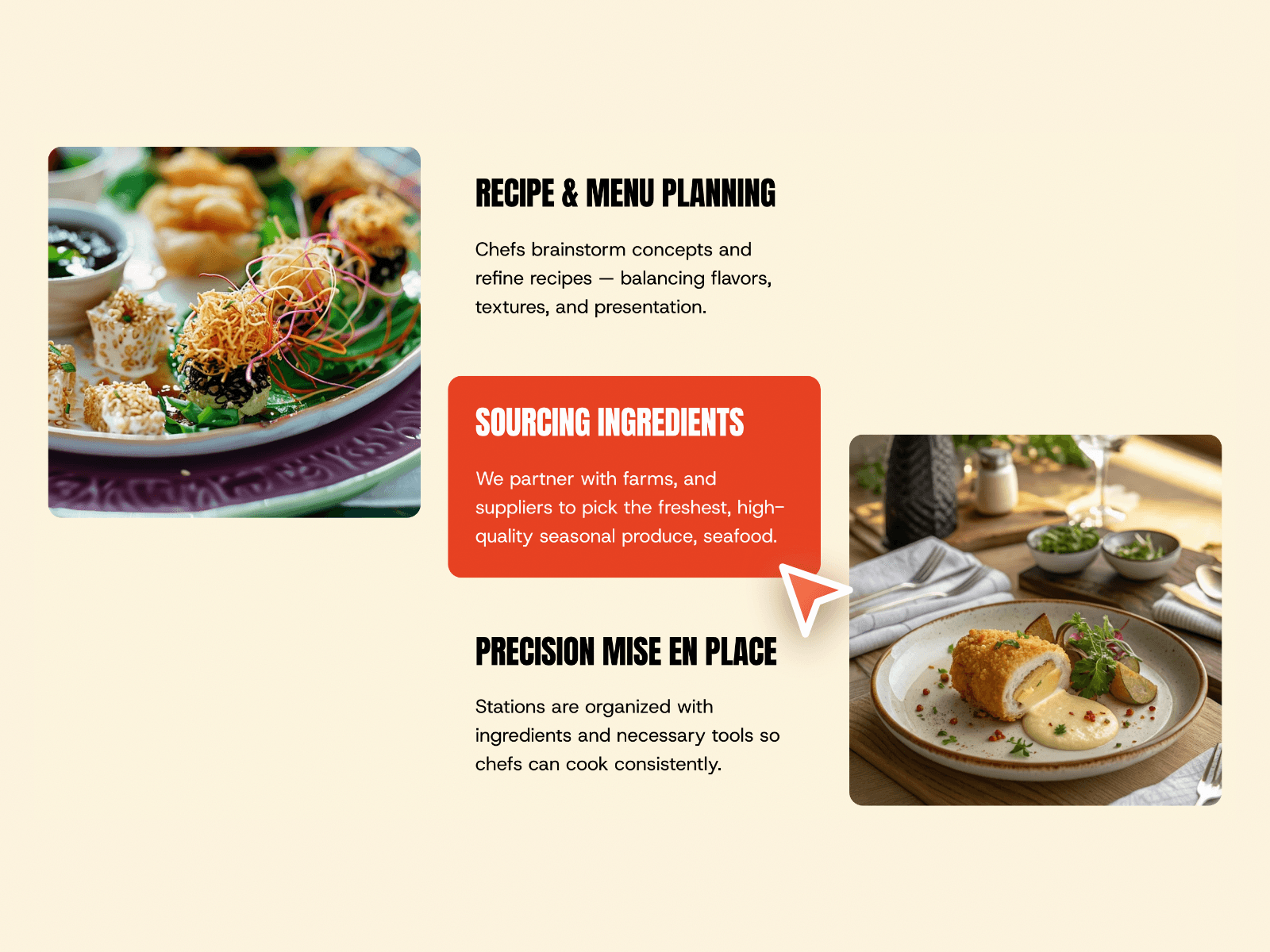
Color Fill Tab Sync is a three-step tab component with a bold heading and short description on each tab, framed by two images. Clicking a tab fills it with a solid accent color, and both images change to match that step. It is a clear way to present a process, a set of services or the stages of how you work.
How it works
Click a tab and its card fills with the accent color.
The heading and description switch to white on the filled card.
The left and right images change to the images for that tab.
The first tab is active on load.
Easy to customize
Edit each tab's heading, description and both images.
Change the fill color, text colors and fonts.
Drop it into any Framer page and edit it from the properties panel or with your AI agent.