About Deadline Calculator
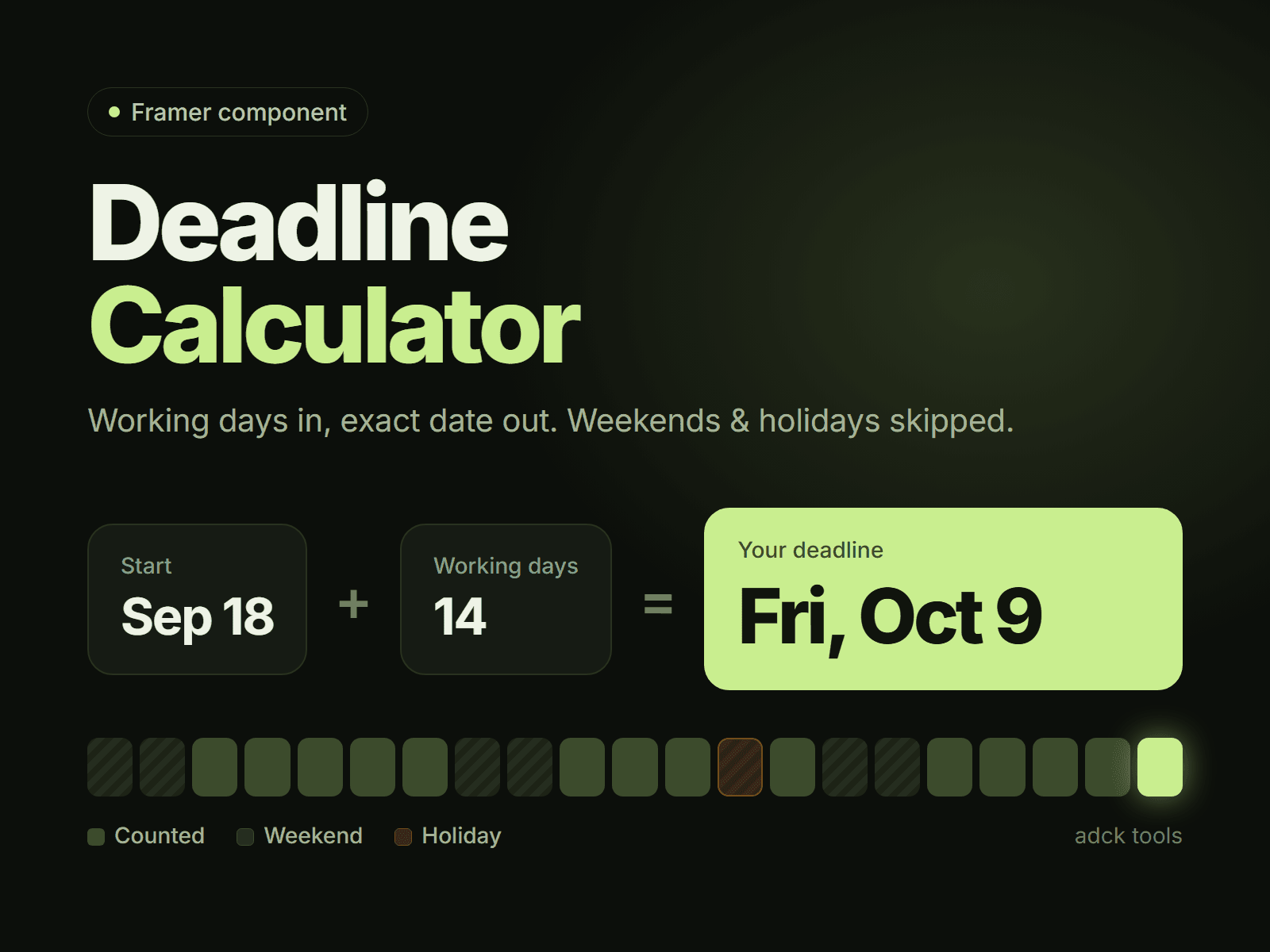
Business Day Calculator (Daymark) adds a native working-days calculator to any Framer site. Visitors choose a start date and a number of business days — or two dates — and instantly see the finish date, due date, or working days between them, with weekends and custom holidays skipped.
Unlike a countdown or plain date picker, it explains the answer: a month grid highlights counted, skipped, and result days, while the breakdown shows working days + skipped days = calendar days.
Three modes
• Finish date — start + N working days → deadline or delivery date
• Start date — deadline − N working days → latest start
• Days between — count business days between two dates
Counting rules
• Mon–Fri, Mon–Sat, Sun–Thu, every day, or a custom working week
• Named holidays; weekend holidays are never double-counted
• Include or exclude the first and last day
• Custom quick picks and an optional limit for long ranges
Built for real pages
• Calendar, Compact, and Service layouts
• Light, dark, and custom brand themes
• Editable colors, fonts, radius, padding, labels, holidays, and service packages
• Google Calendar link and .ics export for Apple Calendar and Outlook
• Copyable result summary
• Responsive from 320 px
• No external requests, tracking, or server setup
• Works on the canvas, in preview, and on published Framer sites
Made for agencies, freelancers, e-commerce delivery estimates, legal and HR notice periods, logistics lead times, SLAs, project timelines, course schedules, and booking pages — anywhere visitors need an honest answer to “how many business days?” or “when will it be ready?”
You get the component, setup guide, and a license for unlimited use in your own and client projects. Need help or a holiday preset for your country? Email adck888@gmail.com.