About FlowWall Gallery
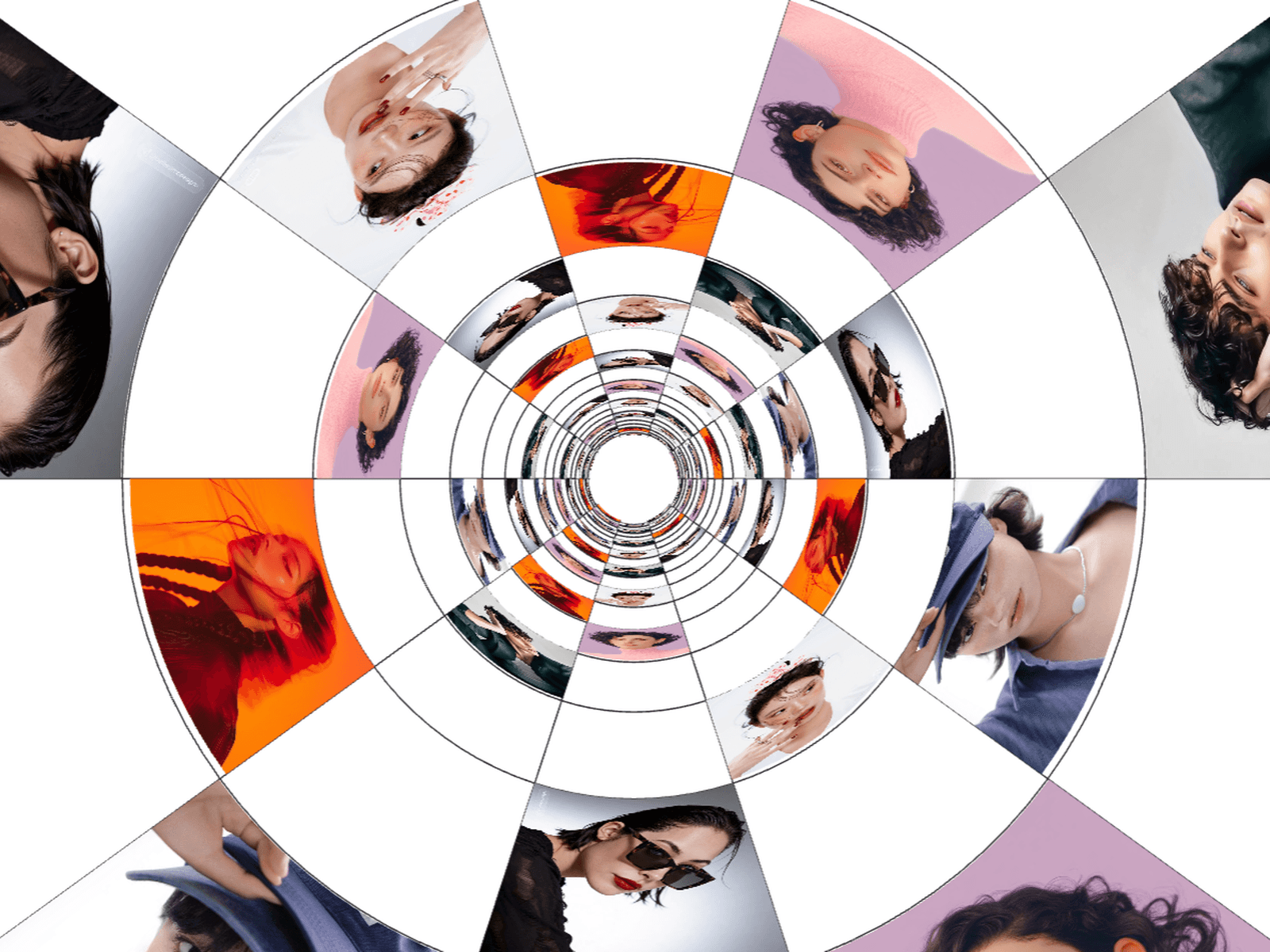
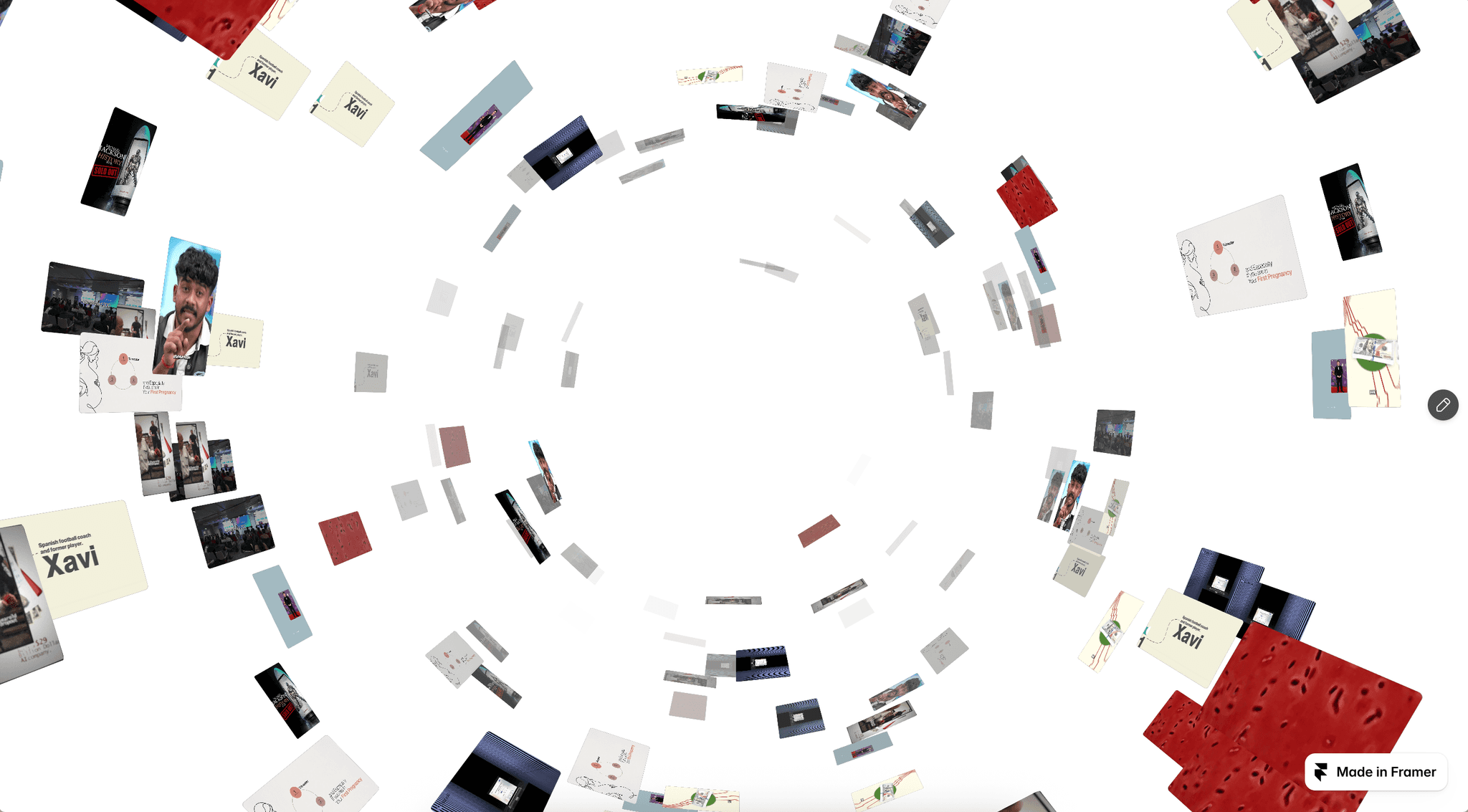
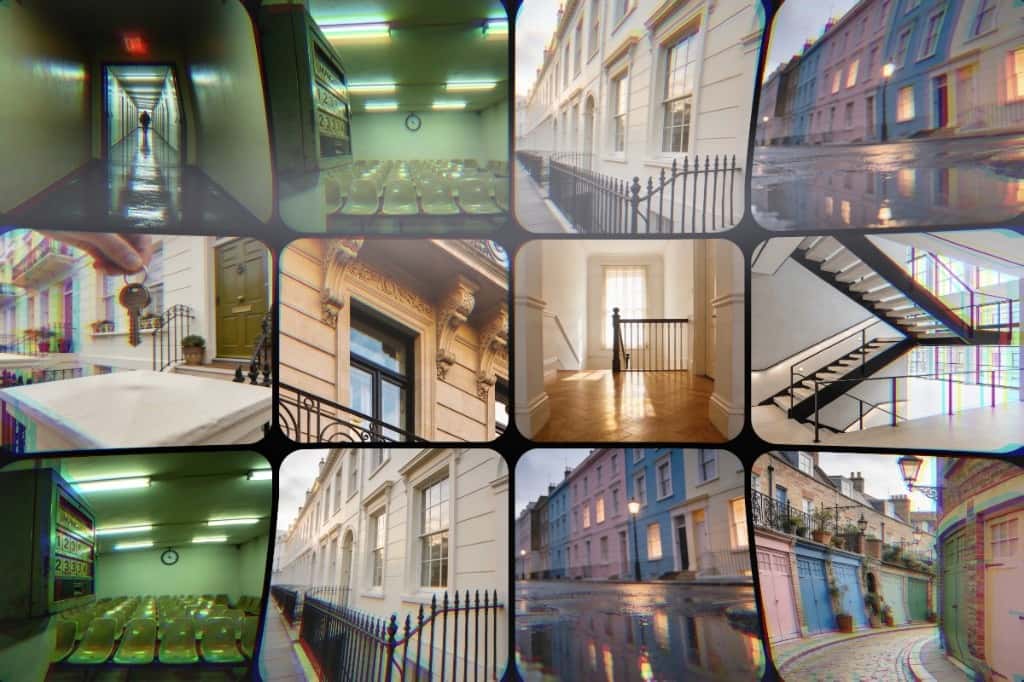
FlowWall Gallery is an interactive 3D image gallery for Framer that creates a tilted wall of image columns with smooth, continuous scrolling motion. Each column moves in alternating directions, creating a dynamic perspective effect with layered depth and visual movement.
Choose from multiple tile shapes, including Mixed, Rounded, Arch, Pill, Circle, and Square. Customize the column layout, image size, spacing, tilt, depth, perspective, animation speed, hover effects, and more to create a gallery that fits your design.
Key Features
3D Image Wall: Creates a tilted wall of image columns with depth and perspective.
Continuous Scrolling: Columns scroll smoothly in alternating directions.
Multiple Tile Shapes: Choose from Mixed, Rounded, Arch, Pill, Circle, and Square.
Auto-Fill Columns: Automatically fills the available space with the right number of columns.
Varied Tile Sizes: Create a more organic and dynamic gallery layout.
Customizable 3D Effects: Adjust tilt, depth, and perspective.
Animation Controls: Customize speed, speed variance, column offset, autoplay, and pause on hover.
Hover Effects: Images smoothly scale when hovered.
Edge Fade: Add a subtle fade effect to the edges of the gallery.
Interactive Shape Bar: Let visitors switch between different tile shapes.
Responsive Images: Add multiple images and control their positioning.
Viewport Animation: Animations run only when the gallery is visible.
Best For
Portfolio websites
Photography websites
Creative agencies
Designer portfolios
Fashion websites
Art showcases
Creative studios
Landing page sections
Interactive image showcases
Immersive gallery experiences