About Media Hover Grid
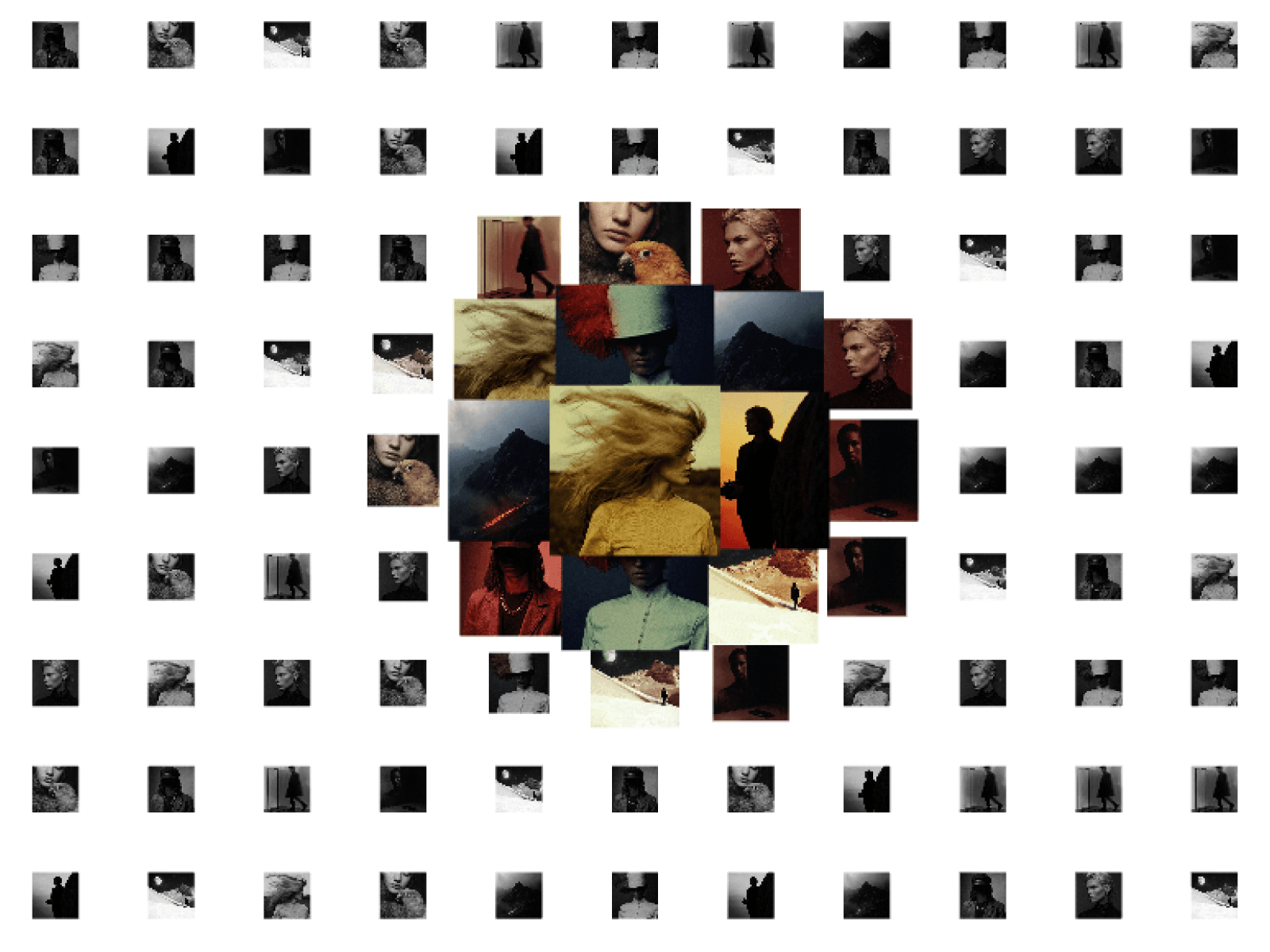
Add an interactive, fluid WebGL media grid featuring cursor-driven zoom, video playback, and cinematic depth to showcase portfolios and visual work.
Features
Interactive pointer proximity scaling with smooth damping
Real-time grayscale-to-color focal reveal shader
High-performance instanced mesh rendering in vanilla Three.js
Smart video queueing with bounded GPU memory management
Built-in pagination and auto-sizing grid math
Support for mixed image and video file assets
Seamless static fallback mode for fast site loads
Native drag-and-drop file upload support for live demos
Fully responsive layout recalculations via ResizeObserver
Deep customization for scale factor, hover radius, and spacing
Customization Options
Grid spacing, density, and card size
Hover scale multiplier for portrait and landscape
Interaction radius and animation speed
Grayscale intensity and image fit mode (stretch or cover)
Resolution pixel ratio and texture size capping
Active video limits and playback distance modes
Visitor drag-and-drop upload toggling
Custom image and video URL or upload arrays
How to Use
Drag and drop the component directly onto your Framer canvas
Set the sizing to Fill or Fixed depending on your layout section
Add your image or video links inside the Media property panel
Tweak spacing, hover scale, and radius to match your brand style
Hit publish to launch a silky-smooth, interactive WebGL gallery
Use Cases
Creative director and photographer portfolios
Studio design agency showcases
High-fashion lookbooks and product galleries
Video production showreels
SaaS visual asset showcases
Interactive hero section backgrounds
Brand moodboards and curated archives
Modern editorial editorial features
Case study preview matrices
Dark-mode creative landing pages