About Haytham Preloader 32
About this Component
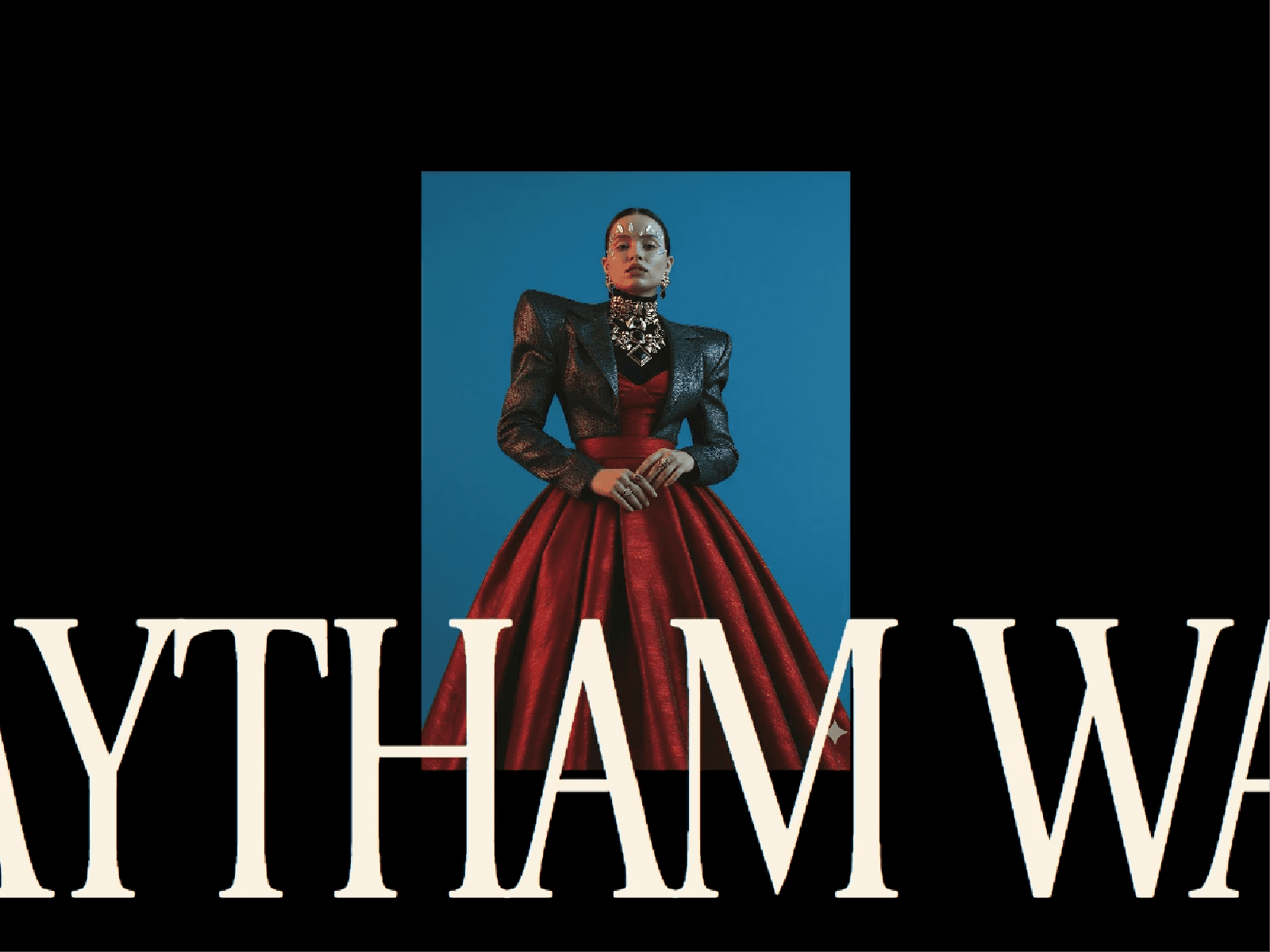
Media Intro Reveal is a cinematic Framer intro that transitions from animated typography into a centered media window before expanding smoothly to fill the entire frame.
Use an image or upload your own video, customize the typography, control the reveal window, adjust the animation timing, and position the media exactly where you want it.
Perfect For
• Portfolio and agency intros • Photography and film websites • Fashion and editorial experiences • Product launches • Fullscreen landing page heroes
Key Features
• Image and video support • Smooth two-stage fullscreen reveal • Custom three-line intro text • Native Framer font controls • Responsive desktop and mobile sizing • Cover and Contain media modes • Focus X & Y controls • Adjustable reveal window size • Custom animation speed, delay, stagger, offset, and rotation • Video loop and playback speed controls • Optional scoped Scroll Stopper • Reduced Motion support • Static Canvas preview states • Optimized for multiple instances • No external scripts or runtime dependencies
How It Works
Choose Image or Video, upload your media, customize the intro text and reveal settings, then adjust the motion and behavior directly from Framer’s property panel.
The optional Scroll Stopper blocks scrolling only inside the component while the first intro runs and releases immediately when the reveal finishes.
Questions? Reach out at hasanwali6890@gmail.com
Refund Policy
All sales are final upon purchase as this is a non-tangible digital product. Refunds are only considered if a confirmed critical technical issue prevents the component’s core functionality from working as described and I’m unable to resolve it within a reasonable timeframe.
Refunds are not provided for buyer’s remorse, aesthetic preferences, or custom modification requests. Any technical issue must be reported with supporting evidence within 14 days of purchase.