About Image Flow Carousel
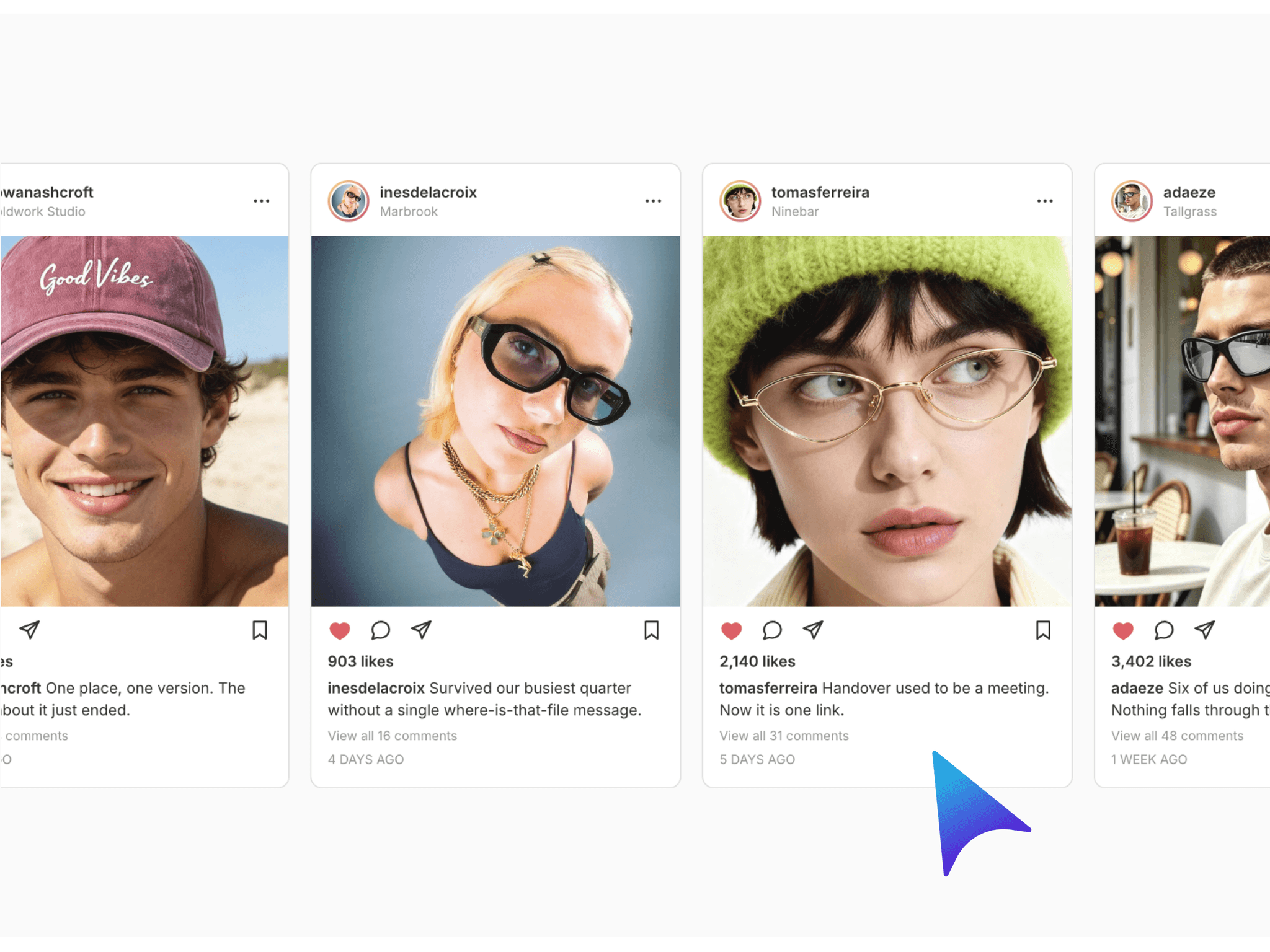
A premium image flow carousel for Framer designed to showcase photography, projects, products, and visual content in a smooth continuous scrolling layout. Image Flow Carousel creates an immersive horizontal image rail where cards glide continuously across the screen with subtle depth, parallax, scaling, and edge fade effects.
Add up to 32 images with optional captions, then customize card dimensions, aspect ratio, spacing, colors, borders, image fitting, and padding directly through Framer Property Controls. Visitors can interact with the flow using drag and swipe gestures, mouse wheel movement, or keyboard navigation, while the built-in scrubber provides precise control over the image position.
Use Cases
Photography and creative portfolios
Agency and design studio websites
Product showcases
Architecture and interior projects
Editorial and visual storytelling
Fashion and lifestyle websites
SaaS and modern brand websites
Case study galleries
Features
Continuous horizontal image flow
Smooth automatic drift
Left or right flow direction
Drag and swipe interaction
Mouse wheel navigation
Keyboard arrow navigation
Interactive scrubber
Image parallax movement
Speed-based card squeeze effect
Hover zoom and lift
Adjustable resting opacity and edge fade
Multiple image aspect ratios
Optional image captions
Up to 32 images
Responsive image uploads and URLs
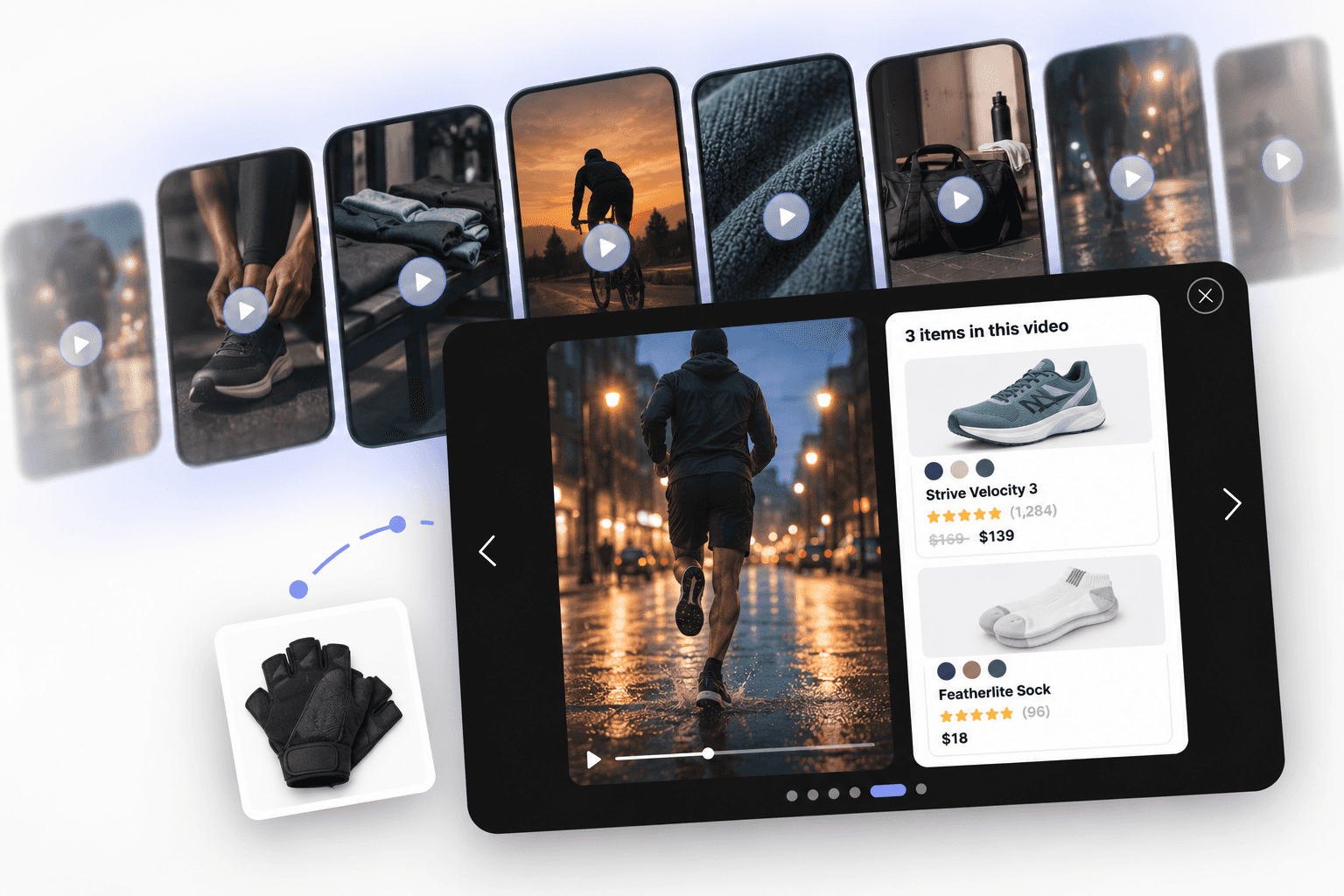
Full-screen image viewer
Smooth card-to-viewer transition
Previous and next viewer controls
Swipe navigation inside viewer
Optional thumbnail strip
Custom viewer backdrop and controls
Why You’ll Love It
Image Flow Carousel turns a standard image gallery into an interactive visual experience. Continuous motion keeps the section alive, while parallax, depth, hover effects, and edge fading create a refined sense of movement without distracting from the imagery.