About Lumo Spotlight
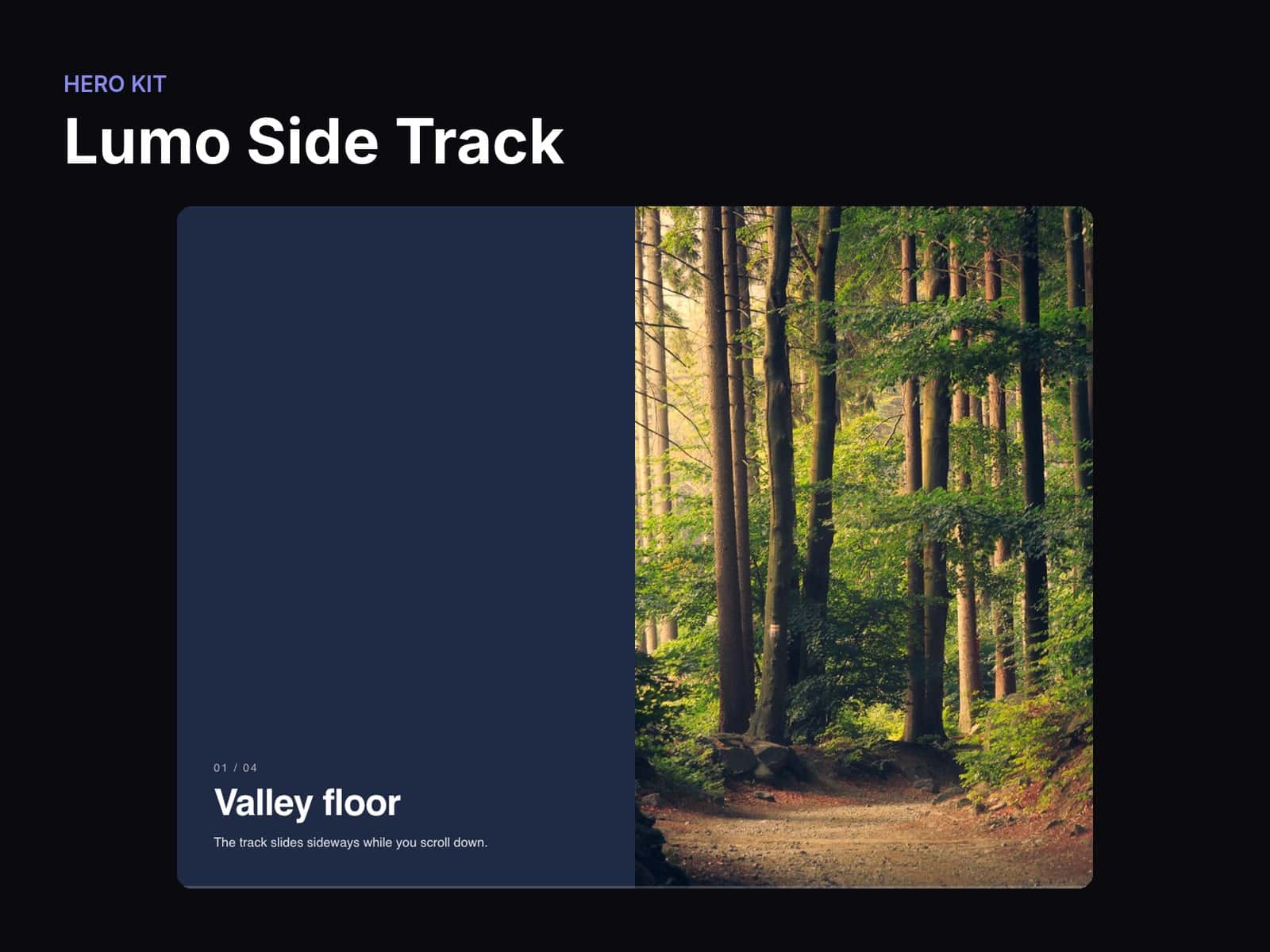
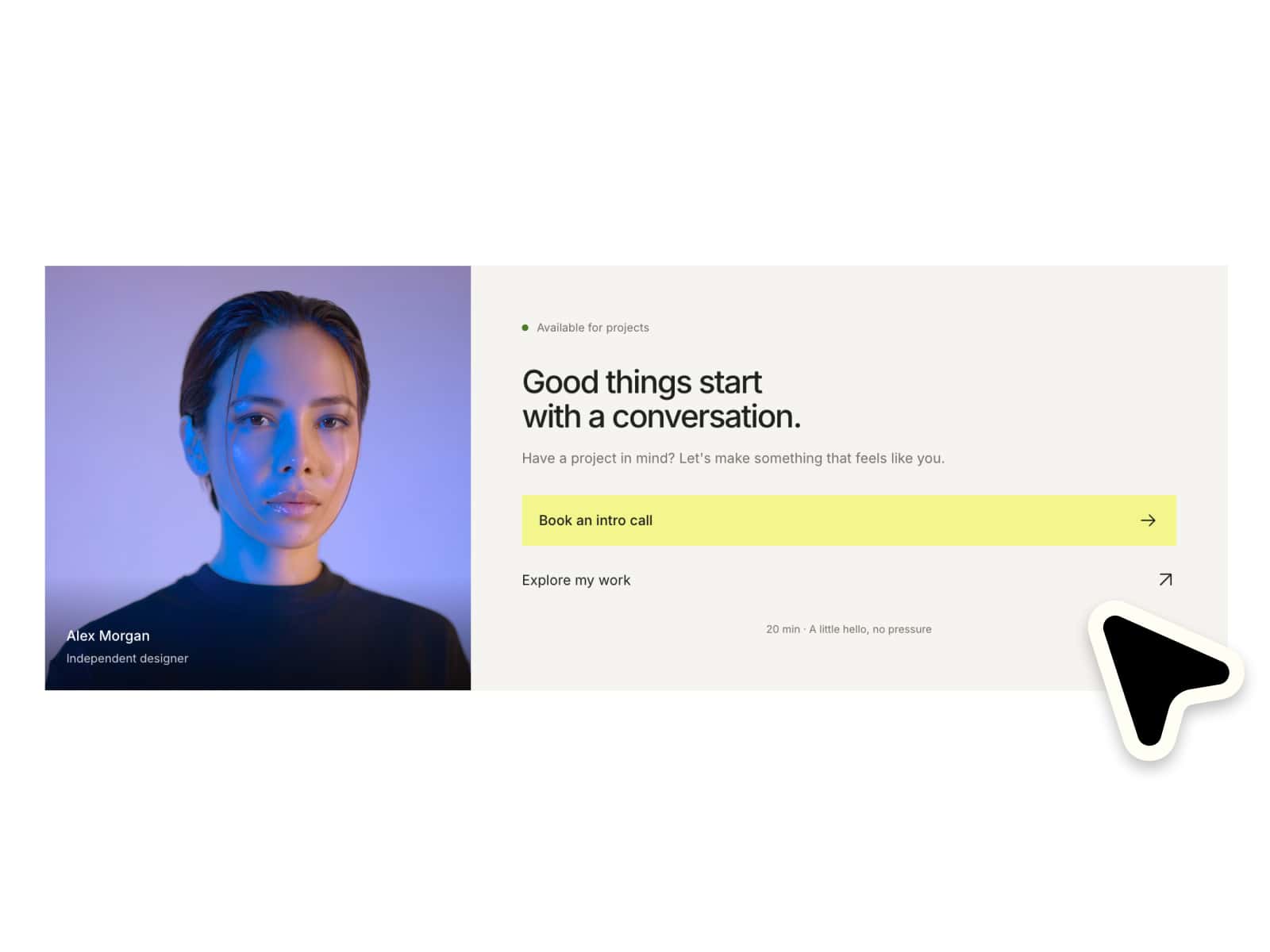
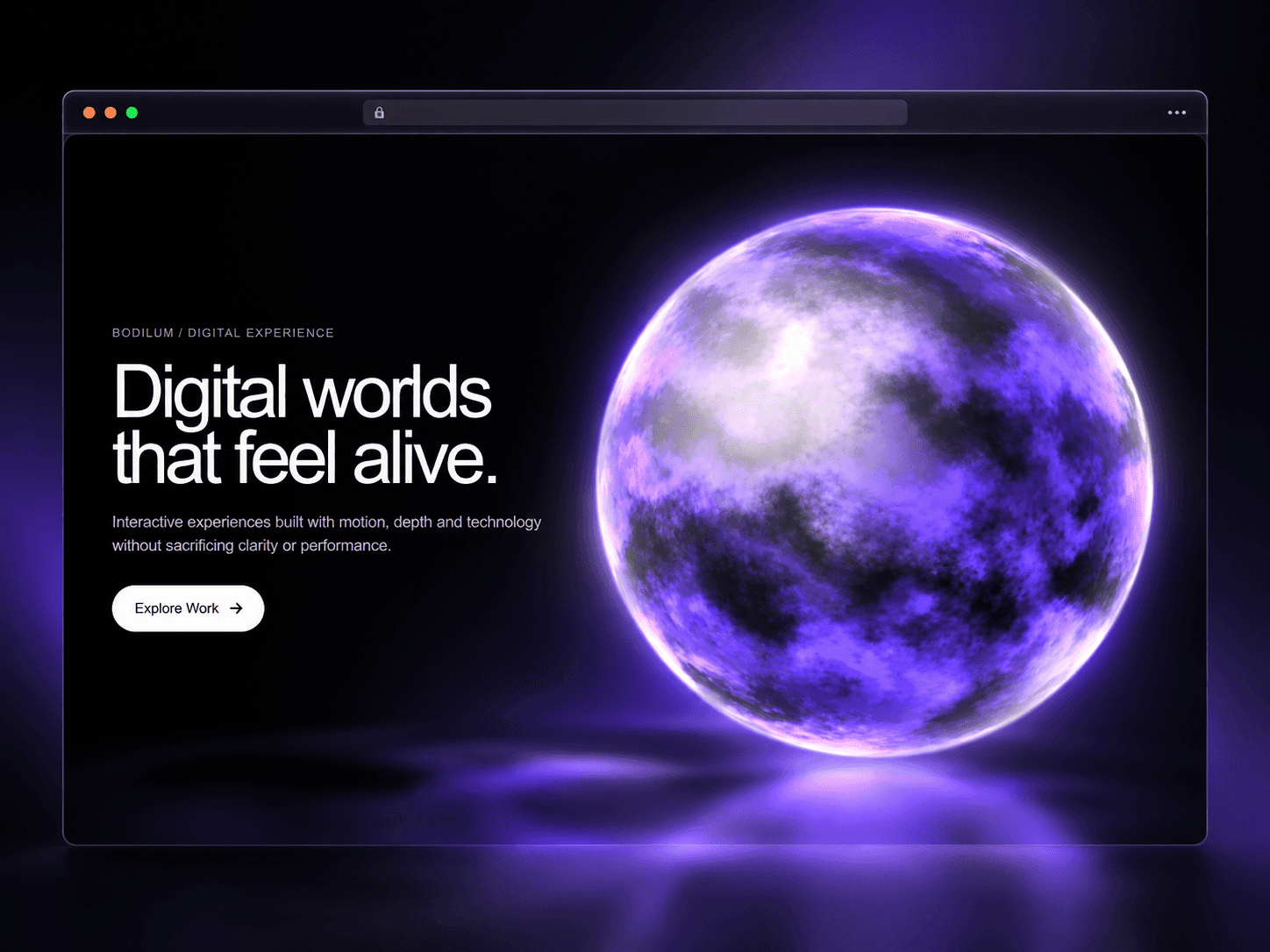
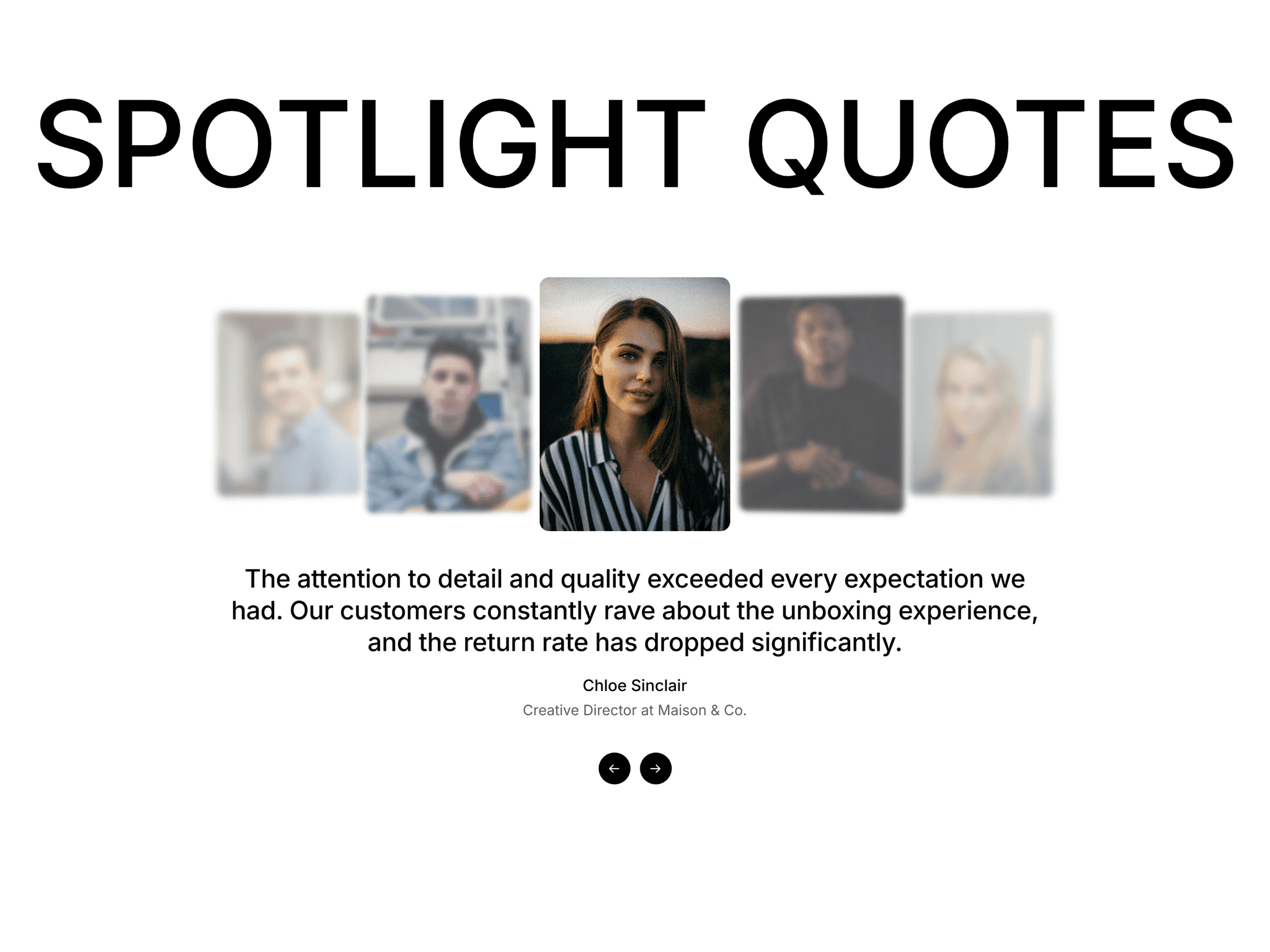
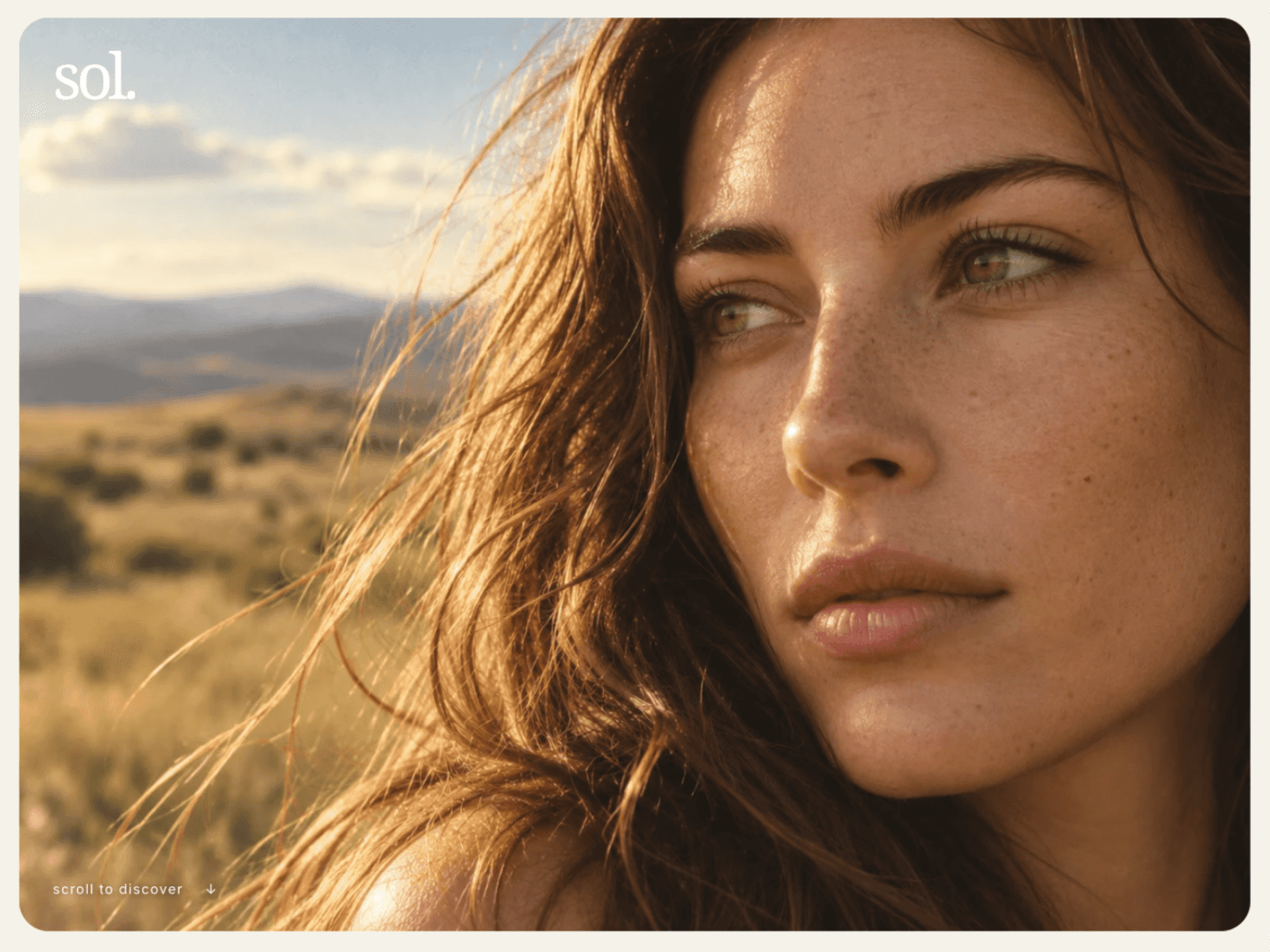
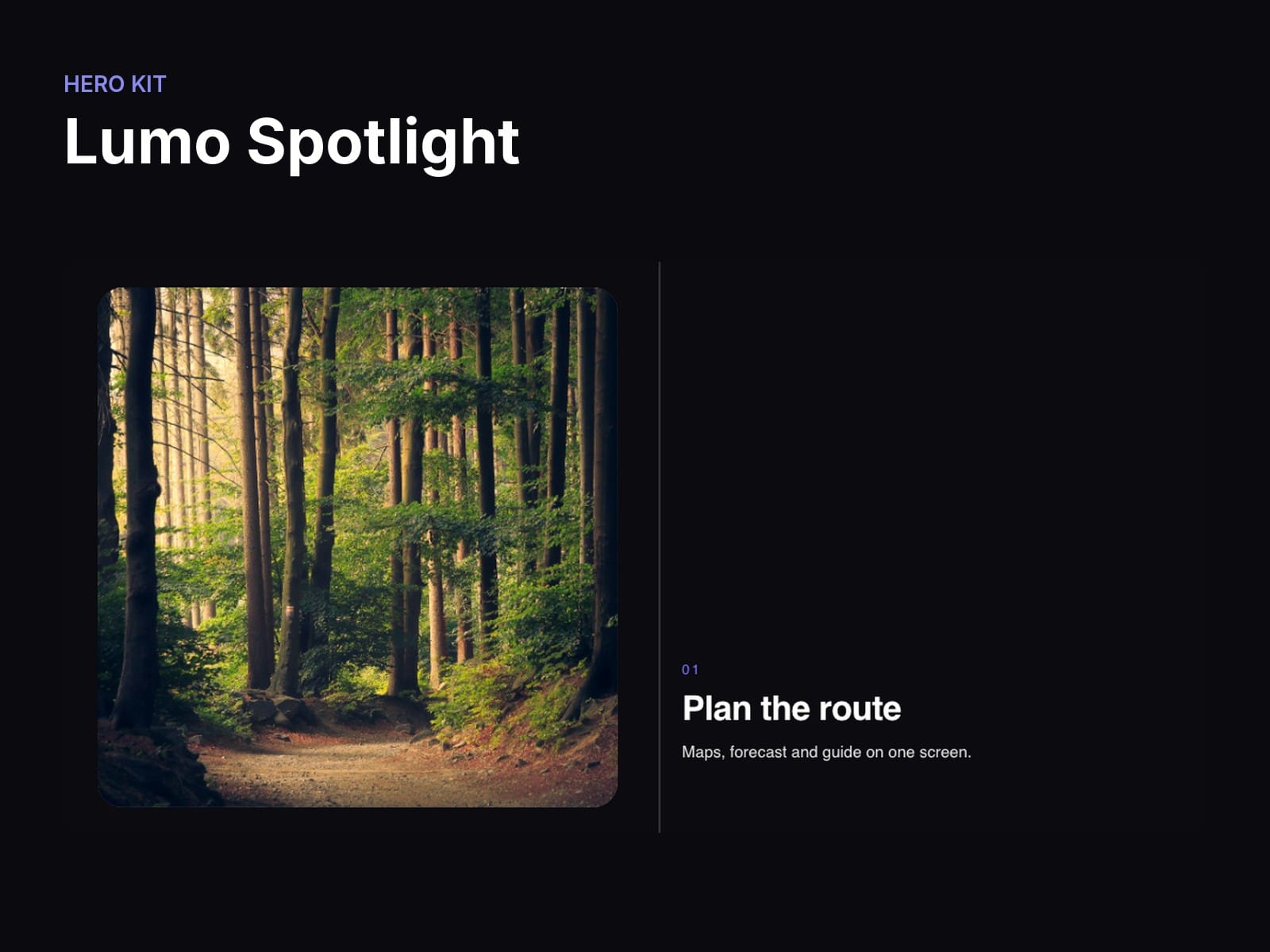
A media panel pins beside a list of features and crossfades to each feature's image or video as it scrolls past, with a progress rail. On phones the panel pins on top and the steps scroll under it.
What you can change
Features — Up to 10, each with Title, Text, Image and Video
Scroll per step — Viewport heights of scroll each step gets
Panel side — Left or Right
Panel radius — Corner radius of the media panel
Inactive step — Opacity of the steps that are not current
Accent / Text / Background — Rail colour, text colour, section background
Good to know
Every option lives in the properties panel; no code needed.
Respects reduced motion: visitors who ask for less motion get a calm static version.
Responsive: no horizontal scroll at phone, tablet or desktop widths.
Installs from one link; its shared Hero Kit helpers come with it.
Licence: Framer's single-use commercial licence (one project).