About Project Grid
Project Grid – Mixed Portfolio Grid with Hover Zoom
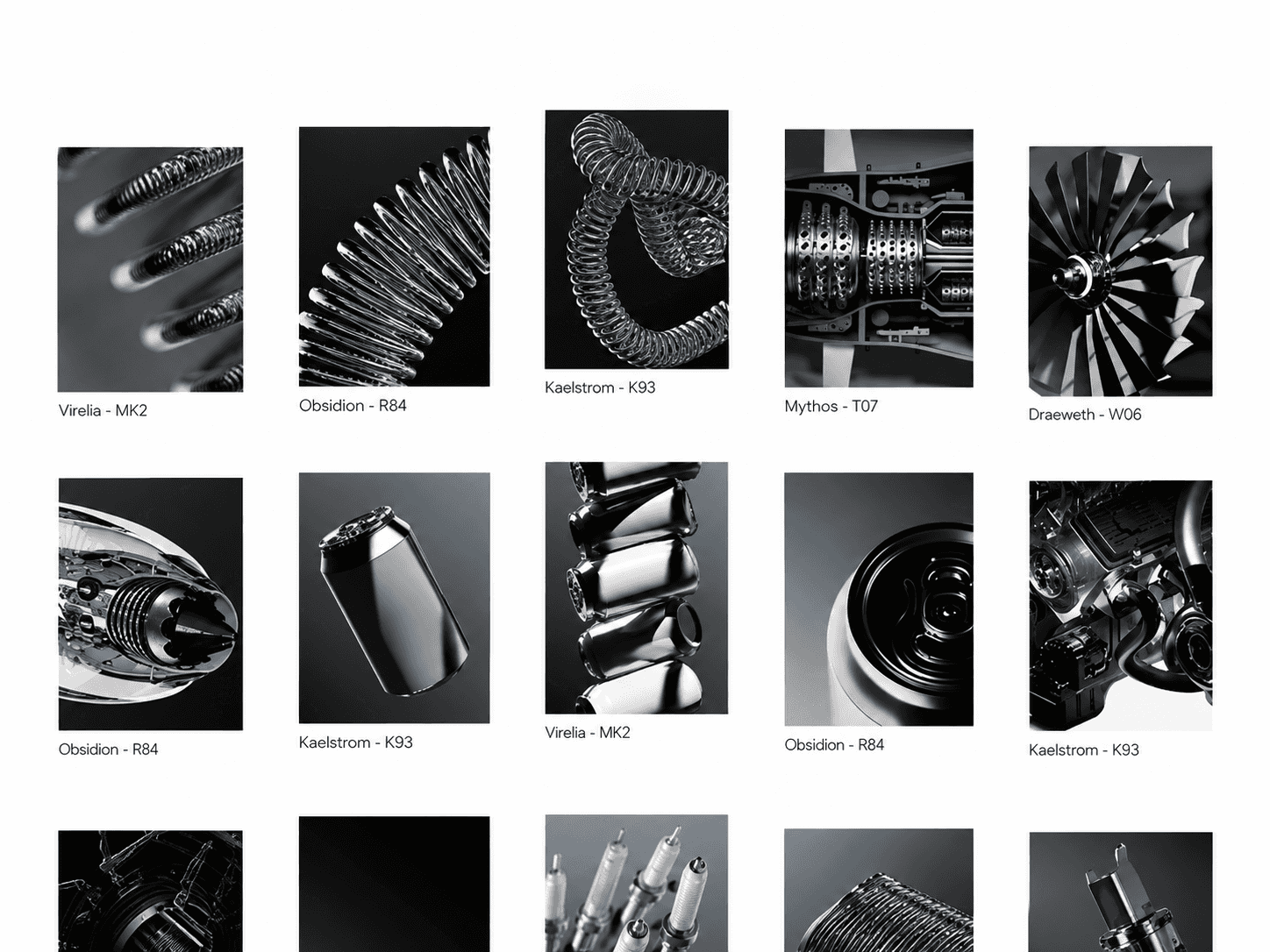
Project Grid is a modern, static-layout Framer component that showcases five projects in a clean, mixed-size grid. Each card displays a project image, title, optional tags, and year, and on hover the image gently zooms in for a subtle, engaging effect. The mixed grid layout and simple hover motion give your portfolio, agency, or case study section a premium, editorial feel with almost no setup required.
Hover Zoom Interaction
Image zooms in smoothly on hover for each card.
Layout returns to its default scale when the cursor leaves.
Fully responsive and optimized for modern GPU-accelerated performance.
Customizable Design Controls Project Grid includes full Framer property controls so you can instantly match it to your brand or layout.
Customize
Image 01–05 – Assign a unique image to each card.
Title 01–05 – Edit the project name per card.
Tag 01–05 – Edit the tag label per card.
Tag Visibility – Toggle each card's tag on or off.
Year 01–05 – Edit the year shown per card.
Border 01–05 – Set the border style for each card.
How It Works Project Grid displays five project cards in a fixed mixed-size grid. When a visitor hovers over any card, the component smoothly zooms in on that card's image, adding subtle motion without changing the layout. Each card's title, tag, and year can be shown or hidden independently, making the grid flexible enough to fit a range of portfolio and project styles.