About Scorecard Quiz
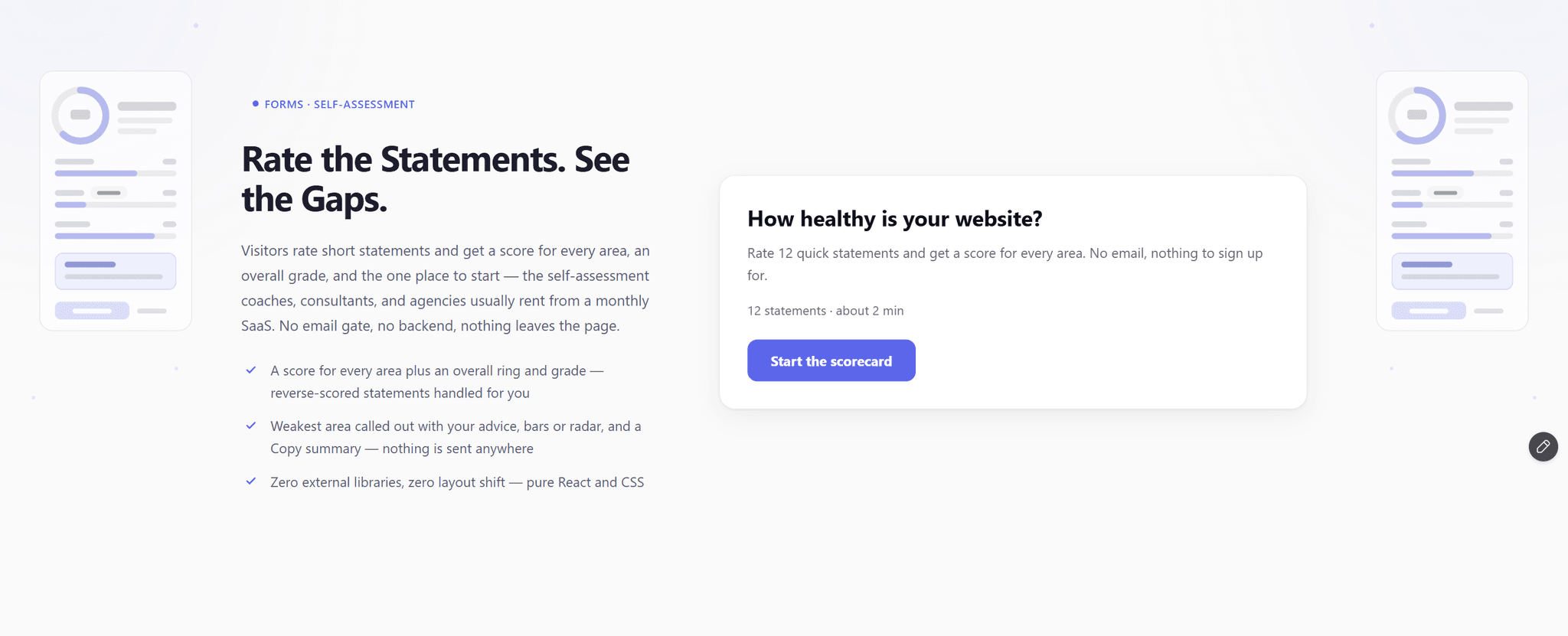
Quiz Funnel routes each visitor to one result. Scorecard Quiz scores every area and names the weakest one — the self-assessment coaches, consultants, and agencies usually rent from a monthly SaaS, as one component that sends nothing anywhere.
WHAT IT IS
Visitors rate short statements one at a time on a scale you choose: Agree 1 to 5, Yes / Sometimes / No, or 1 to 10. Areas and statements live in the properties panel — one area per item, one statement per line. Start a line with ! to reverse-score it.
WHAT THE RESULTS SCREEN SHOWS
— An overall score ring out of 100 with a count-up, and a grade band (label, description, CTA) matched to it
— A score for every area as bars, or a radar chart for 3 to 6 areas
— The lowest area called out with the advice you wrote for it
— A CTA per band, Retake, and a Copy summary button for the visitor's clipboard
HOW IT SCORES
Each area scores 0 to 100 from its own statements. The overall score is the average of the areas, so every area weighs the same. Bands are minimum thresholds — add as many as you need.
NEW: SAVE RESULTS (OPTIONAL)
Turn it on and the finished result (score, band, weakest area, area scores, every answer) is saved as JSON in the visitor's sessionStorage under a key you choose, and a scorecardquiz:complete event fires. Your form, override or code picks it up. Retake clears it. Off by default.
WHAT IT DOES NOT DO
No email gate, no webhook, no backend. Results are computed in the browser and nothing is sent anywhere.
WHAT YOU GET
— 12 ready-made statements in 4 areas (a website health check)
— Auto-advance on click or a Next button; arrow keys to pick, Enter to confirm
— Back, a progress bar and step counter, an intro screen you can hide
— Zero layout shift between statements
— Light and dark themes, one accent color, adjustable max width
— Accessible: real radio groups, labeled scores, an announced Copy state
— Zero external libraries. Pure React and CSS.
Set up in the properties panel. No CMS, no code.