About Hazelchat
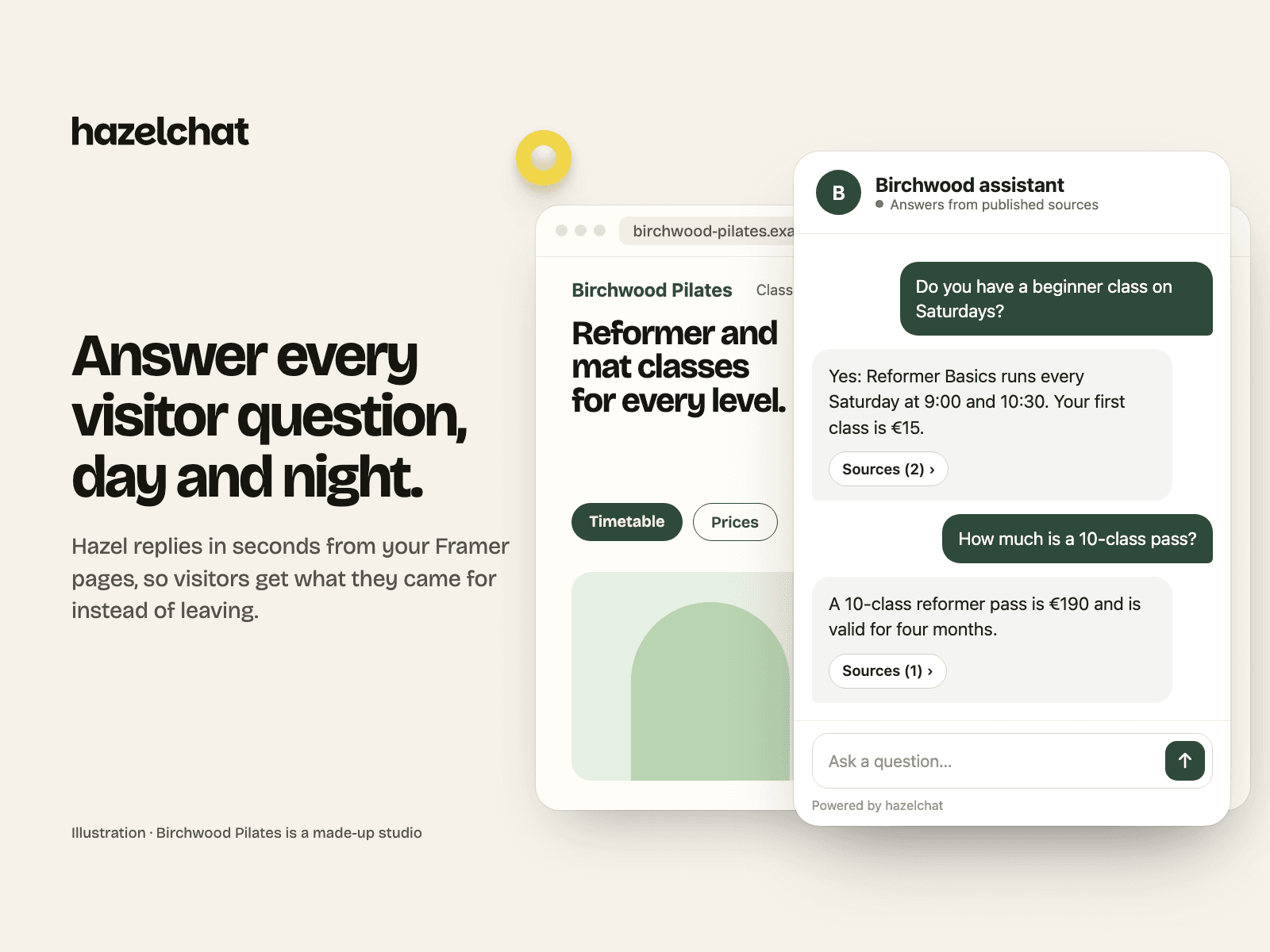
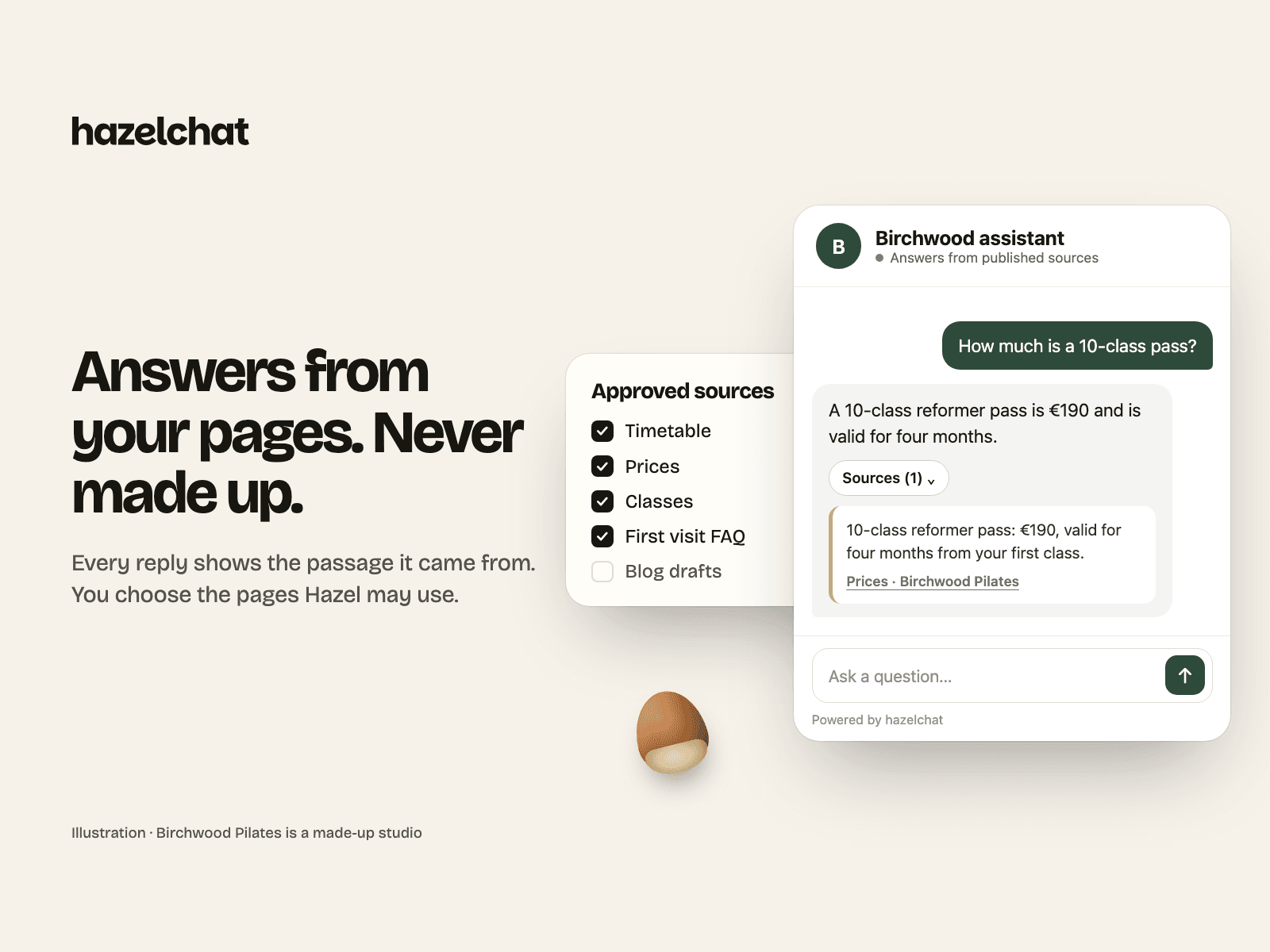
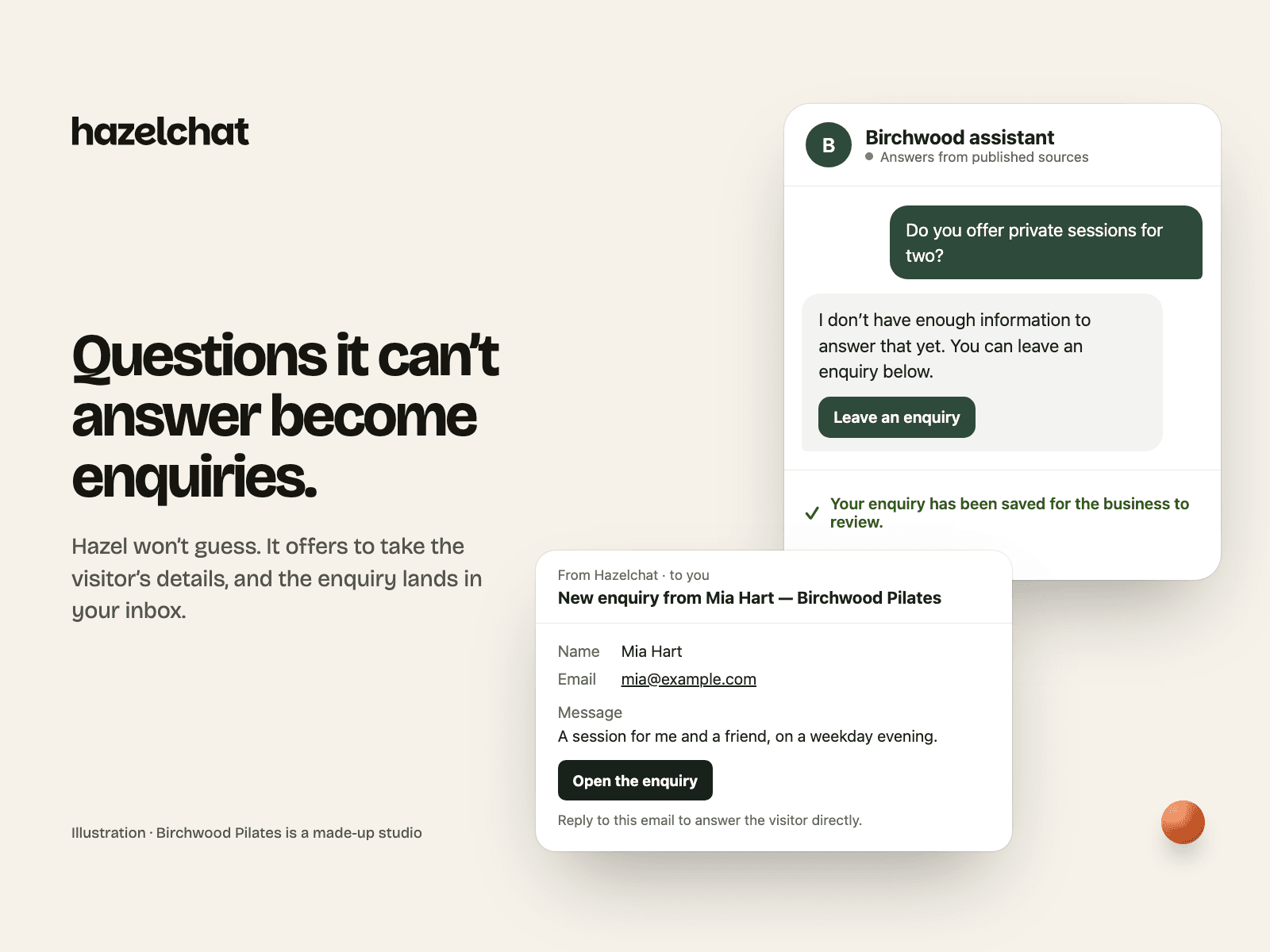
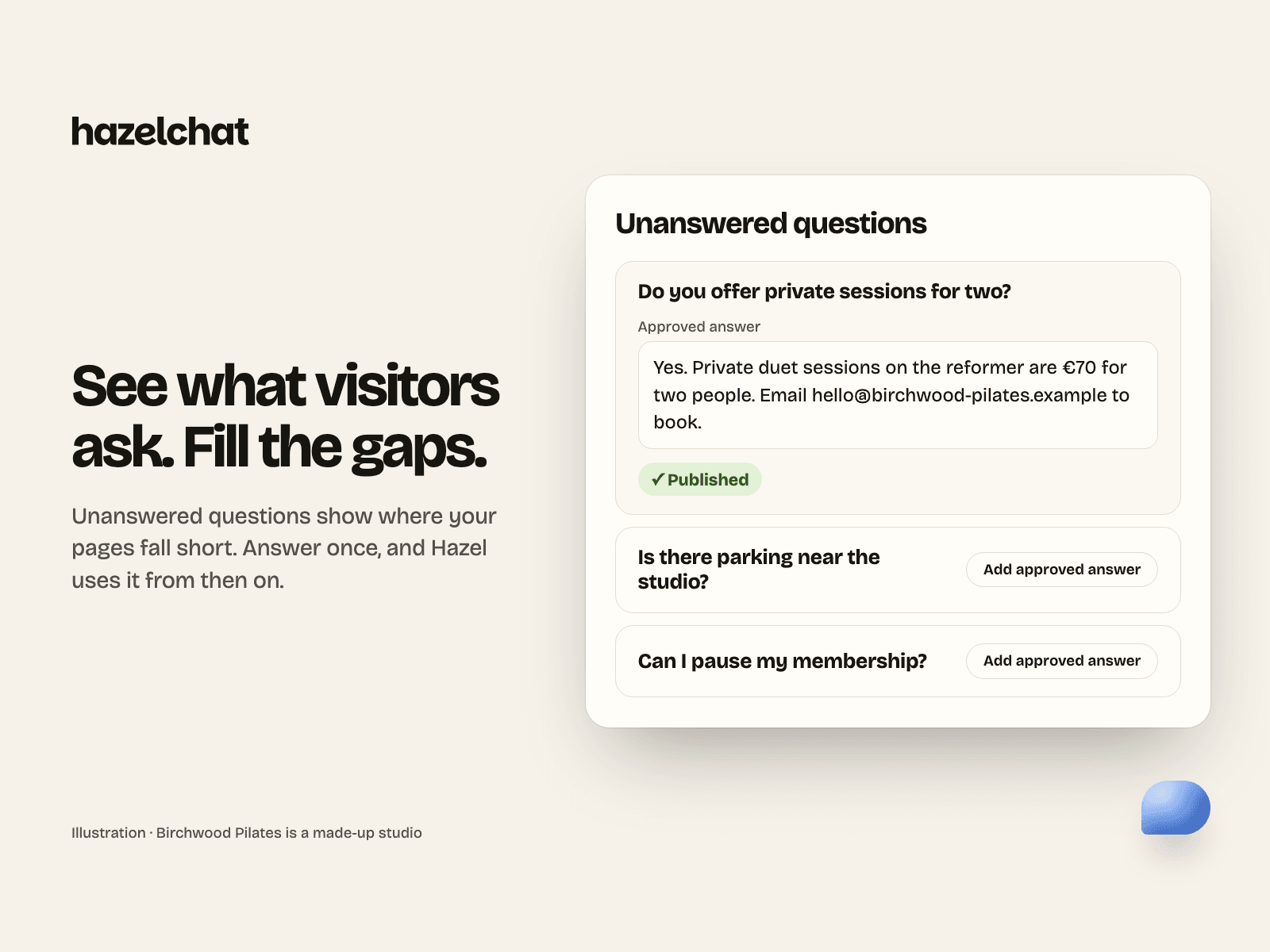
Let visitors ask about your business while they browse your Framer site. Hazelchat answers from the content you approve, shows the sources behind supported answers, and offers your chosen contact or next-step link. Review real questions to improve your content.
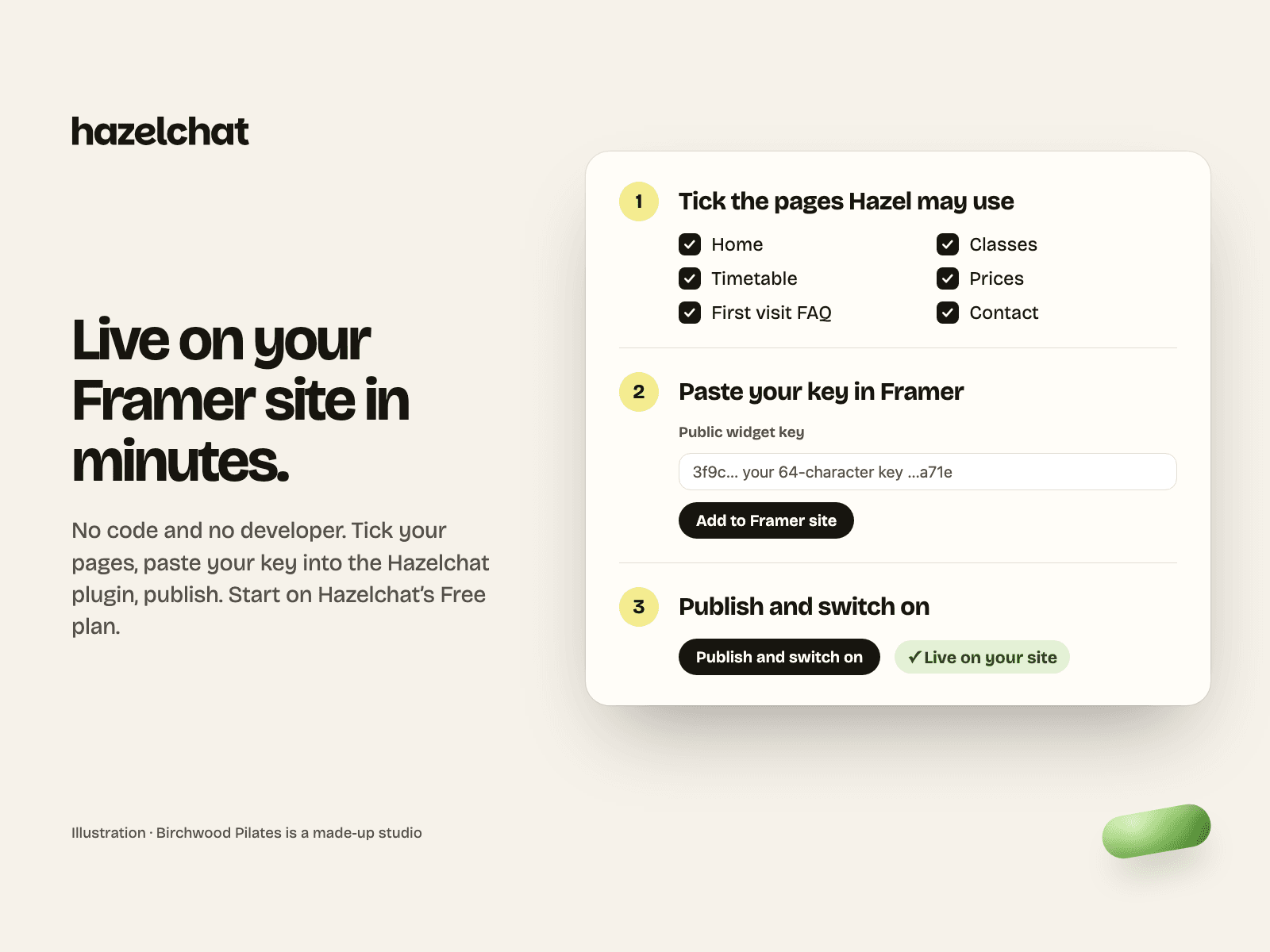
Add Hazelchat's hosted chat widget to your published site. Paste your public widget key, review the service disclosure and add the code. Publish in Framer, then switch your agent on and test it on your website from your Hazelchat workspace; Hazelchat checks the installation before the chat becomes visible. Replace the key or remove code in the same plugin.
Requirements and pricing
The plugin has no separate charge. A Hazelchat account is required. Hazelchat offers an ongoing Free plan and optional paid plans; see https://hazelchat.co/pricing/ for allowances and prices. The Framer editor must be allowed to manage Custom Code; Framer may require a paid Site plan. Free Framer-plan compatibility has not been confirmed.
Privacy and external service
Published pages download the hosted launcher at https://app.hazelchat.co/widget.js. Its code can be updated by Hazelchat without a plugin update. It loads the hosted chat frame, which processes questions and optional enquiries through Hazelchat and its disclosed providers. Manage content, publication, verification and live controls in Hazelchat. The plugin reads no Framer pages, CMS content or visitor records and signs into no Hazelchat account inside the editor.
An optional visitor-consent gate waits before mounting the chat frame. Your site's consent manager must be connected to Hazelchat's event; the launcher script still downloads before consent. This plugin does not supply a consent banner. Removal needs a new Framer publish; do not assume uninstalling alone removes published code.
Setup: https://hazelchat.co/framer/ Support: hello@hazelchat.co Privacy: https://hazelchat.co/privacy/ Terms: https://hazelchat.co/terms/ DPA: https://hazelchat.co/dpa/