
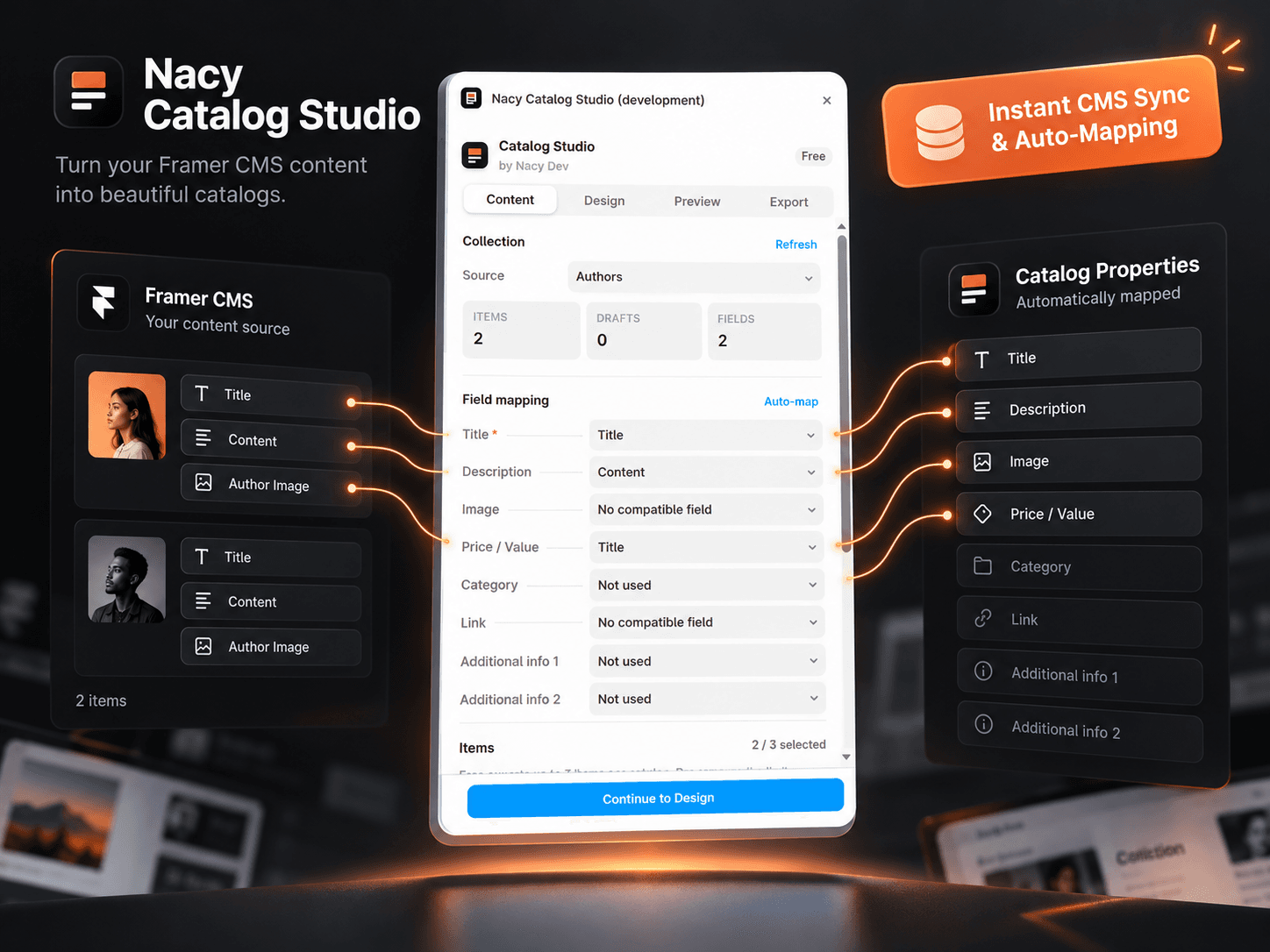
About Nacy Catalog Studio
Turn Framer CMS into Beautiful, Print-Ready PDF Catalogs in Seconds.
Pick any CMS collection, map your fields, and export an elegant PDF catalog directly inside Framer. No site publishing, no paid Framer plan required, and no external SaaS.
KEY FEATURES:
• Instant CMS Integration: Connect to any existing collection in your project.
• Smart Field Mapping: Automatically matches titles, images, descriptions, prices, categories, and links.
• True Vector PDF Export: Text stays sharp, selectable, and searchable (not blurry screenshot HTML-to-PDF).
• Bundled Fonts: Full support for Vietnamese diacritics, Latin, Greek, and Cyrillic with bundled Noto Sans and Serif.
• Real-Time Preview: The preview matches the exact downloaded PDF byte-for-byte.
• 100% Read-Only: Never alters, deletes, or rearranges your Framer CMS data.
• Privacy-First: All rendering runs locally in your browser. No CMS content is sent to external servers.
• Works on Framer Free: Zero paid Framer subscription required.
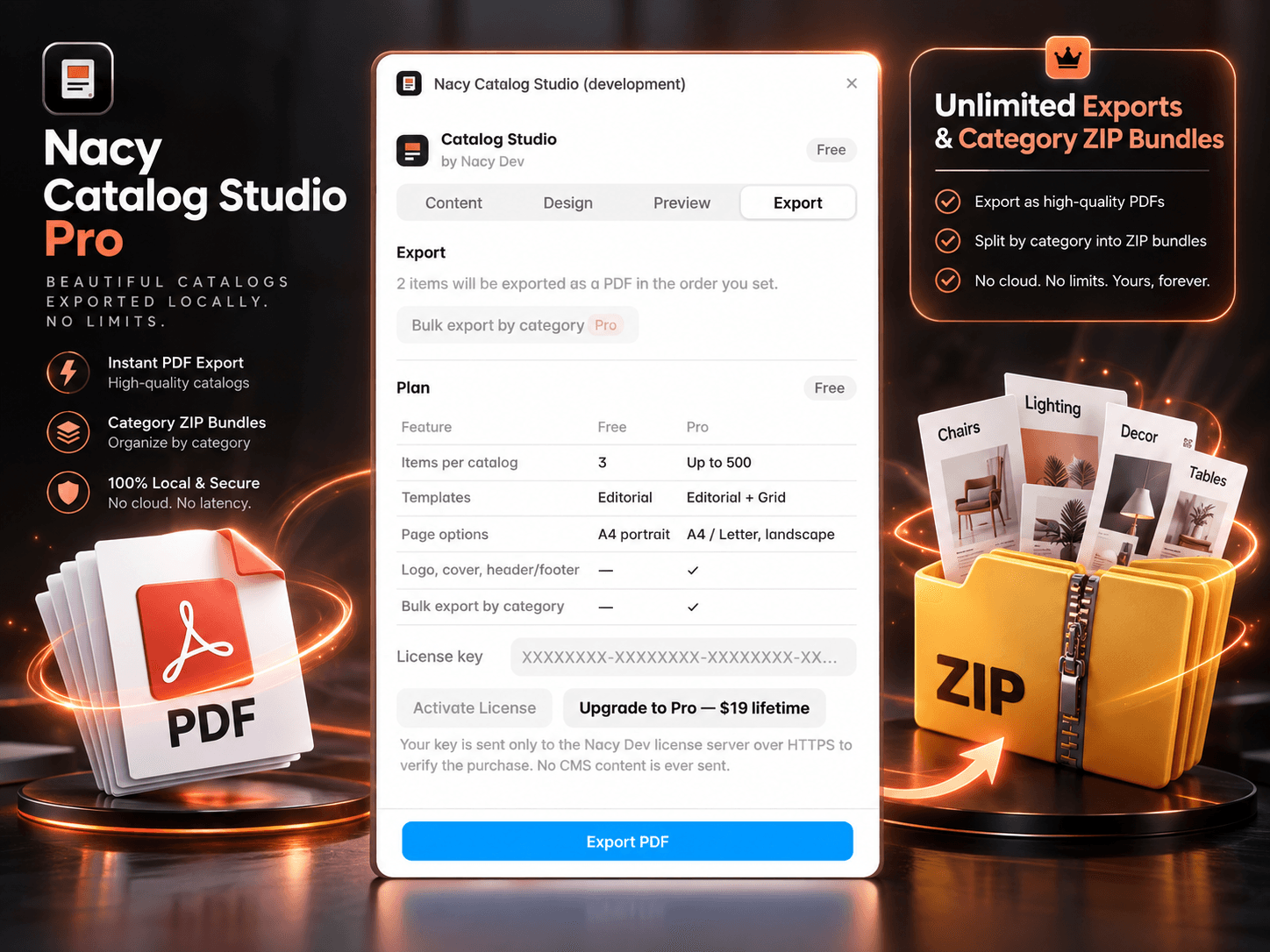
FREE vs PRO:
FREE ($0):
• Export up to 3 items per catalog.
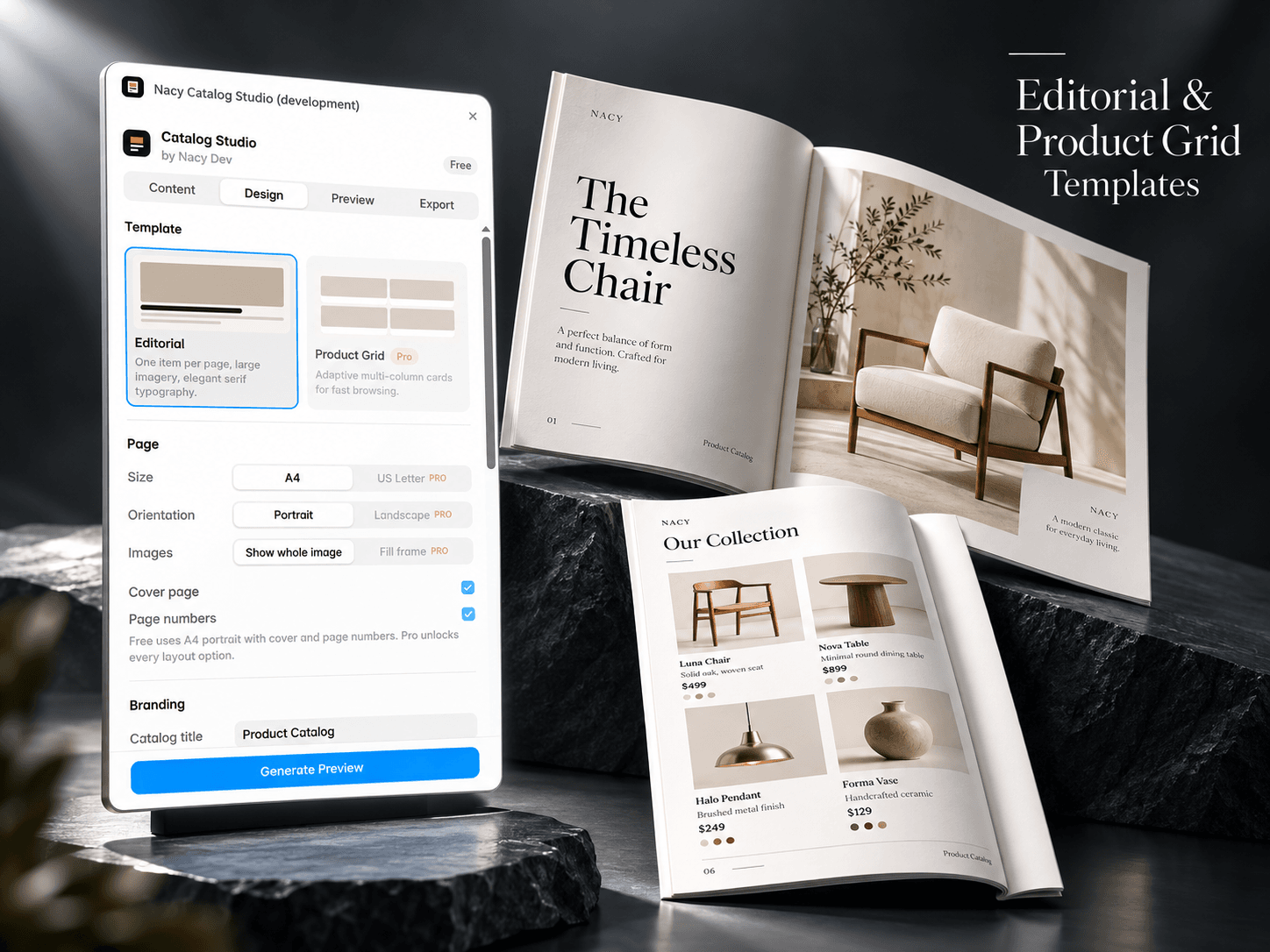
• Elegant Editorial Magazine template (A4 portrait).
• Live preview & instant PDF download.
PRO ($19 LIFETIME):
• Export up to 500 items per catalog.
• Editorial Magazine + Modern Product Grid templates.
• Full branding: Logo upload, custom cover color, subtitle, and custom header/footer.
• A4 Portrait and Landscape orientations.
• Bulk Export by Category: Download separate category PDFs in a ZIP archive.
• Lifetime license valid on up to 3 devices.
HOW TO USE:
1. Open Nacy Catalog Studio in any Framer project with a CMS collection.
2. Select your collection and check field mapping in the Content tab.
3. Choose template and styling in the Design tab.
4. Preview your document in the Preview tab.
5. Click Export PDF to download.