Calendly Booking
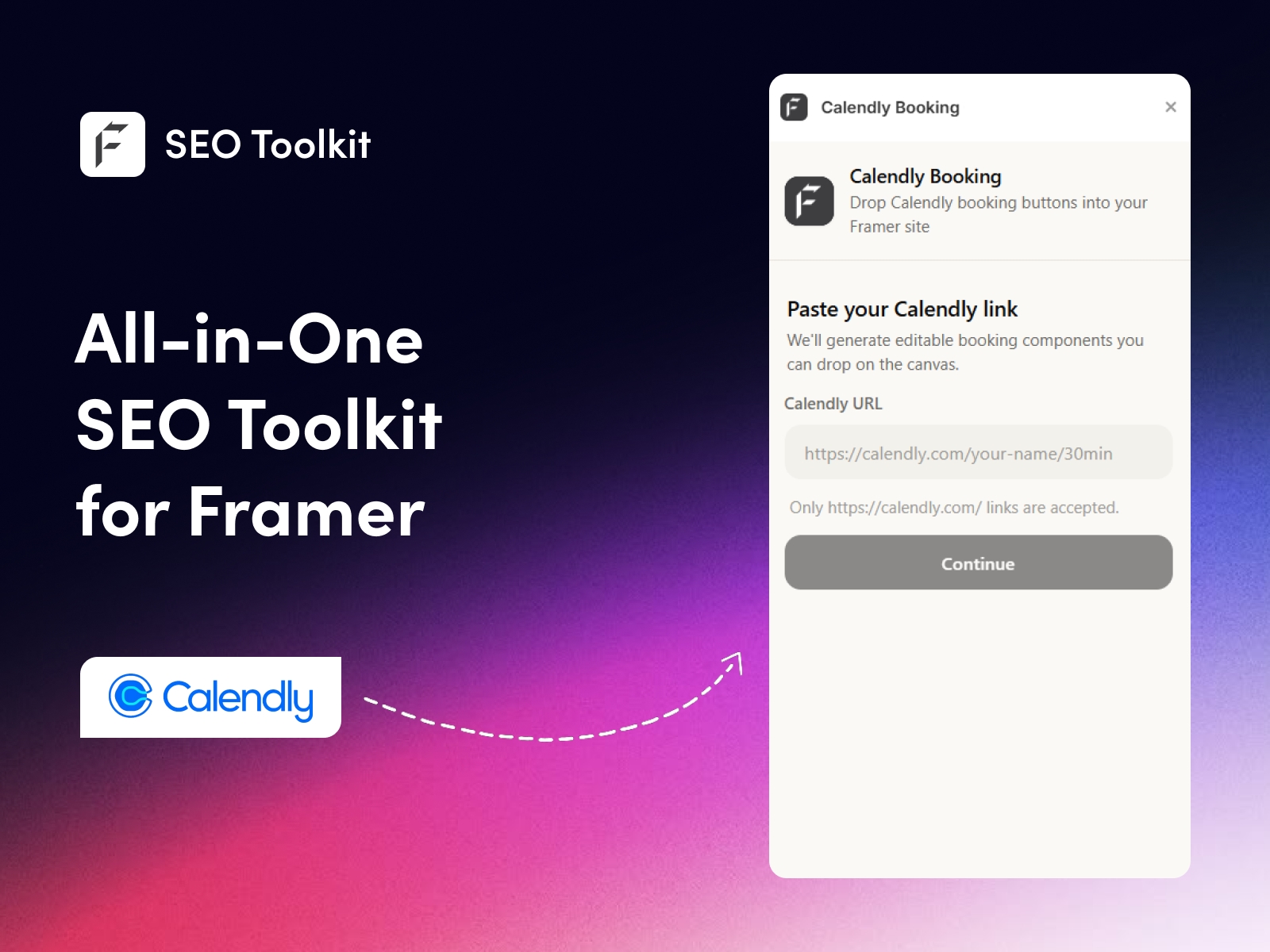
Paste your Calendly link and instantly add scheduling to your Framer canvas as a popup button or an inline embed. No code, no OAuth, no backend setup required.
About this Plugin
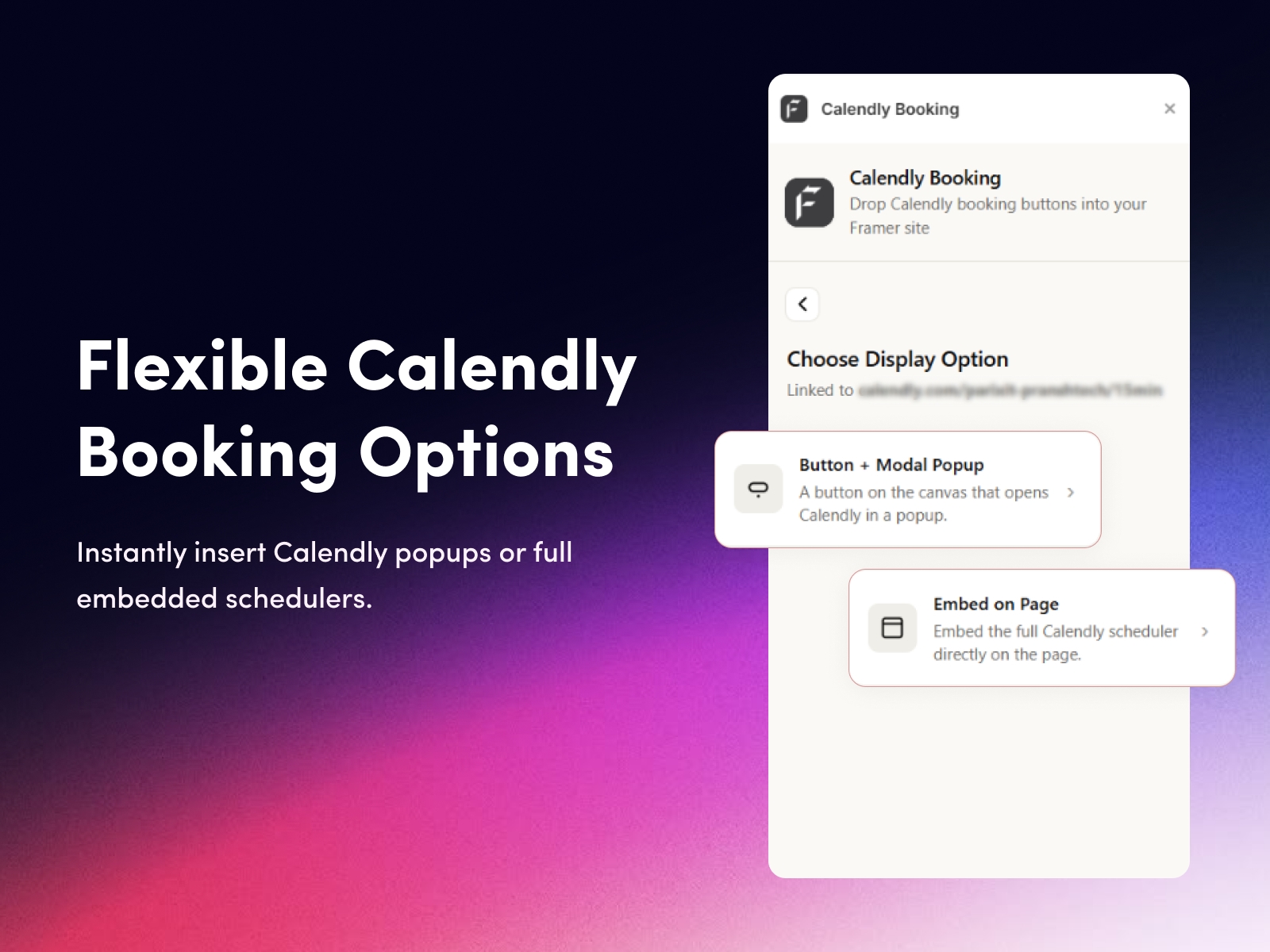
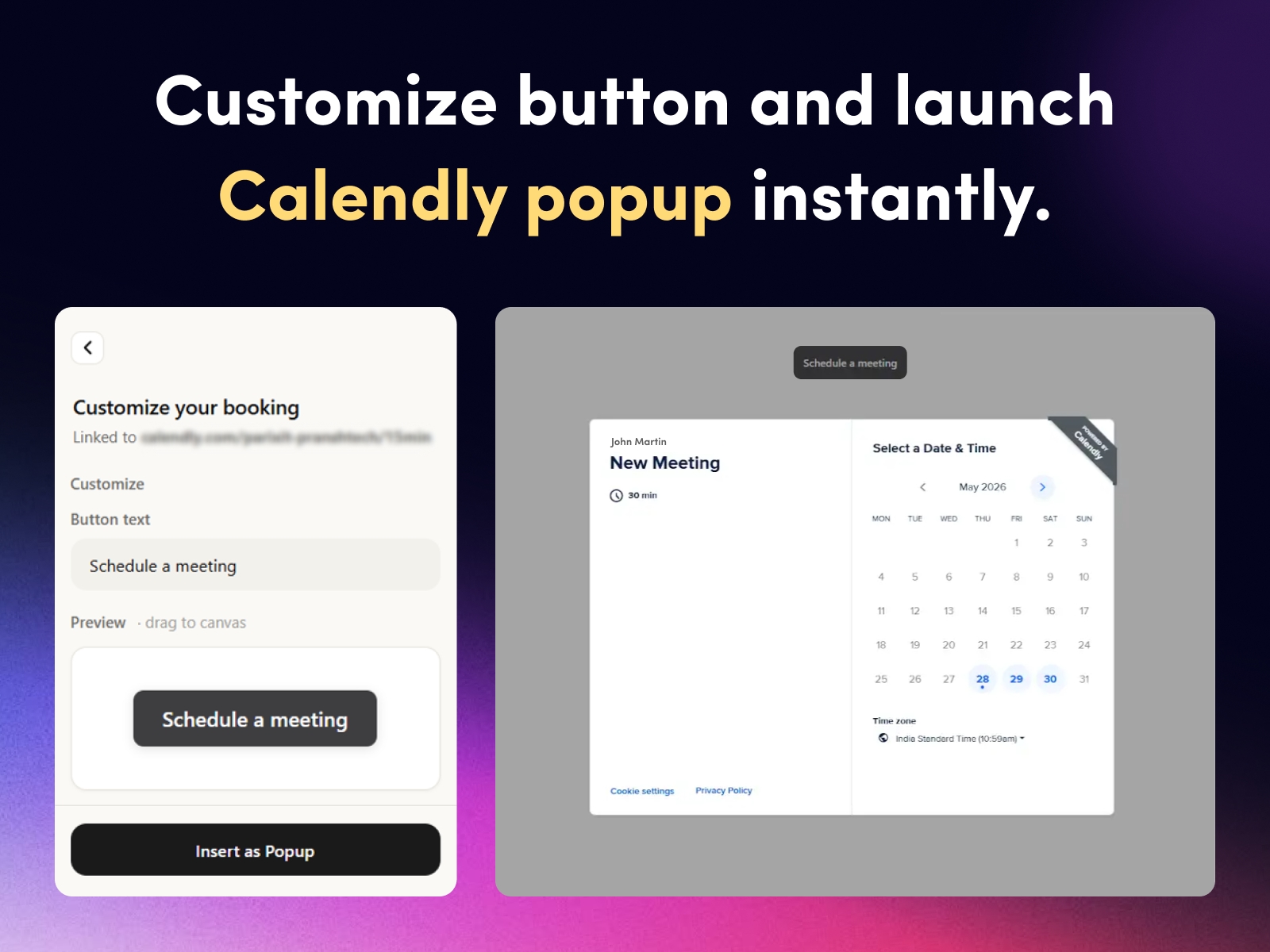
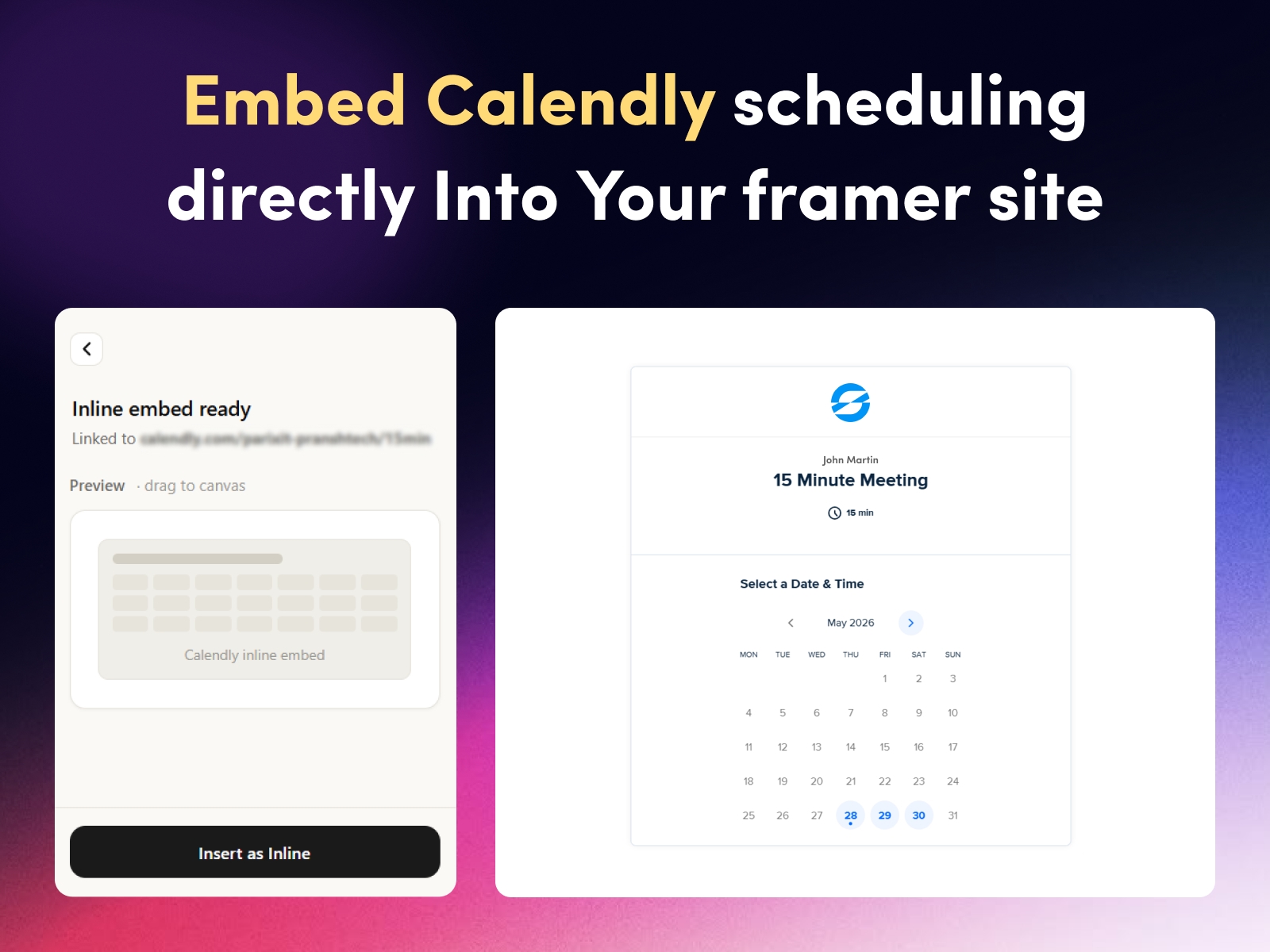
Looking for a simple way to add scheduling to your Framer site? Calendly Booking makes Framer and Calendly integration effortless. Just paste your Calendly event link, choose how you want it to appear (a popup button or a full inline scheduler), and drag a ready-to-use component onto your canvas. Your visitors can book meetings without ever leaving your site.
Built specifically for Framer creators, this plugin works instantly with nothing more than a Calendly link - no APIs, no authentication flows, and no developer skills needed. Whether you're a freelancer, coach, agency, or SaaS founder, you can turn any page into a booking-ready landing page in seconds.
Why Choose the Calendly Booking Plugin for Framer
Calendly Booking is built for Framer creators who want the fastest, simplest way to add scheduling to their websites. Unlike complex integrations that require APIs, OAuth authentication, or backend services, this plugin works instantly with just a Calendly link.
You don't need to write a single line of code or manage tokens and webhooks. You just paste, drag, and publish. That's it.
Key Features
Instant integration - paste your link and you're live
Two display options: Button + Popup or Inline Embed on the page
Drag-and-drop insertion directly onto the Framer canvas
Customizable button text and styling to match your brand
Resizable inline scheduler with sensible defaults
Live preview inside the plugin panel
Light and dark theme support built in
No code required - designed for non-developers
No backend or OAuth - works with just your Calendly URL
Perfect For
Coaches, consultants, and freelancers
Sales teams and demo booking pages
Service-based businesses (agencies, studios, salons)
Landing pages, portfolios, and contact pages
SaaS founders running discovery calls
Anyone using Framer who needs scheduling
Get Started in 60 Seconds
Install the Calendly Booking plugin today and turn your Framer site into a booking-ready experience. It's free to use - all you need is your existing Calendly link.
Click "Open Plugin" to get started.
Frequently Asked Questions
Q: How do I add a Calendly booking button to Framer?
A: It takes less than a minute:
Install the Calendly Booking plugin from the Framer Marketplace
Open the plugin inside your Framer project
Paste your Calendly event link (e.g., https://calendly.com/your-name/30min)
Customize your button text (e.g., "Book a Call" or "Schedule a Meeting")
Drag the generated button onto your Framer canvas
Publish your site - the booking button goes live instantly
No code, no setup, no external configuration required.
Q: Is the Calendly Booking plugin free?
A: Yes. The plugin is completely free to install and use, with no hidden fees, subscription costs, or premium tiers. You only need an active Calendly account (free or paid) to generate your event link. Once installed, you can add unlimited booking buttons across all your Framer projects.
Q: Will it slow down my Framer website?
A: No. The plugin is lightweight and optimized for performance. It only loads the Calendly popup when a visitor clicks the booking button - not on page load. Your site stays fast, your Core Web Vitals stay healthy, and your SEO isn't affected.
Q: Can I use multiple Calendly links on the same page?
A: Yes. You can add multiple booking buttons on the same Framer page, each linked to a different Calendly event - for example, a 15-minute discovery call, a 30-minute consultation, and a paid strategy session. There's no limit on how many buttons you can use.
Changelog
New display option added for embedding the Calendly scheduler directly on the page
Two display modes now available: Button + Modal Popup and Inline Embed
Live preview updated to reflect the new option
Small UI improvements for smoother selection between display modes
Details
 FeCommerce