
About Relink
Framer CMS projects get messy: a category created twice ("AI" and "Artificial Intelligence"), a renamed author, tags piling up, multi-reference fields listing the same item twice. Fixing it means editing item after item by hand.
Relink manages the reference and multi-reference fields that connect your collections, across the whole project at once.
What it does
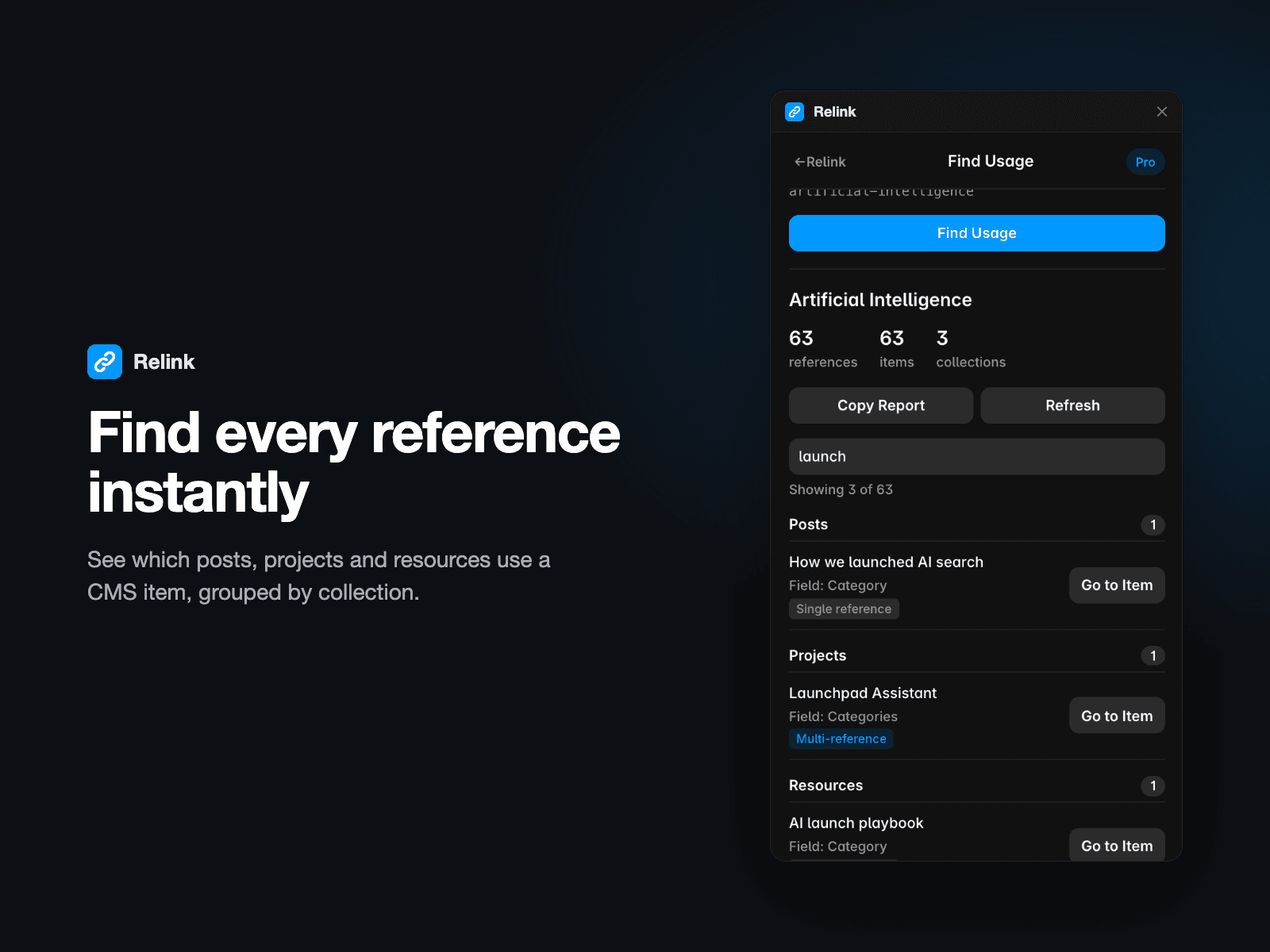
- Find Usage: see every item that references a CMS item, grouped by collection, with a link to each.
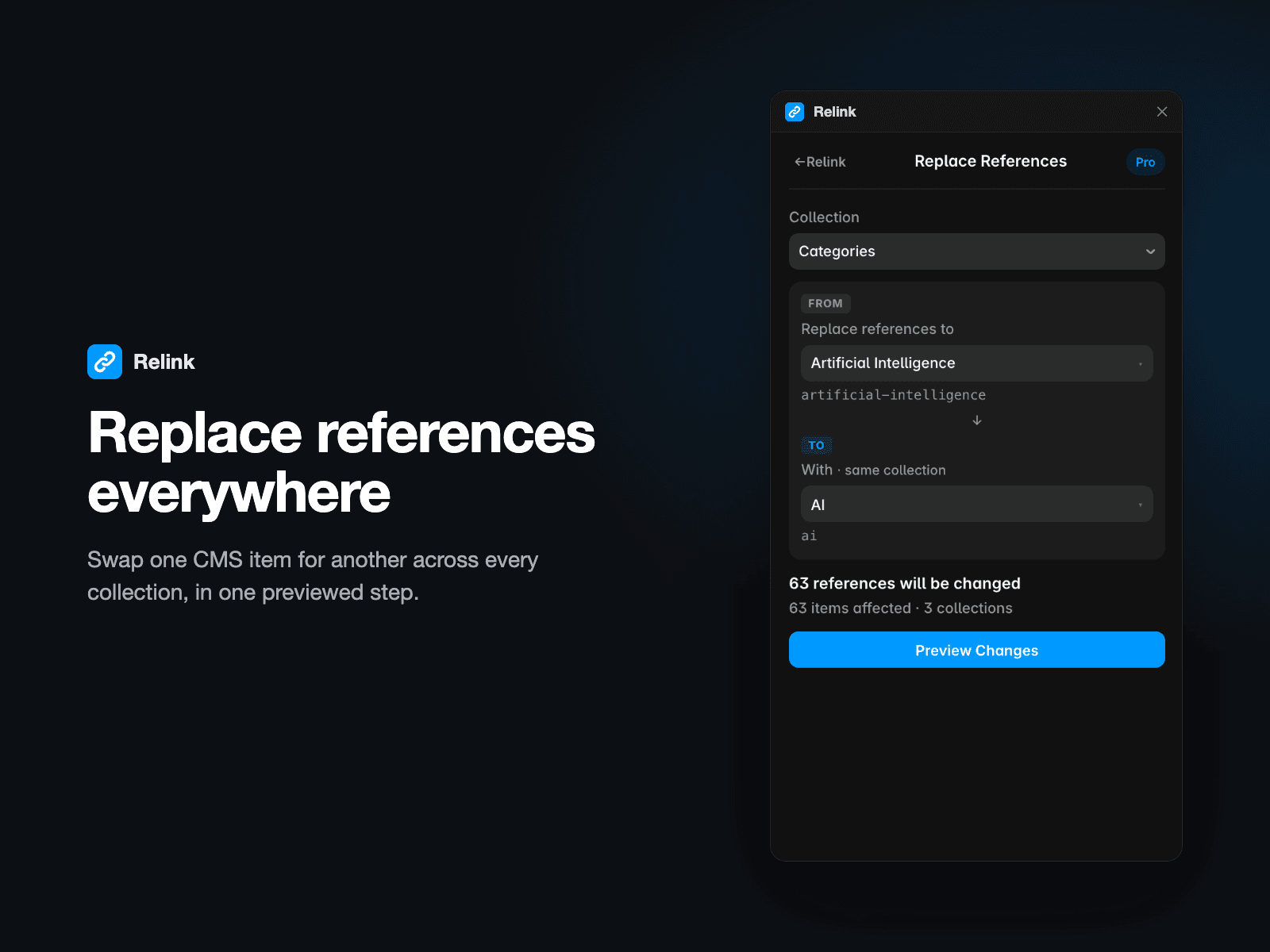
- Replace References: swap one item for another in every collection that uses it.
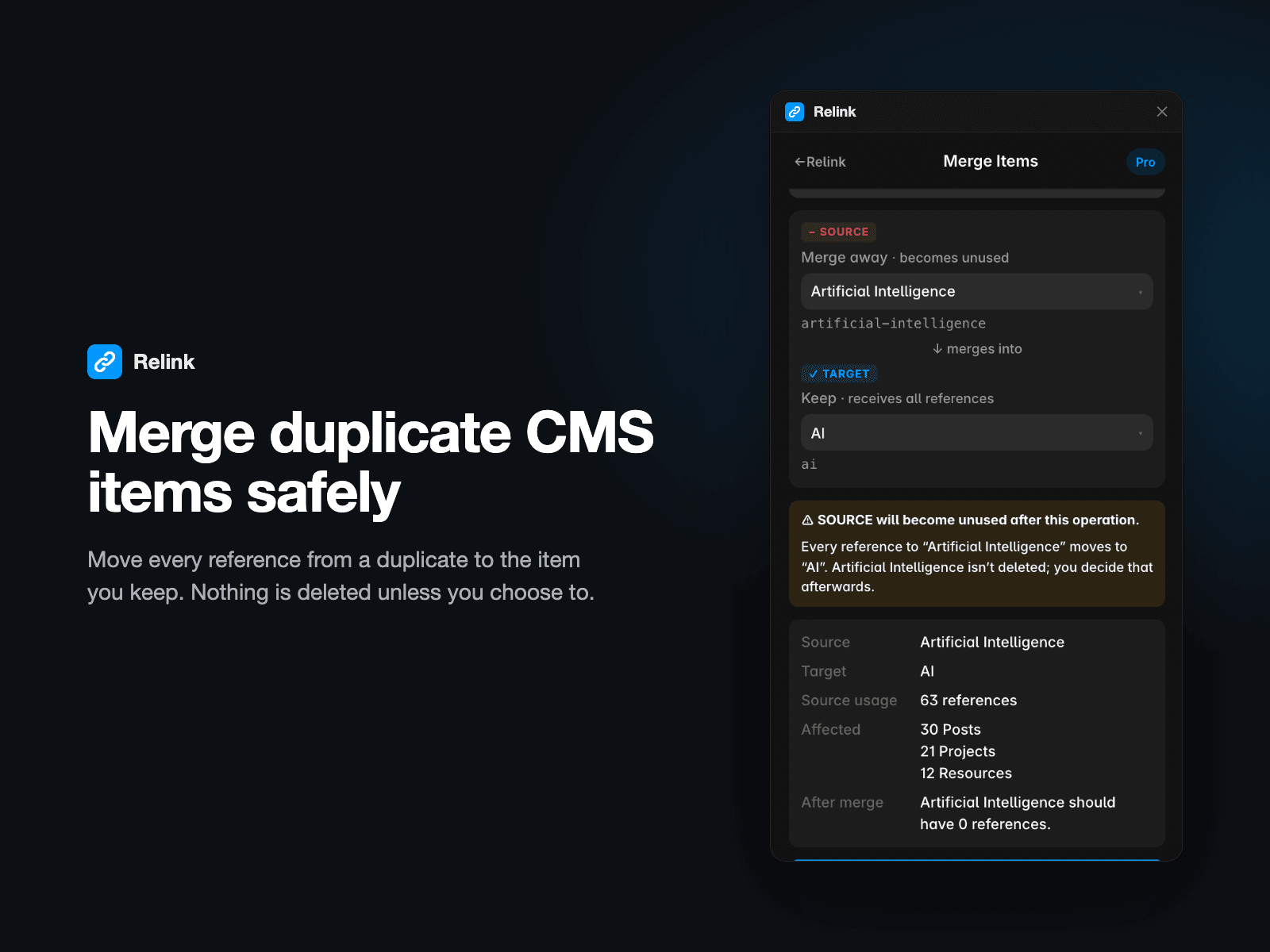
- Merge Items: move all references from a duplicate category, tag or author to the one you keep. No duplicate references are created, and nothing is deleted unless you choose to.
- Cleanup: find orphaned items, duplicate multi-references and references to deleted items.
- Bulk tools: add, remove or replace a reference across many items.
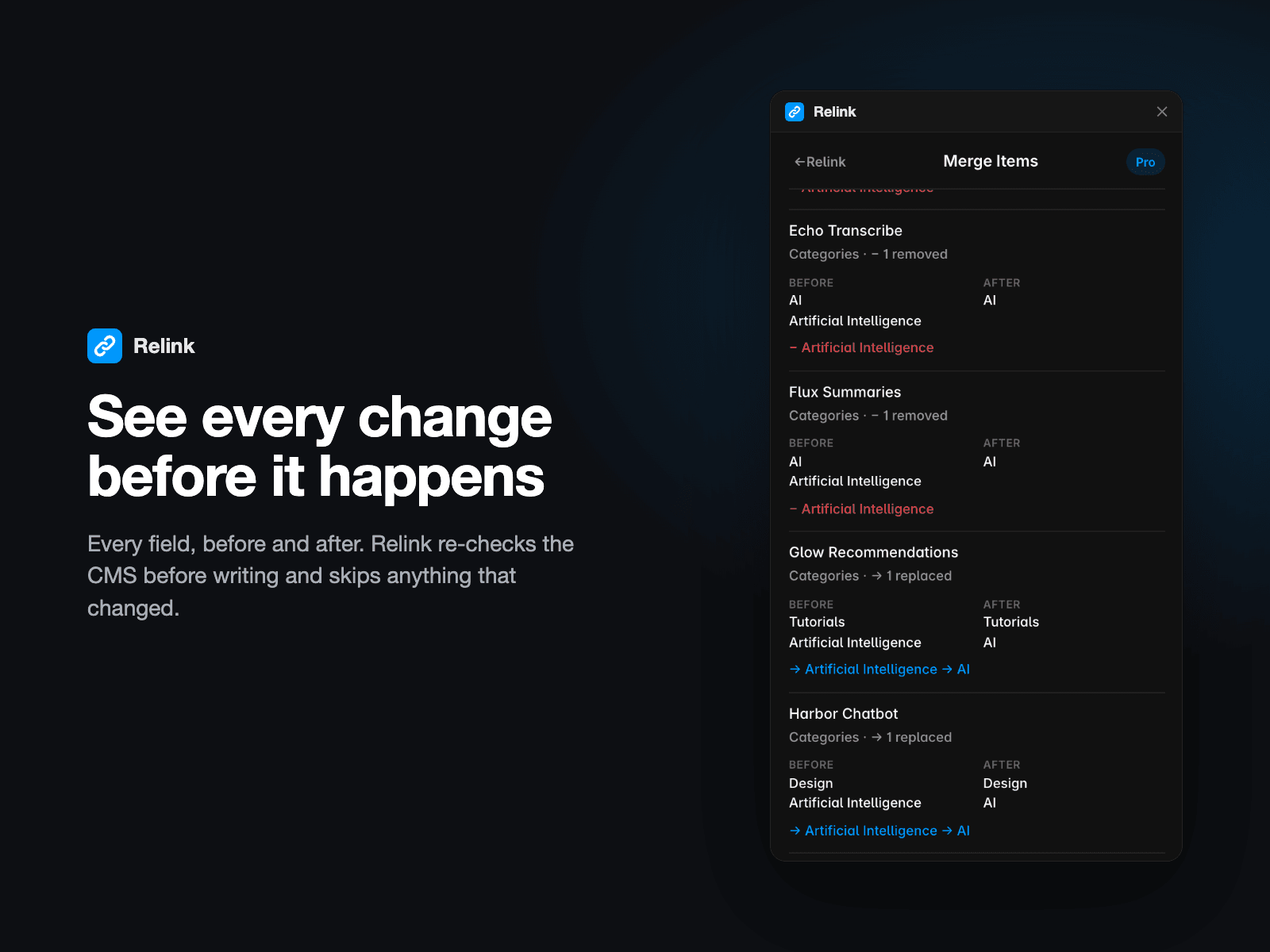
- Preview first: every change is shown before and after. Relink re-checks the CMS before writing, skips items that changed, and verifies the result.
- Undo: operations are recorded on your device. Undo restores what still holds Relink's change and reports anything edited since.
Relink only changes reference fields, never titles, text or images.
Free and Pro
Free: Find Usage, usage counts, orphan and duplicate detection, and full previews of every operation.
Pro, $19.99 one-time: apply Replace, Merge, Bulk tools and Cleanup fixes, plus History and Undo. No account or subscription. Buy through Polar and activate your key in the plugin.
Good to know
- Framer's API can't detect an edit made at the exact moment Relink writes.
- Undo is best-effort and can't restore deleted CMS items.
- History stays in your browser (last 50 operations per project).
- Large operations write one item at a time, with progress.