About VideoEmbed
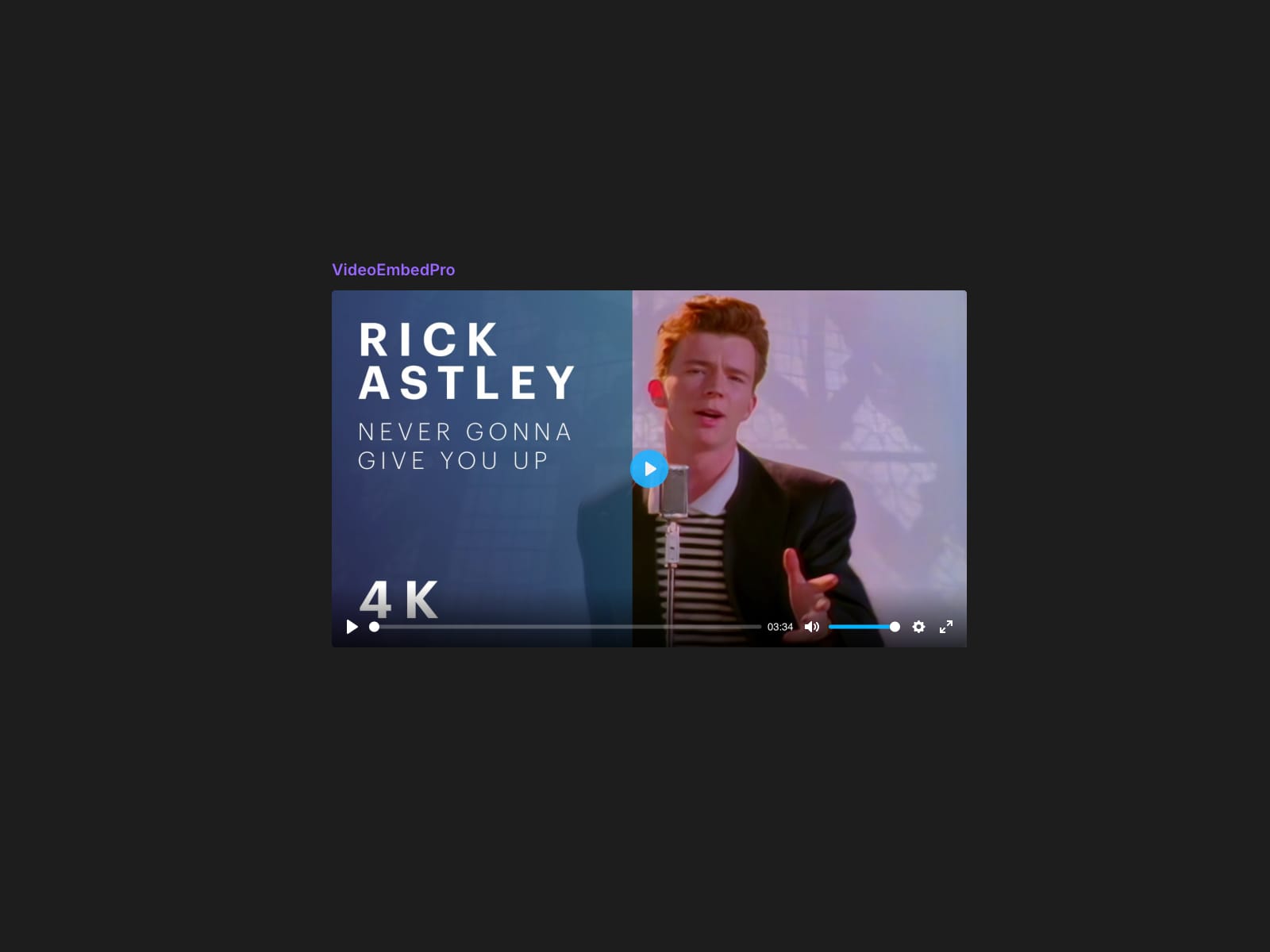
A raw iframe looks like a raw iframe. VideoEmbed inserts a fully-featured Plyr player onto your canvas in one click — paste a URL, configure it, insert.
Free forever, no signup
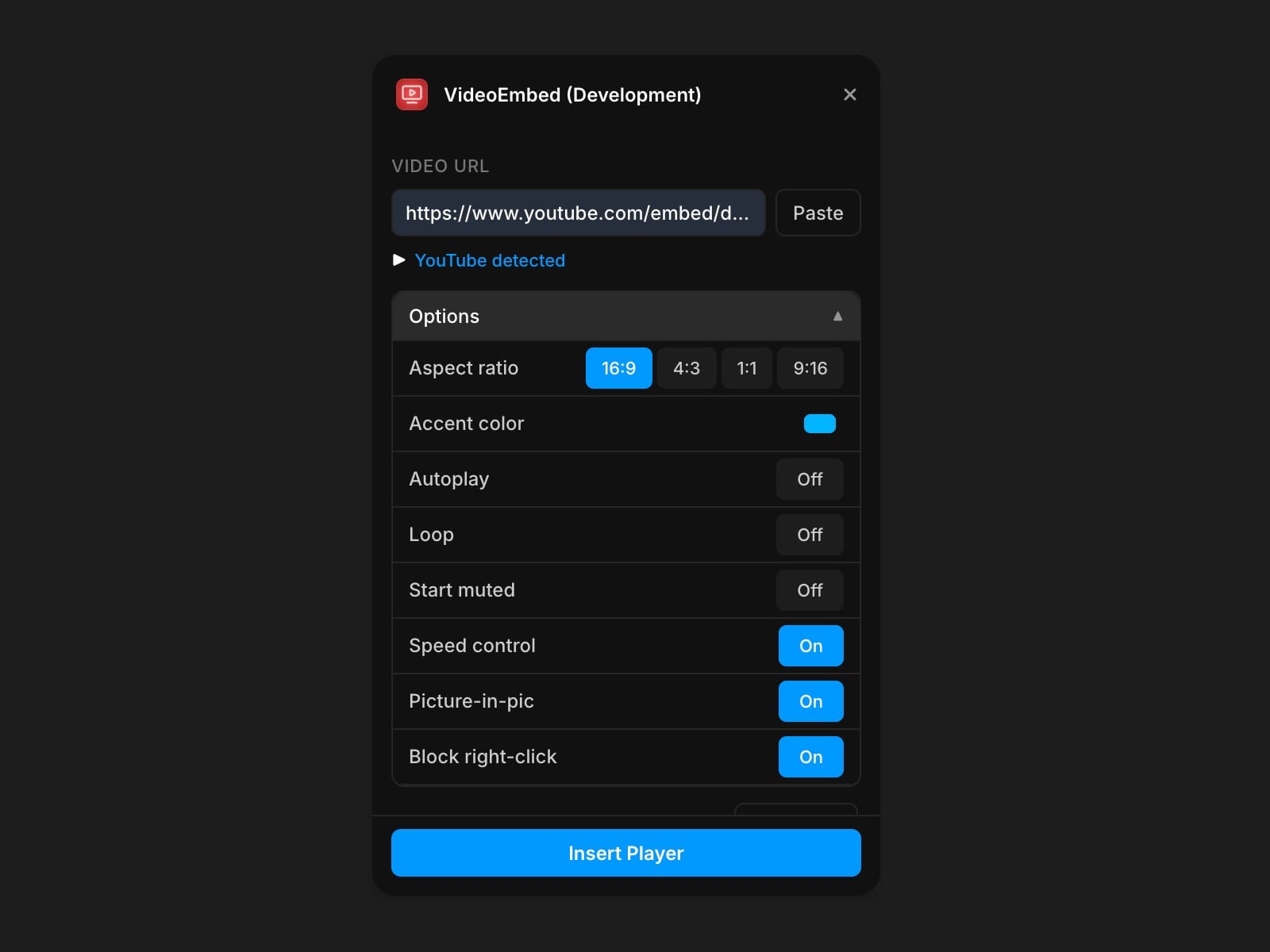
YouTube and Vimeo embeds through the Plyr player, with every aspect ratio — 16:9, 4:3, 1:1, 9:16 — an autoplay toggle, and the full standard control set: play, progress, volume, fullscreen. No account required.
Pro unlocks your own media and full control — $9/month, cancel anytime
• MP4, WebM and audio file support
• Custom accent colour matched to your brand
• Loop and Start Muted toggles
• Playback speed control, 0.5x–2x
• Picture-in-picture
• Right-click download protection
• Poster image URL override for MP4
How it works
Paste a URL, set the options you want, insert. The player is a native Framer component — you can move it, restyle it and put it on any layout.
Free vs Pro
• Free — YouTube and Vimeo, all aspect ratios, autoplay, standard controls
• Pro — your own MP4/WebM/audio, accent colour, loop, muted start, speed control, PiP, download protection, poster override. $9/month, cancel anytime