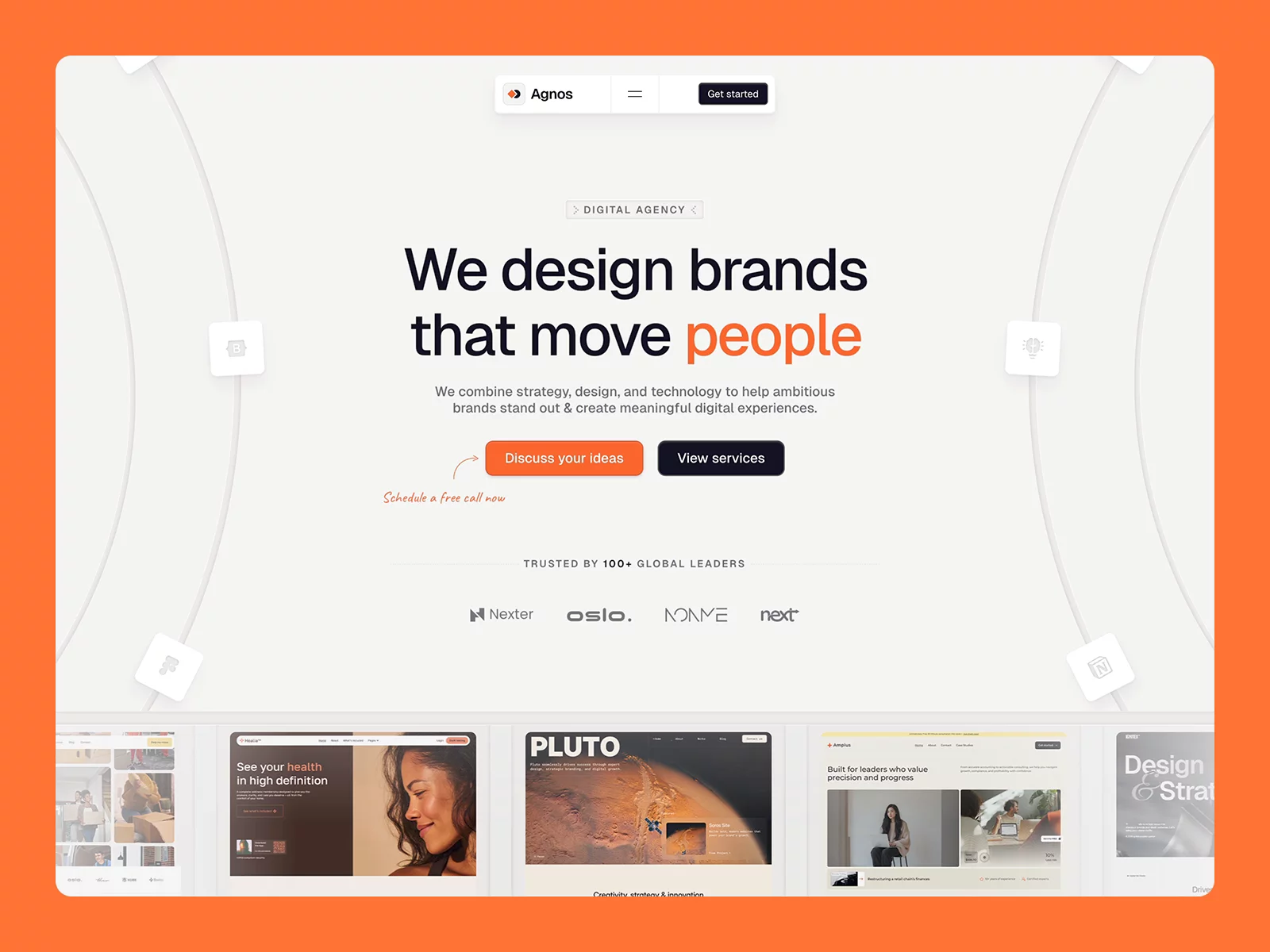
About Parallel OS
Parallel OS is a portfolio template designed for creators and small studios who need more than a simple showcase. It introduces a structured environment where navigation, content, and interactions work together as a cohesive system. The layout is built around a persistent sidebar and top bar, creating a continuous experience where visitors always know where they are and where they can go next.
Inspired by platform interfaces and curated digital galleries, Parallel OS balances depth with clarity. It lets you present a large amount of work, services, and content without overwhelming visitors. Every transition, interaction, and layout decision is designed to feel controlled, intentional, and easy to navigate—even across complex structures.
Key Features
Platform-Based Navigation
A persistent sidebar and top bar create a clear, continuous navigation system across all pages.
Advanced CMS Structure
• Project CMS pages
• Template CMS pages
• Component CMS pages
• Insights CMS pages
Deep Yet Controlled Architecture
Multiple pages and sections built to handle complex content while maintaining clarity and flow.
Interaction System
Refined transitions, hover states, and page animations for a smooth, consistent experience.
Flexible Content System
Easily add, remove, or scale content without disrupting layout or visual consistency.
Fully Responsive (4 Breakpoints)
Optimized for:
• Desktop Large
• Desktop Small
• Tablet
• Mobile
Built-in Resources
Includes:
• Get Started guide
• Welcome notes
• Changelog
• Additional resources and instructions directly in the canvas
Accessibility & Control
Animations and motion can be adjusted or reduced to improve accessibility.
High-Quality AI Visuals
All preview images are generated using Crea AI—copyright-free, consistent, and free to use.
Support Included
Direct support available before and after purchase.