Slava Burian
Framer Expert & Web Designer | Top 1% Creator ||| Available for work → Framer Design & Migration: slavaburian.com
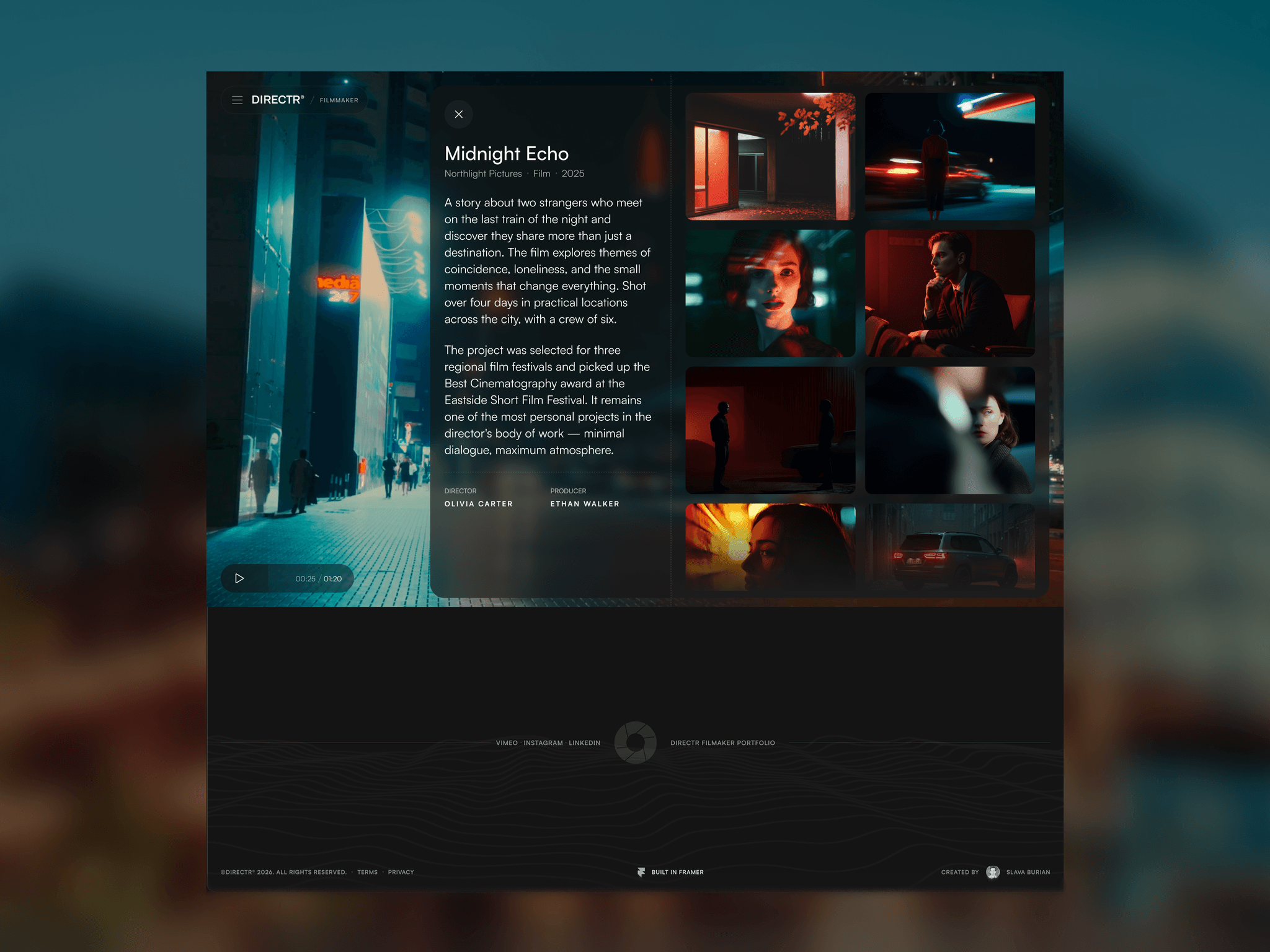
You can also view detailed information about any project by simply clicking the Info button. This opens a smooth, animated side modal containing everything you need to know about the project, including its title, description, and other relevant details. You'll also find a gallery of images related to the project, giving you additional context and a better overview without ever leaving the current page.
Check out this free Filmmakers & Video Creators @Framer template below:
When you open a project, you can easily switch between projects by hovering over the next project thumbnail — with a smooth, elegant animation that brings the preview to life.
Once you move to the next project, the video starts playing automatically. You can use the video controls to pause, replay, or skip ahead.
Prefer a static preview? You can disable autoplay in the template settings, so visitors can start the video manually whenever they’re ready.
Check out this free Filmmakers & Video Creators @Framer template below:
You can watch videos right inside the project, and you’re not limited to just playing or pausing them, you can also scrub through the timeline manually to jump to any moment.
The player features a custom-designed interface with a clean, modern look and a subtle blur effect. The playback controls are also kept compact, so they stay out of the way and don’t block your view, letting you focus on the video and the project itself.
Click the link below to explore the @Framer template in more detail:
Another feature of this free @framer template - Directr for Filmmakers & Video Creators
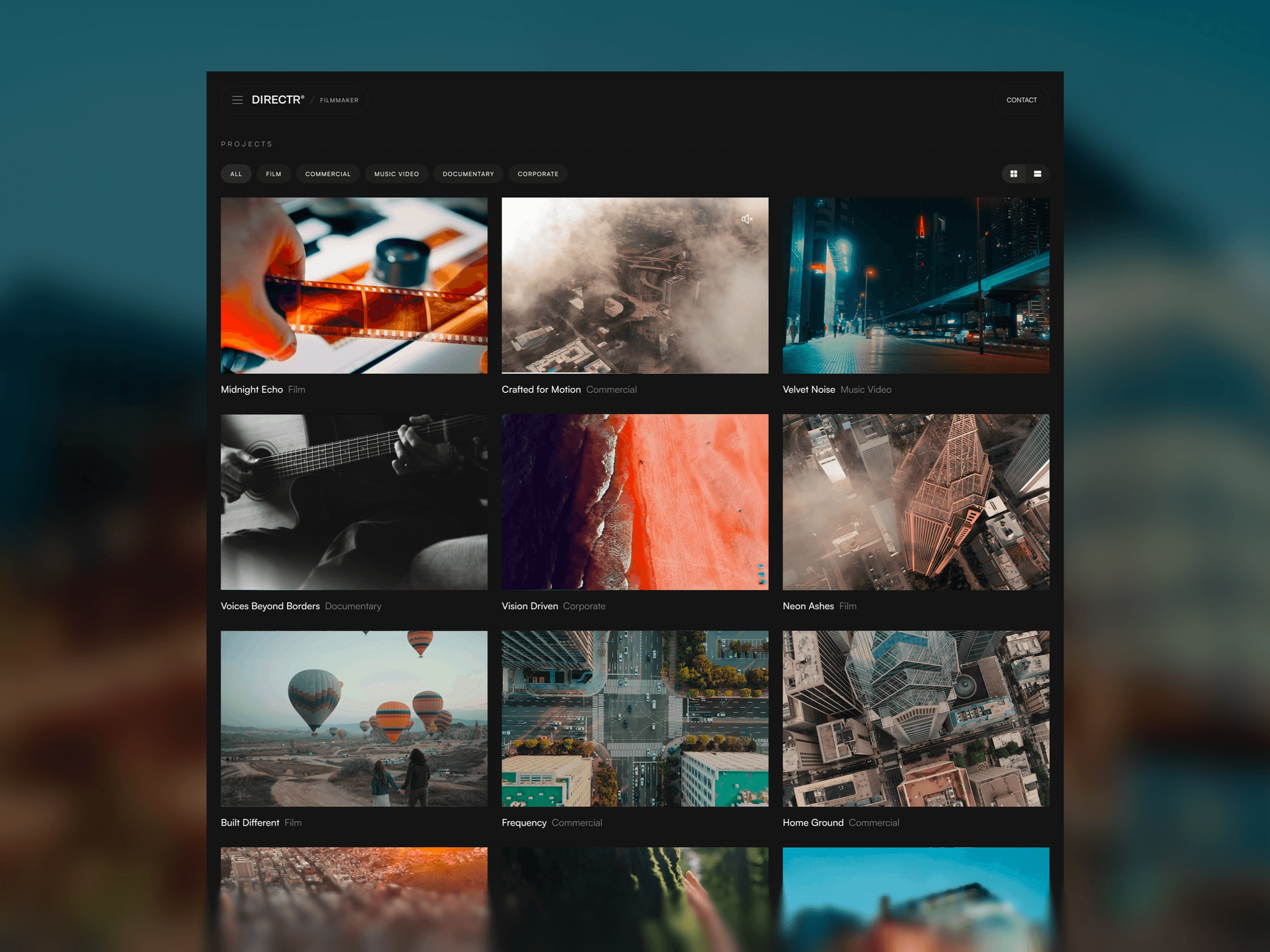
You can filter projects by category and switch between a grid and list view. In the list view, simply hover over any project to see a live preview that starts playing automatically, so you can quickly get a feel for the work without opening it.
Want to see it in action? Check out the live demo using the link below.
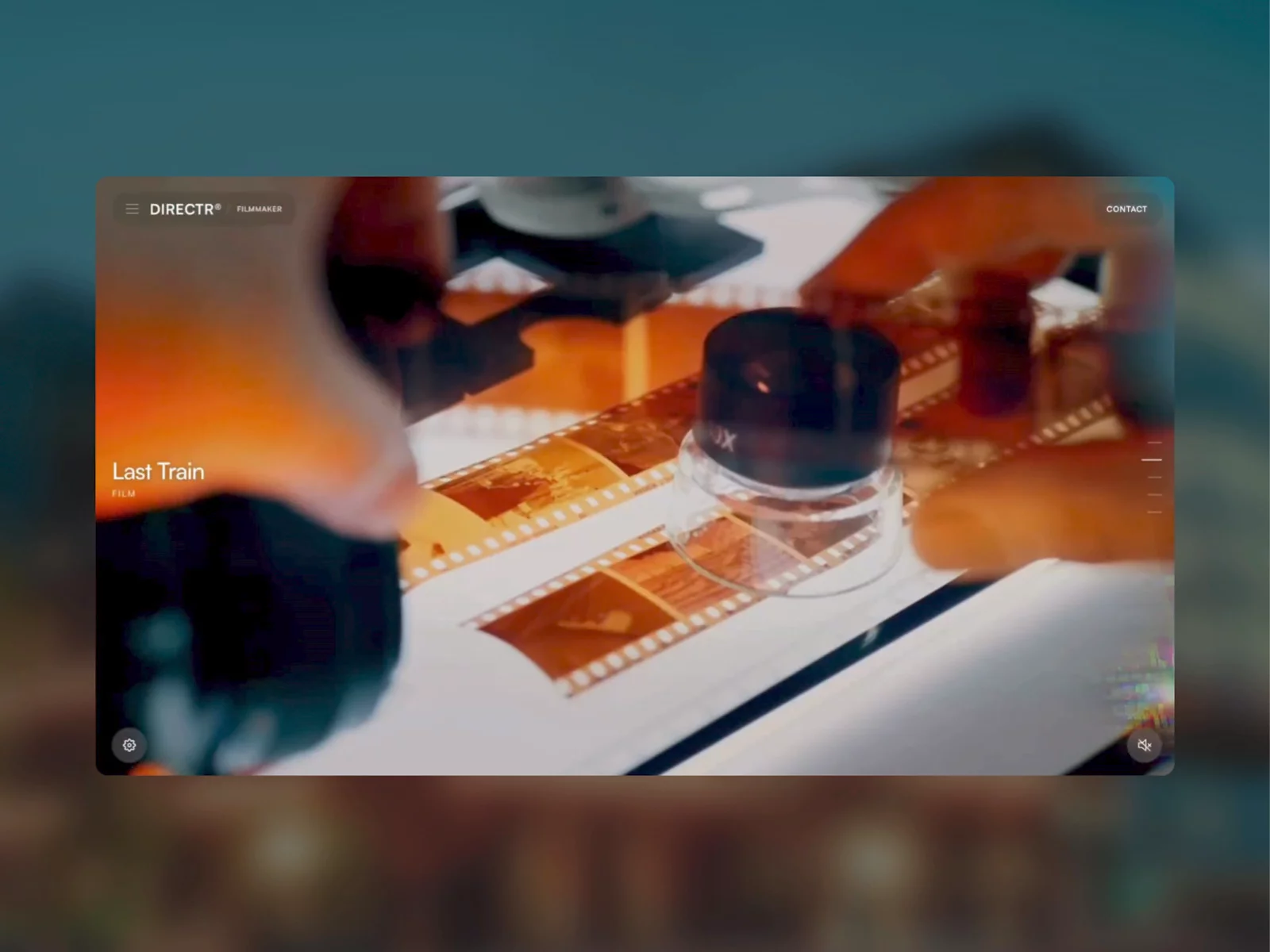
Simply hover over any video project to watch it come to life instantly. Videos play automatically, and with just one click, you can toggle the sound on or off.
Want to see it in action? Just follow the link below to explore my @Framer template where this feature is fully implemented. And yes, it’s completely free!
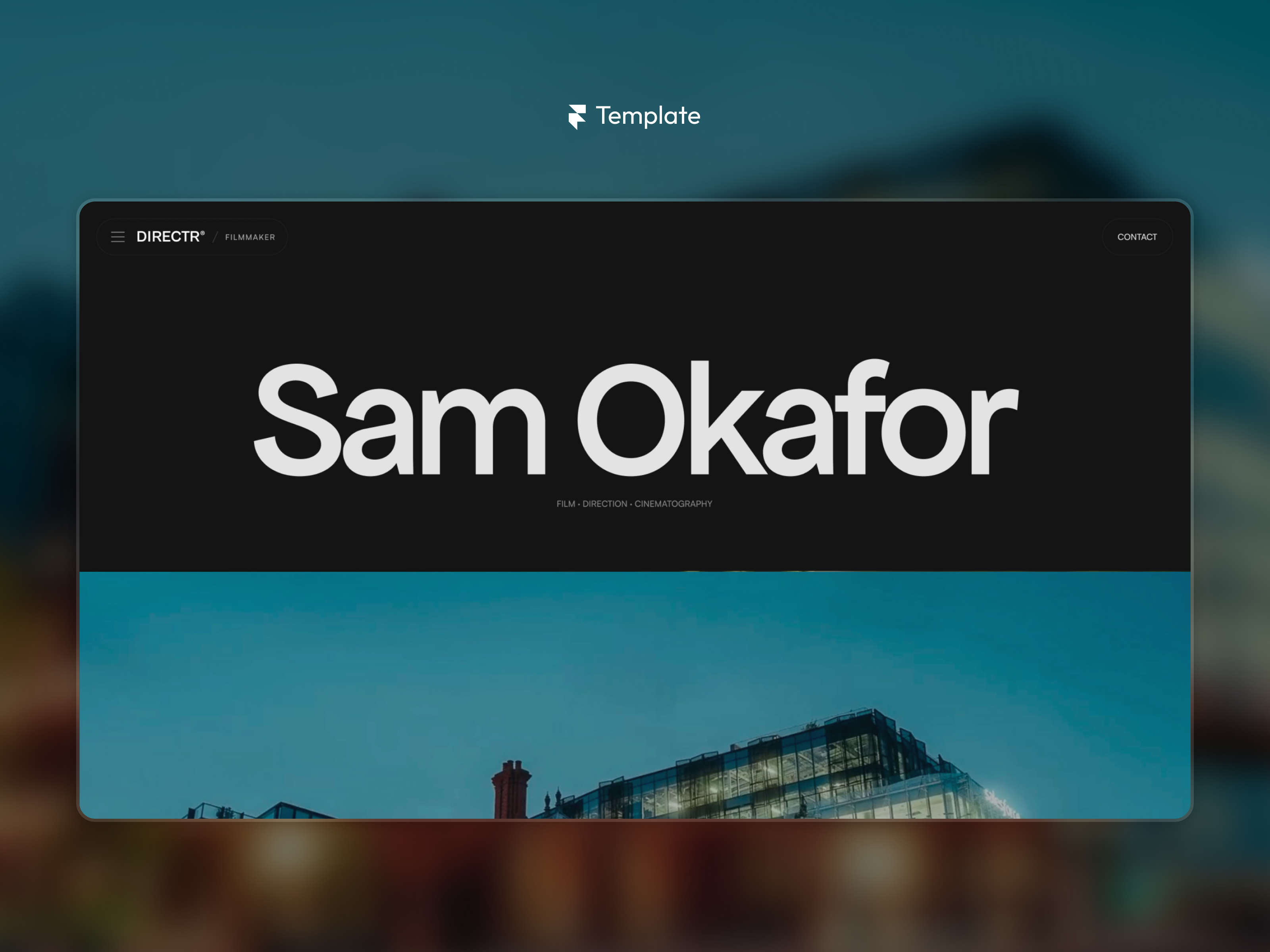
I'm launched a new @Framer [FREE] template - Directr
Modern Framer template for filmmakers, directors, cinematographers, and video creators. Present your films, reels, and creative projects with a portfolio that feels as polished as your work.

My new personal website
I’m a UX/UI Designer & @Framer Expert, helping startups, agencies, and founders design and build high-converting websites.
Need a new website, a redesign, Framer development, or a migration to Framer? I’d love to help.
Take a look
Also added a beautiful Hero text animation to make the first impression feel even more polished. ✨
Small details like this can completely change the way a website feels.
You’ll also be able to customize both the slide transitions and text animations to match your style.
Choose from 17 slide transition effects and 7 text animation styles, giving you plenty of creative freedom to make every presentation feel unique.
In short, you’ll have full control over the slider that’s built right into the upcoming @Framer template.
You’ll also be able to customize both the slide transitions and text animations to match your style.
Choose from 17 slide transition effects and 7 text animation styles, giving you plenty of creative freedom to make every presentation feel unique.
In short, you’ll have full control over the slider that’s built right into the upcoming @Framer template.
And yes, you’ll be able to turn the audio on or off for each video project right inside the slider, another small detail that makes this upcoming @Framer template even more polished. 🔊
Spent quite a bit of time refining the slider for my upcoming @Framer template. It now includes a bunch of polished interactions that make showcasing client projects feel much more dynamic.
Here’s a closer look at how the preview thumbnails for the previous and next slides animate. Such a small detail, but it adds a really polished feel to the whole experience.
Working on a new @Framer template
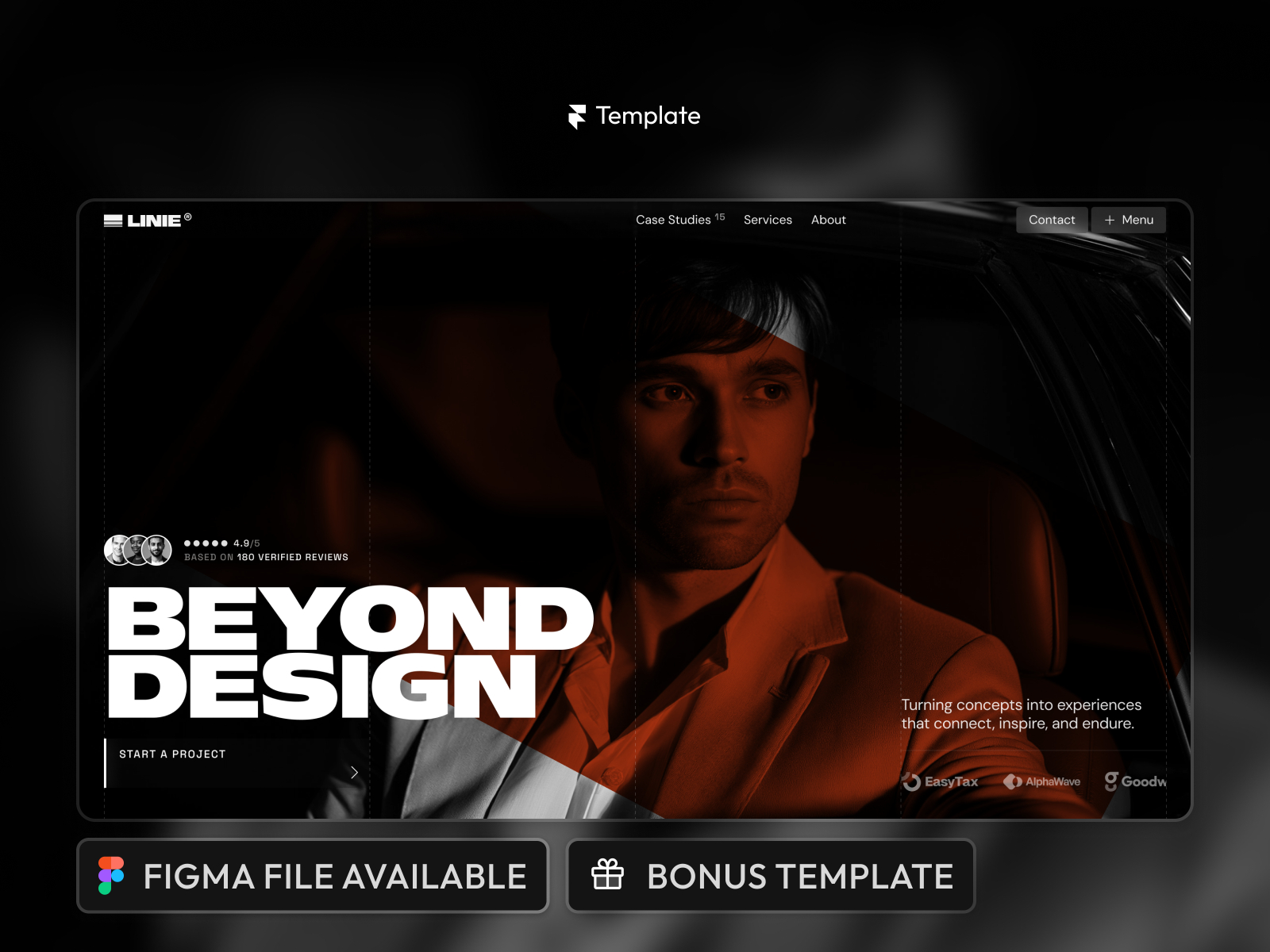
My favorite template Linie for digital agency was featured in @Framer marketplace