About 3D image gallery
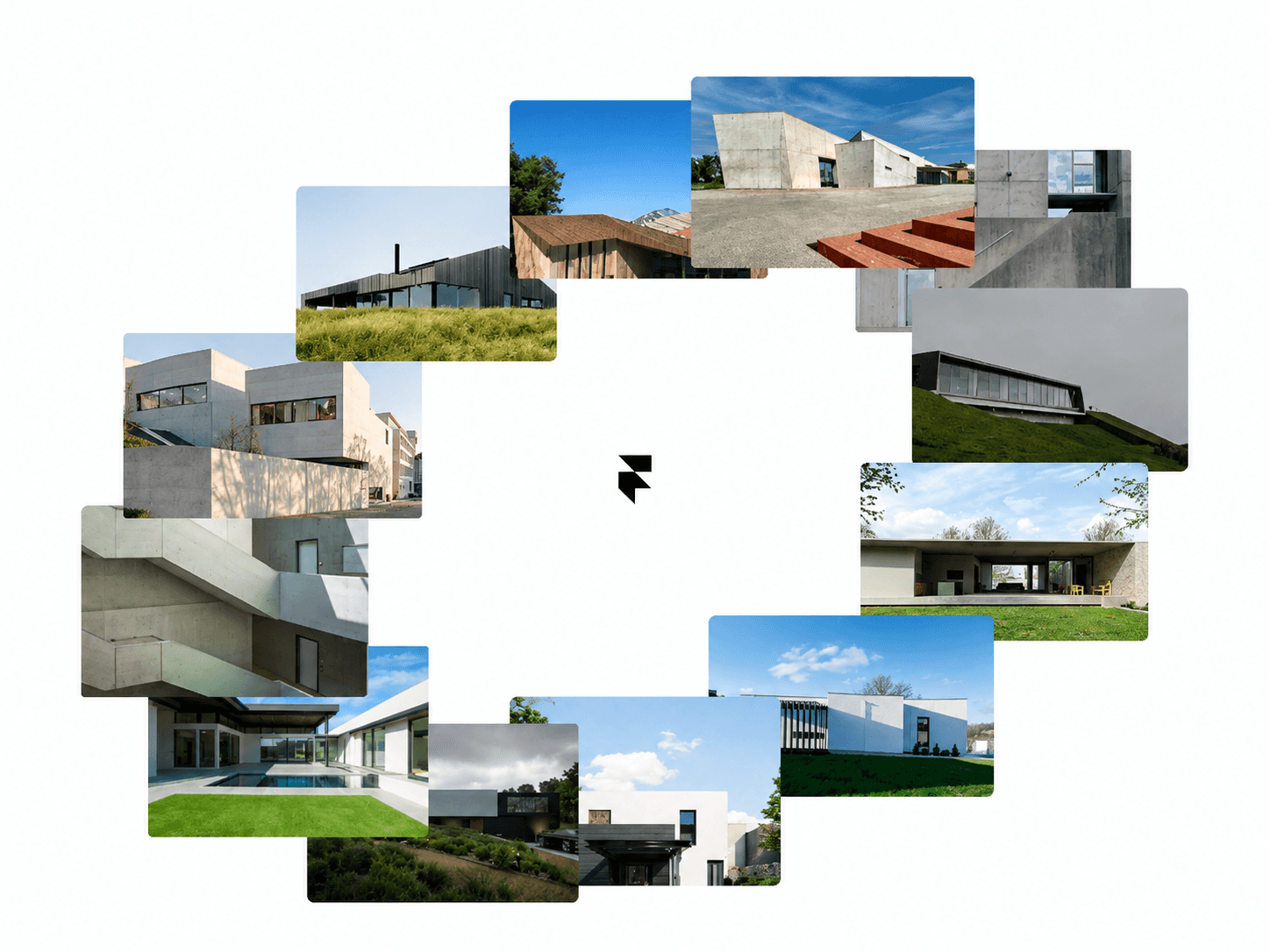
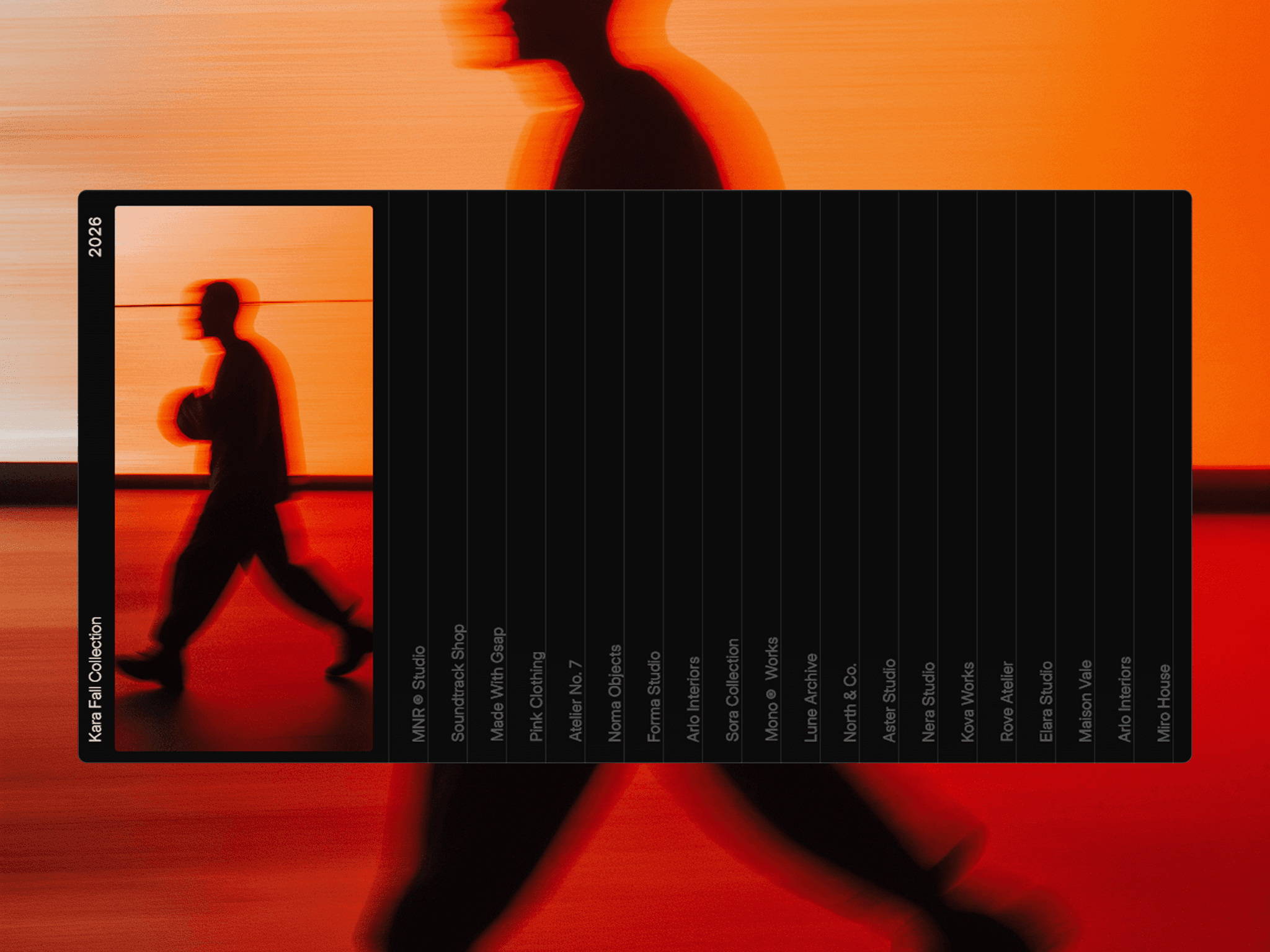
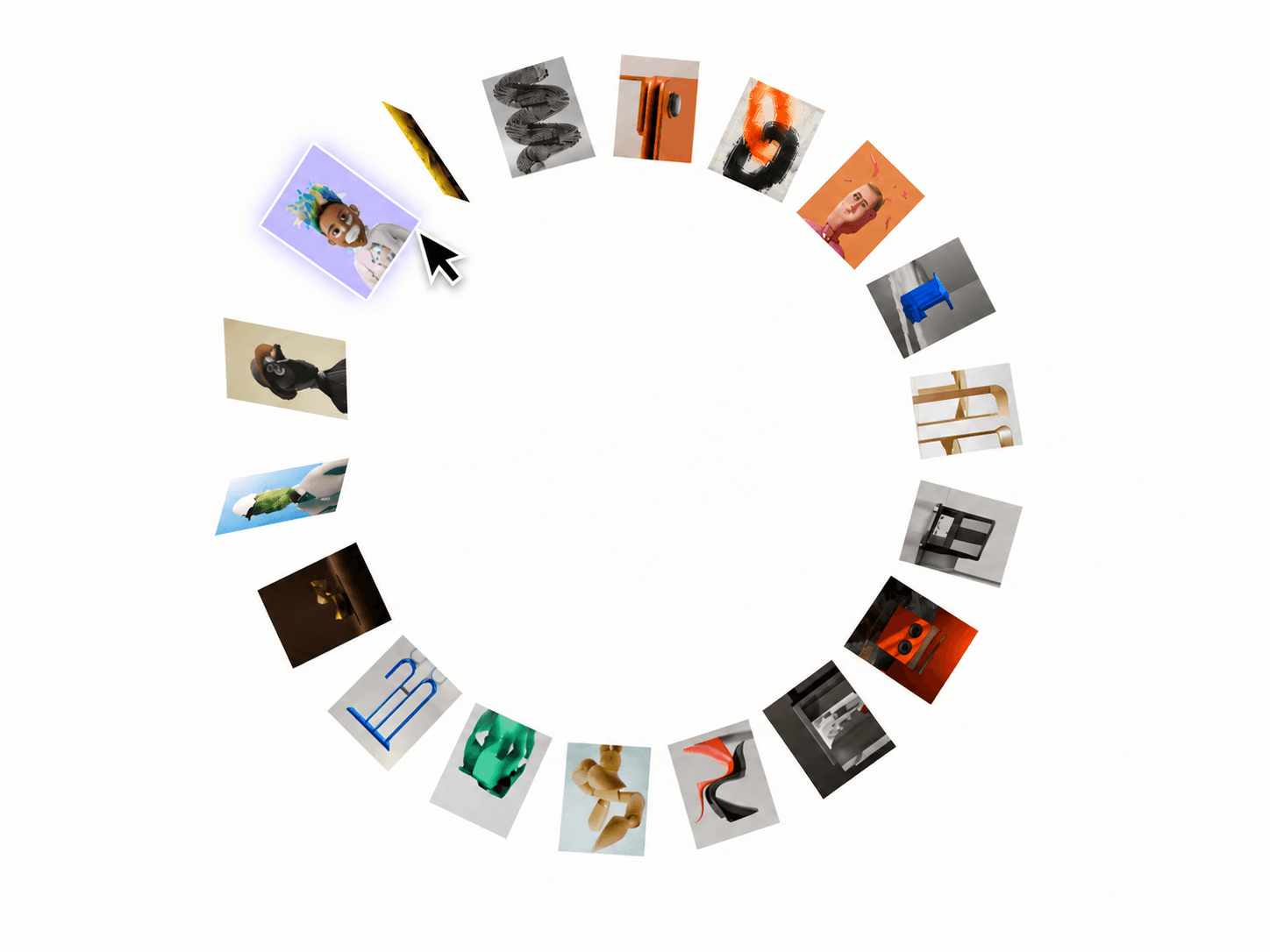
An interactive 3D circular image gallery that brings cards forward with hover effects, parallax movement, and smooth full-screen previews — fully responsive and customizable.
Features
Interactive circular image layout
3D hover rotation and scale effects
Cursor-based parallax movement
Click-to-open large image preview
Smooth gallery rotation and zoom animation
Animated title and CTA reveal
Custom CTA links for each image
Adjustable circle radius and gallery size
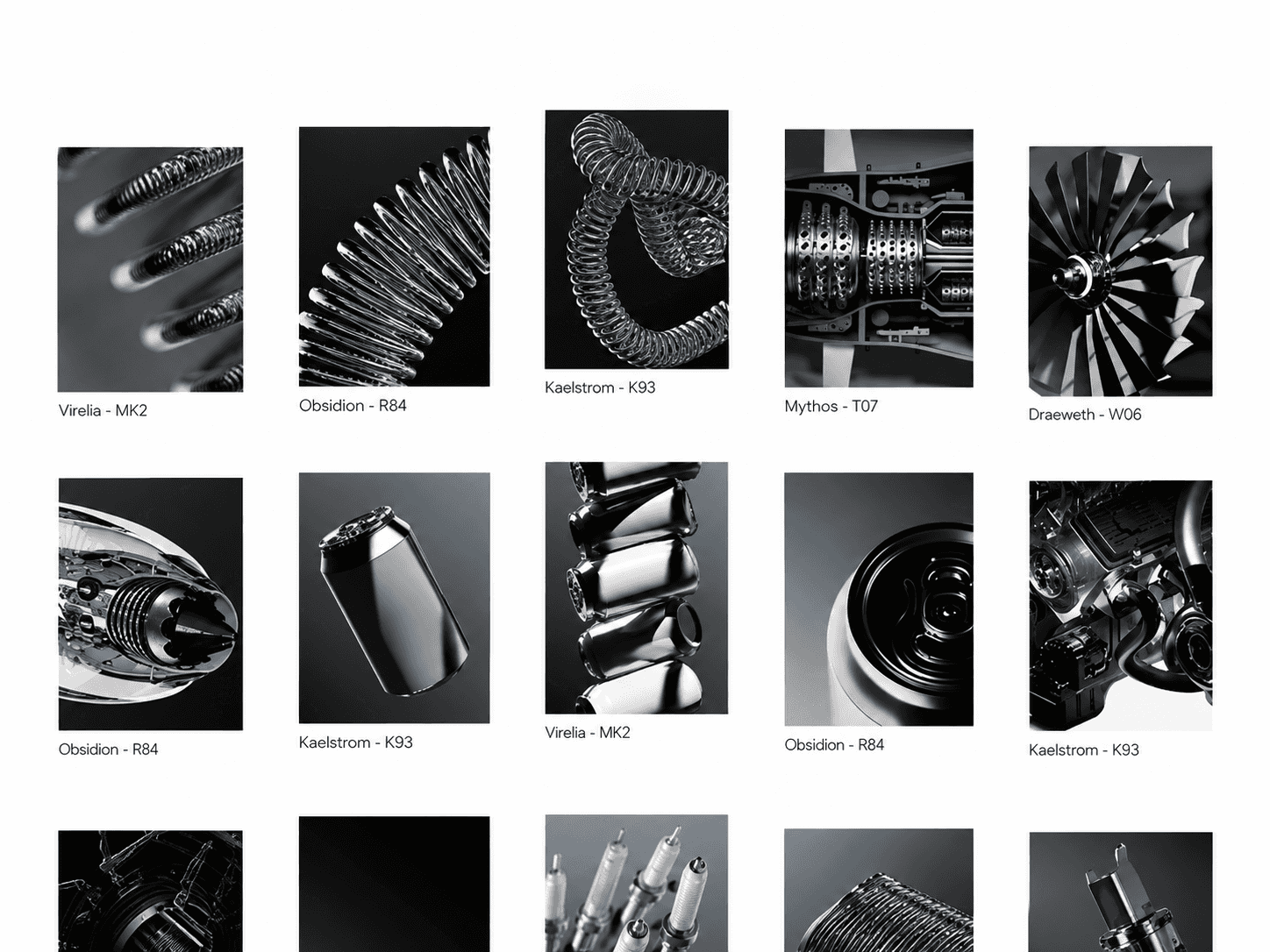
Multiple image aspect ratios
Custom card roundness and perspective
Responsive hover breakpoint
Keyboard focus support
Static-render optimized for Framer
Fully Customizable
Everything can be adjusted directly from Framer’s property panel, from your gallery content and card layout to hover behavior, preview animations, typography, colors, and CTA settings.
Customize
Images, titles, and CTA links
Circle radius and gallery size
Card aspect ratio and roundness
Perspective and responsive settings
Hover scale and parallax strength
Hover breakpoint
Preview duration and zoom
Title font, alignment, color, and spacing
CTA typography, colors, and position
Gallery background
How It Works
Images are arranged automatically around a circular layout. Hovering over a card rotates and scales it forward while the gallery responds to your cursor with subtle parallax. Click a card to bring it forward into a large preview, where its title and CTA reveal with a smooth masked animation. Click outside or press Escape to return to the gallery.
Need help setting it up?
If you’re not sure how to use the component or want us to set it up directly in your Framer project, contact us at support@russetsupply.com
Explore More
Russet Supply is a growing collection of ready-to-use Framer components and templates trusted by 1500+ users.