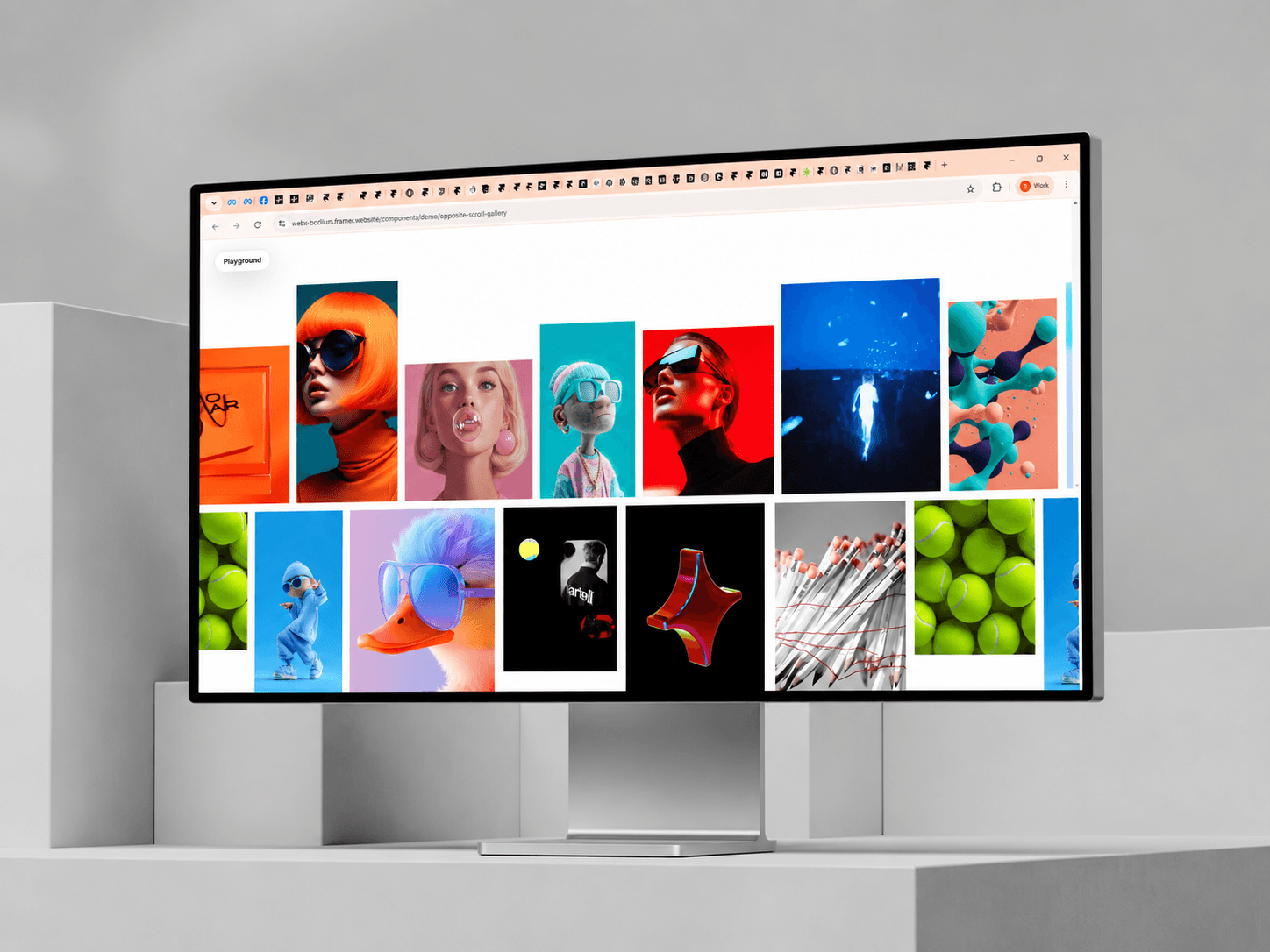
About Opposite Gallery
✦ Two Rows. Opposite Motion.
Opposite Gallery transforms a standard portfolio or media gallery into a smooth two-row experience where both tracks move in opposite directions.
As visitors scroll, the gallery reacts to scroll velocity. Move faster and the motion becomes more energetic. Slow down and it settles naturally.
Perfect for portfolios, photography, campaigns, product showcases, creative studios and editorial layouts.
Instructions
Add Opposite Gallery to your Framer page.
Replace the default cards with your own images, GIFs or videos.
Assign each card to the Top or Bottom row.
Give the page enough vertical scroll space to properly experience the interaction.
Test the final motion in Preview or on your published site.
Properties Control
Customize:
Auto Scroll
Speed & Direction
Scroll Response
Smoothness
Momentum
Maximum Boost
Card & Row Spacing
Card Size Ranges
Corner Radius
Hover Pause
Labels
Media Fit & Focal Position
Reduced Motion
How It Works
The top and bottom rows share the same motion system but travel in opposite directions.
Scroll velocity adds temporary acceleration, while momentum and smoothing control how naturally the motion settles.
✦ Playground Mode
Enable the optional Playground to quickly test:
Auto motion
Reverse direction
Speed
Scroll response
Spacing
Radius
Random card proportions
Disable Playground before publishing if you don’t want visitors to see the controls.
Key Features
Scroll-responsive counter motion
Image, GIF & video support
Independent Top / Bottom rows
Automatic continuous movement
Responsive Framer sizing
Reduced-motion support
Off-screen video pausing
Static-renderer support
Optional Playground controls
Support: hello@bodilum.com