About Agent Chat
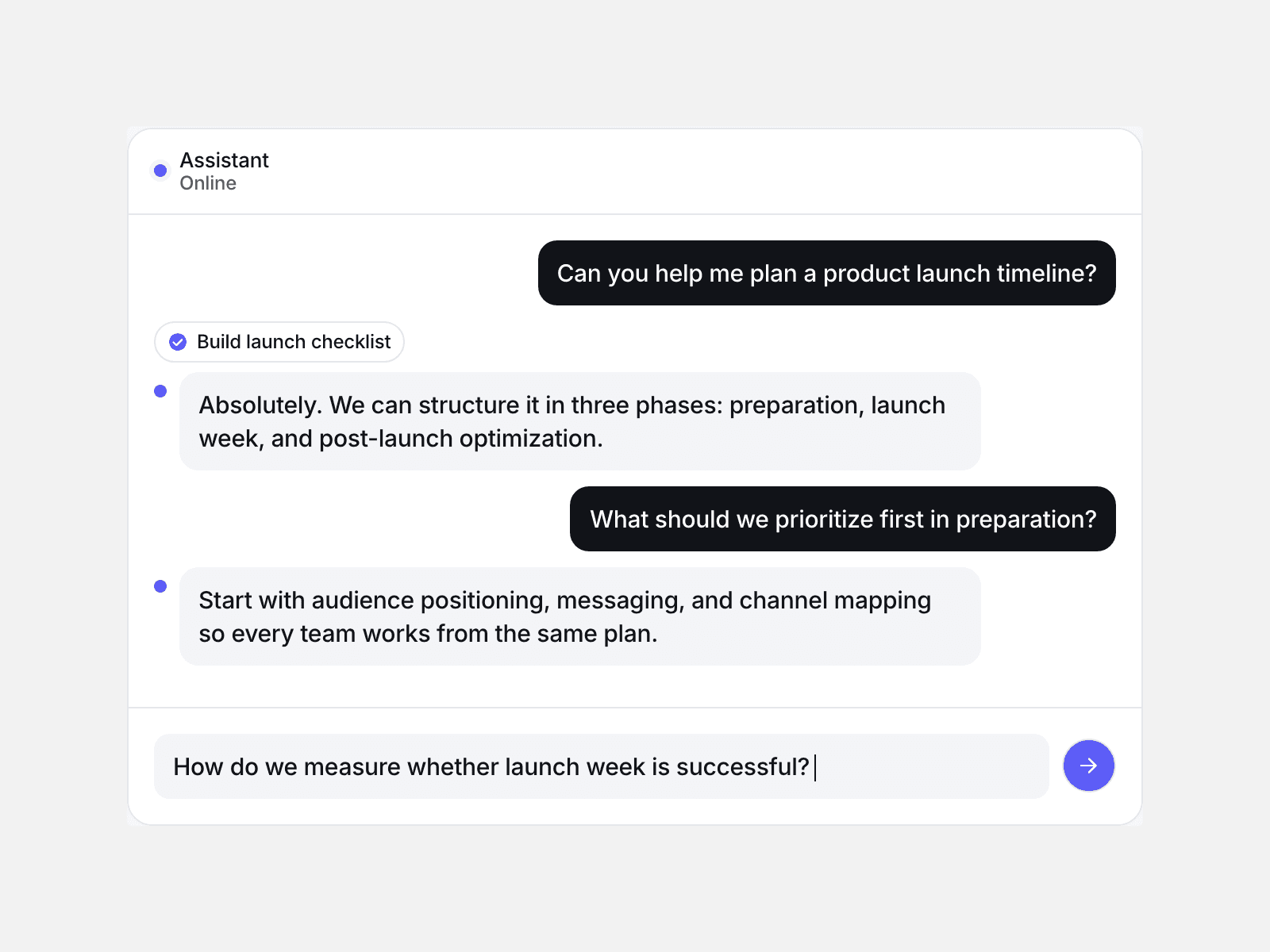
Agent Chat plays a scripted conversation: each user message is typed into the input bar and sent, then the assistant pauses, can show a tool step, and replies word by word.
You write the messages and set typing speed, pause, colours, font, radius and height; it starts when it scrolls into view or on page load, and loops by default.
The Framer canvas and reduced motion show the whole conversation at once with no timers, screen readers can read the finished messages, and the final reply is announced through a polite live region.
Messages are a list of user and assistant turns; while the assistant thinks, three dots bounce, and a turn with a Tool label shows a spinner chip that turns into a check.
User text types in character by character with a blinking caret; assistant replies appear one word at a time.
The transcript scrolls itself to the newest message, and a restart button appears in the header when a non-looping chat ends.
What you control
Messages (role, text, optional tool label), header title and subtitle
Typing speed (4–120 characters per second), pause before each reply (120–4000 ms), loop, start (in view or on load)
Background, surface, user bubble, user text, reply text, accent and border colours
Font, corner radius (0–40 px), height (260–900 px)
Limits: it replays the messages you write; visitors cannot type into it, and it does not connect to any AI service.