About Aspect Video Frame
Use it with the CMS in three steps: 1) connect Video link to your Vimeo, YouTube or .mp4 field, or connect Video file to your uploaded video (CMS File field: .mp4, .webm, .mov). If both are set, Video link is used. 2) Type a Ratio or connect your ratio field (width ÷ height, e.g. 0.8, 1, 16:9). 3) Done: the frame keeps that shape at every screen width.
Size by Height: type the height in Fit height (75vh, 650px, 400) and the width follows the ratio. Fit height is always visible: set it per breakpoint or connect a CMS field. With a vh height, keep Max width set: on phones the frame shrinks to fit the screen and keeps its ratio. Height is always Fit Content, so content below moves with the video. Edge margin: your page's side padding per breakpoint (40 desktop, 20 phone); a Fit Content video never crosses it, matching your nav.
Size by Width (default): Width Fit Content gives a 640px frame that stays inside a phone screen. Inside a narrower box, set Width to Fill.
Fit: Match video follows the video's shape. Fill frame keeps your frame and crops the video to cover it (no black bars); .mp4/.webm shapes are read automatically.
Caption: title and text (CMS-connectable), Below or Overlay. Empty = hidden.
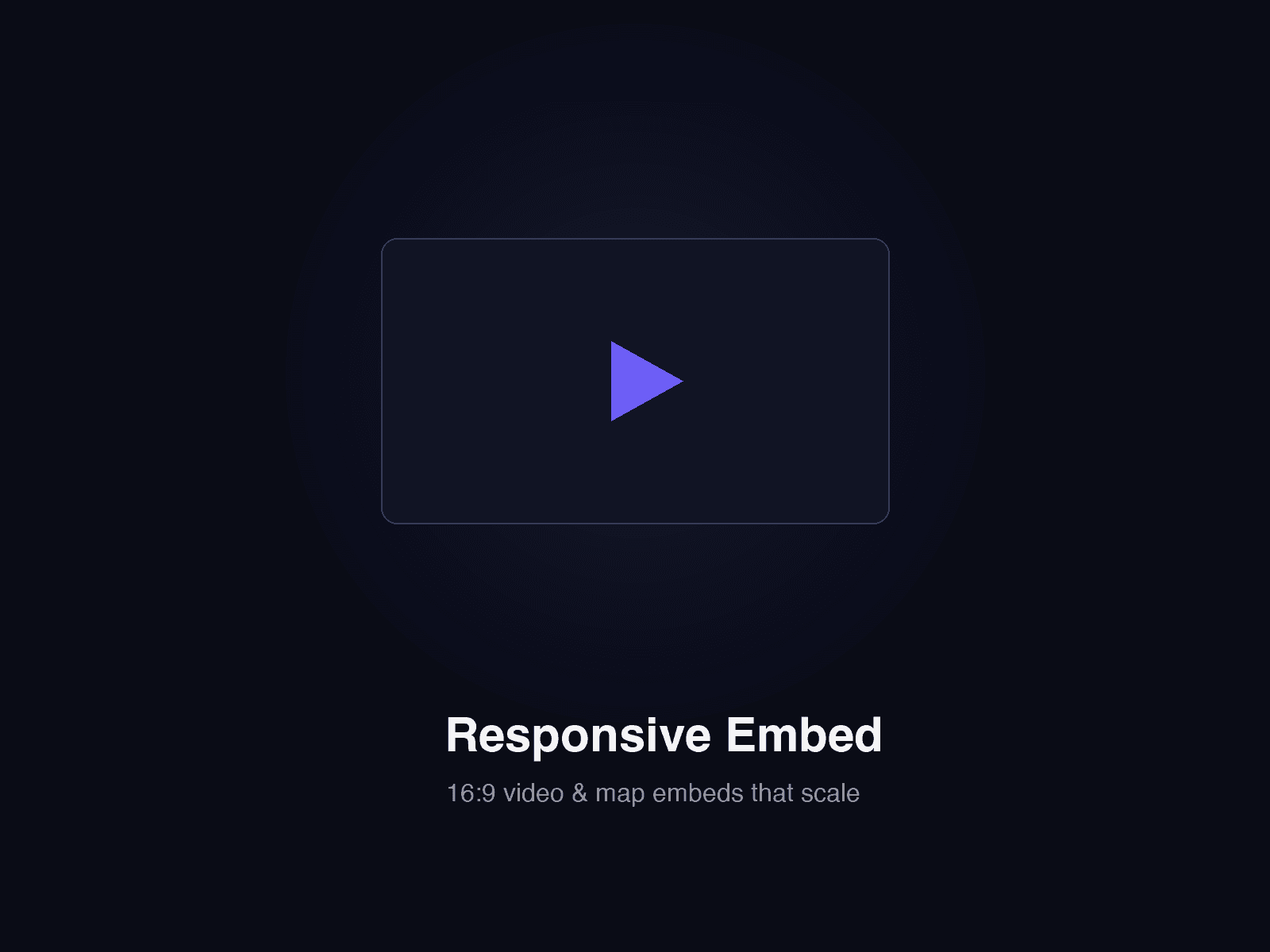
The canvas shows a grey placeholder with the ratio and your poster.
Also: border, corner radius, background colour, player controls, Vimeo privacy mode. Muted .mp4/.webm loop and stay still with reduced motion. Video plays only while on screen and pauses in background tabs.