Yuliana You

Yuliana You

try something fantastic

Creator6 Components
Yuliana You
Yuliana Youin Marketplace·1w

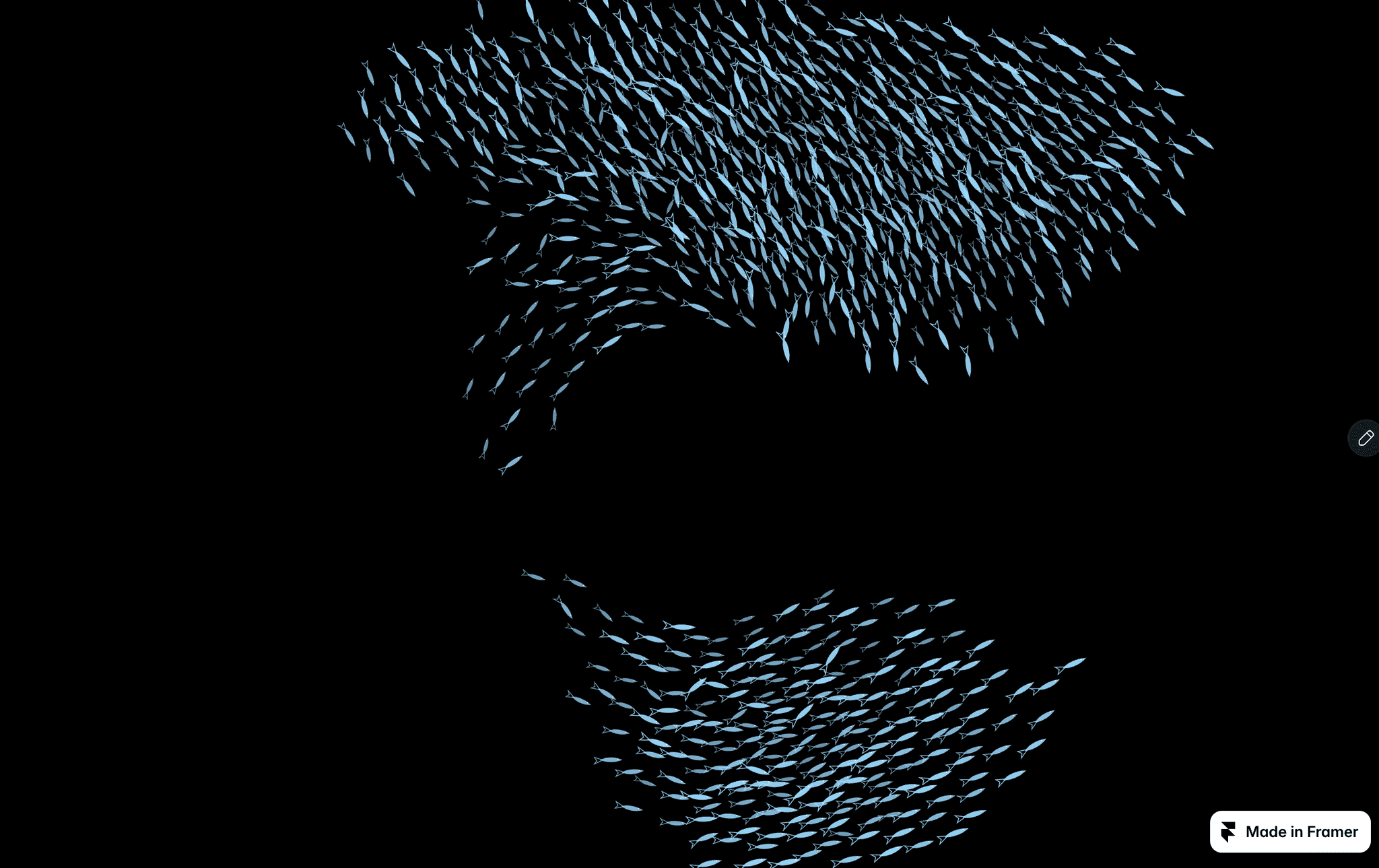
500 fish. One cursor. Zero scripts. 🐟

Each fish scans its neighbors every frame and balances three forces: cohesion, alignment, separation. That's it. No animation curves, no keyframes — just emergent behavior.

Move your cursor and the whole school flows around it. Move away, and they re-form like nothing happened.

This is the Boids algorithm — the same one used in movie VFX and game AI. I rewrote it from scratch on raw canvas, optimized with a spatial hash grid so 900 fish run at 60fps.

Each fish has its own tail wiggle phase, so the school never looks like a uniform blob.

12 exposed properties. Customizable color.

Preview: https://kineticparticlescenes.framer.website/preview-schooling-fish

What color would you make them?
Yuliana You
Yuliana Youin Marketplace·1w

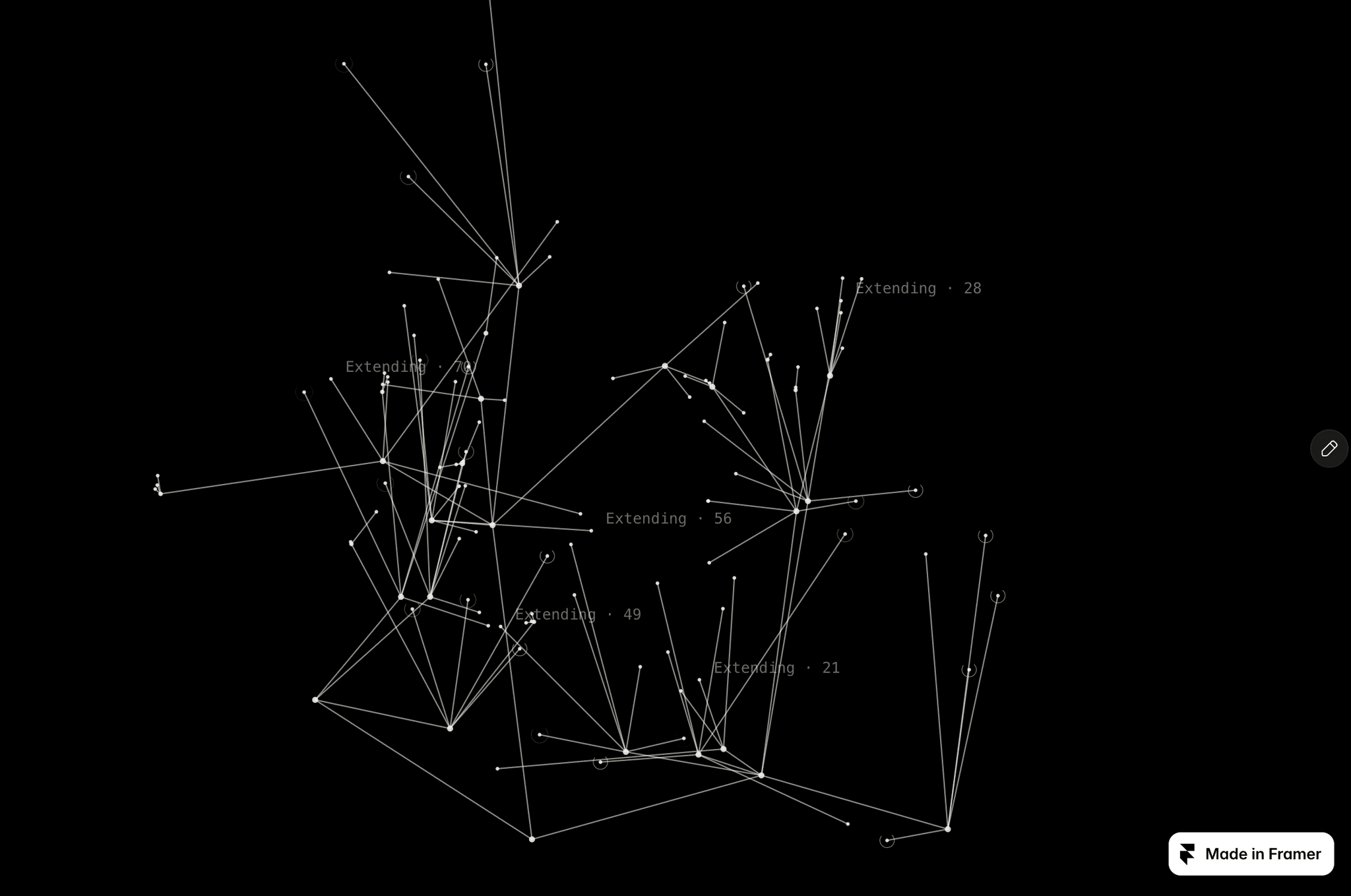
I made a tree that grows when you scroll. 🌱

Not a video. Not a Lottie. Actual procedural growth — every branch you see was calculated from a fixed seed, and the whole thing extends in real time as you scroll down the page.

Scroll back up and it retracts. It's oddly satisfying, like rewinding time.

The structure auto-generates 4 generations of branches. Each split has its own timing, so the tree doesn't grow all at once — it spreads organically. Once it's fully grown, it starts rotating slowly around its center.

18 exposed properties. You can control branch count, spread, length, taper, node size, everything.

Built from scratch on canvas. No libraries.

Preview: https://kineticparticlescenes.framer.website/preview-microbial-growth

Honestly the most fun thing I've built so far. You can try it for free. Adjust the parameters and try different effects. Please let me know your feedback in the comment section.

Yuliana You
Yuliana Youin Marketplace·1w

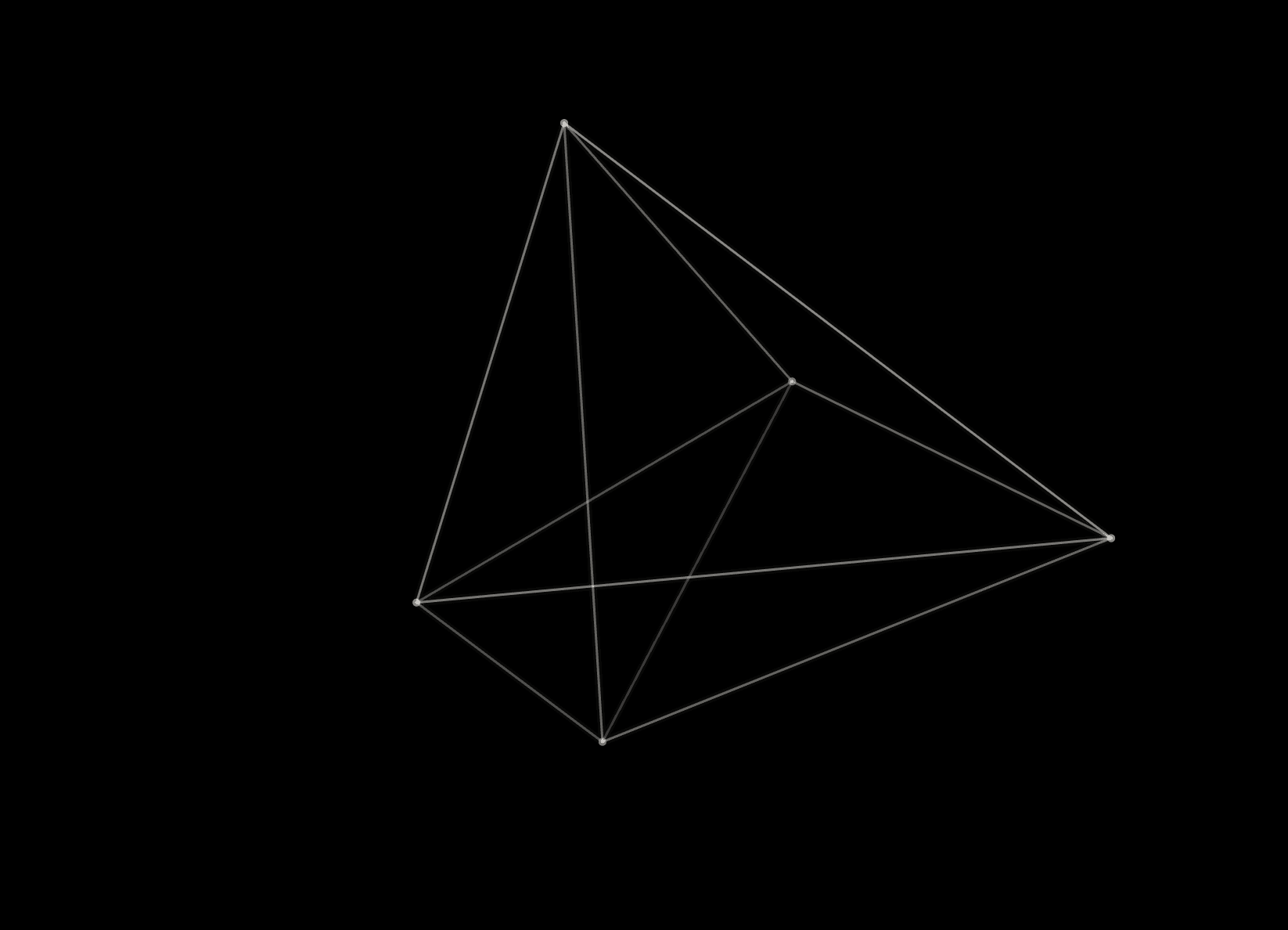
Spatial Wireframe — an interactive 3D mesh you can actually grab and reshape.You can grab this 3D mesh and reshape it. 🕸️

Drag any vertex with your cursor — the whole structure deforms in real time. Edges recompute every frame so nothing breaks. Release, and it keeps drifting from the new position.

The magic is in the edge detection: every frame I compute the minimum spanning tree of all vertices, then layer in extra connections based on density. That's what keeps the mesh from falling apart when you drag hard.

It's honestly more fun to play with than to look at. 16 exposed properties, fully customizable.

Preview: https://kineticparticlescenes.framer.website/preview-spatial-wireframe

Try dragging it in the preview. It's weirdly addictive.

Yuliana You
Yuliana Youin Marketplace·2w

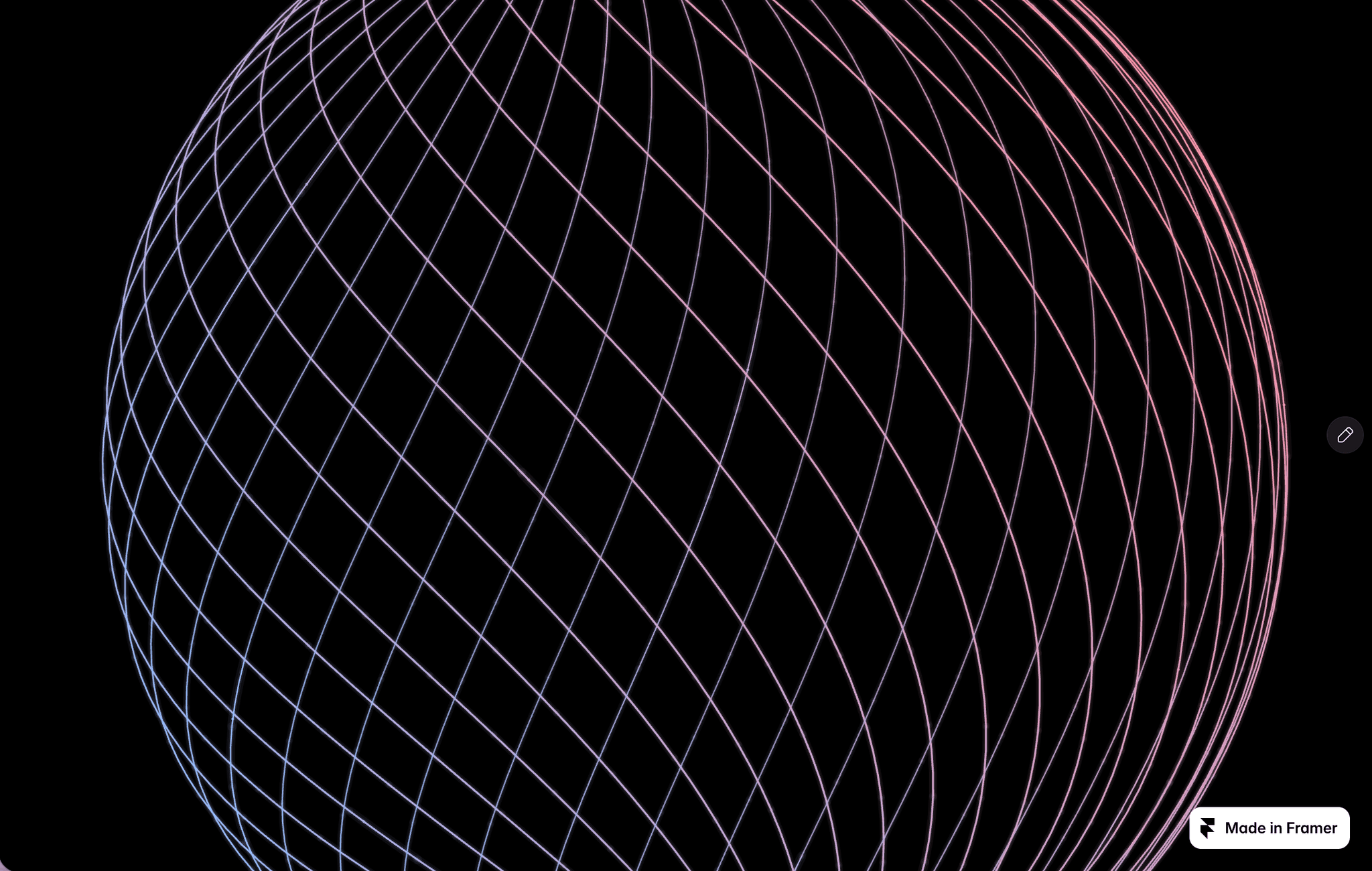
Level up your Framer site with this instant wow 3D component 🌀

Spherical Arcs adds an interactive glowing spherical curve effect to any page:

- No code needed, just drag and drop

- Perfect for hero sections, portfolio headers, or interactive landing pages

- Fully customizable colors, speed, and curve count

Works on every Framer project. Just by adjusting the parameters, you can achieve personalized results. .

Preview it here: https://kineticparticlescenes.framer.website/preview-spherical-arcs

Let me know what you build with it!

Yuliana You
Yuliana Youin Marketplace·2w

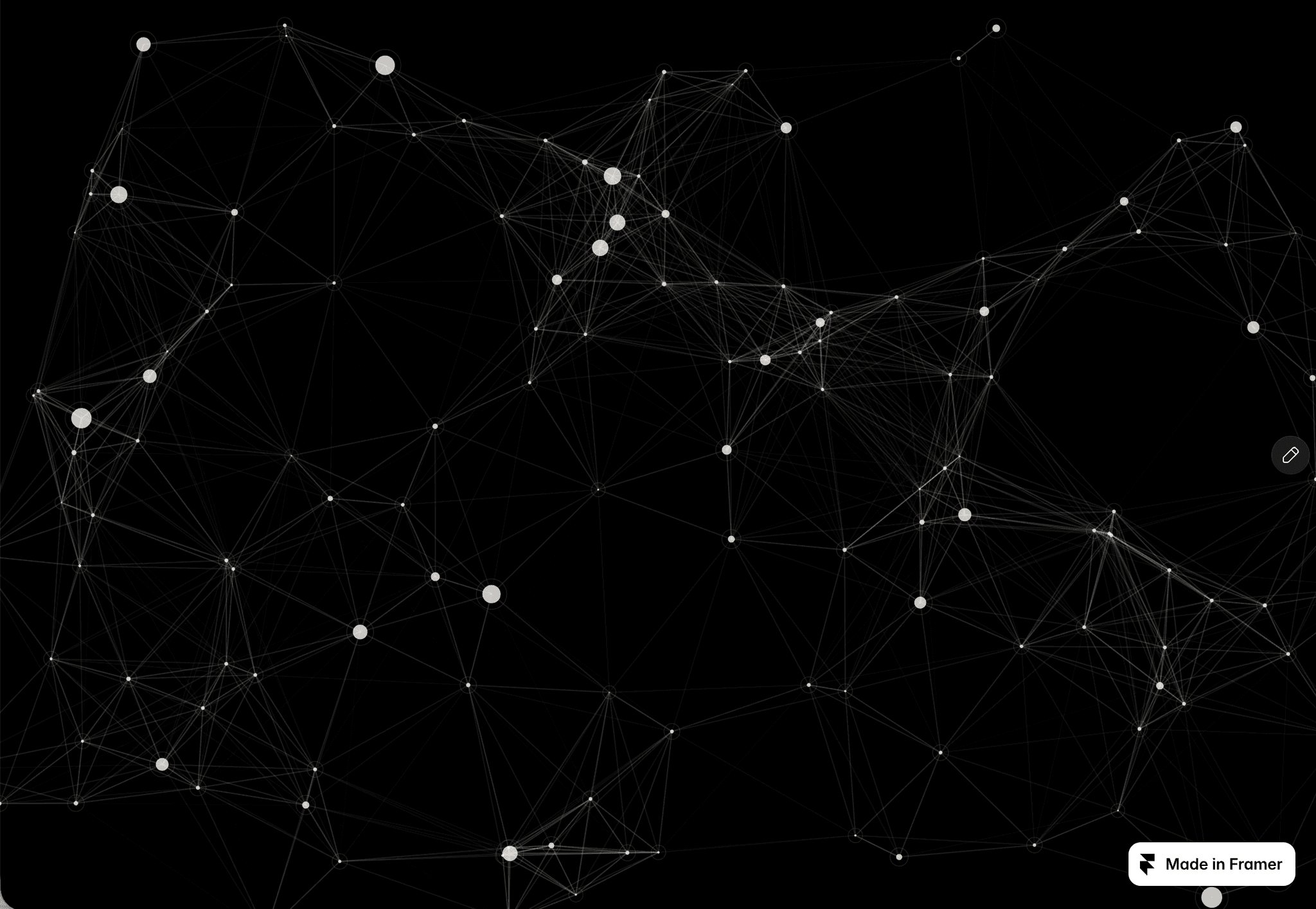
Just released Living Network — a drifting node web where connections appear and disappear based on proximity.

The core idea: every node has a "home" position and continuously drifts around it with its own sine wave phase. Any two nodes close enough get connected by a line whose opacity fades with distance. Move your cursor and nodes are pushed apart — connections stretch, some break, new ones form.

It sounds simple but the emergent behavior is really satisfying to watch. The whole thing runs on raw canvas with a spatial hash grid for neighbor lookups, so it stays smooth even at higher node counts.

12 exposed properties — node count, connection distance, line opacity, drift amplitude, pointer strength, and more.

Preview: https://kineticparticlescenes.framer.website/preview-living-network

Curious where you'd use this — hero section, or ambient background?

Yuliana You
Yuliana You2w

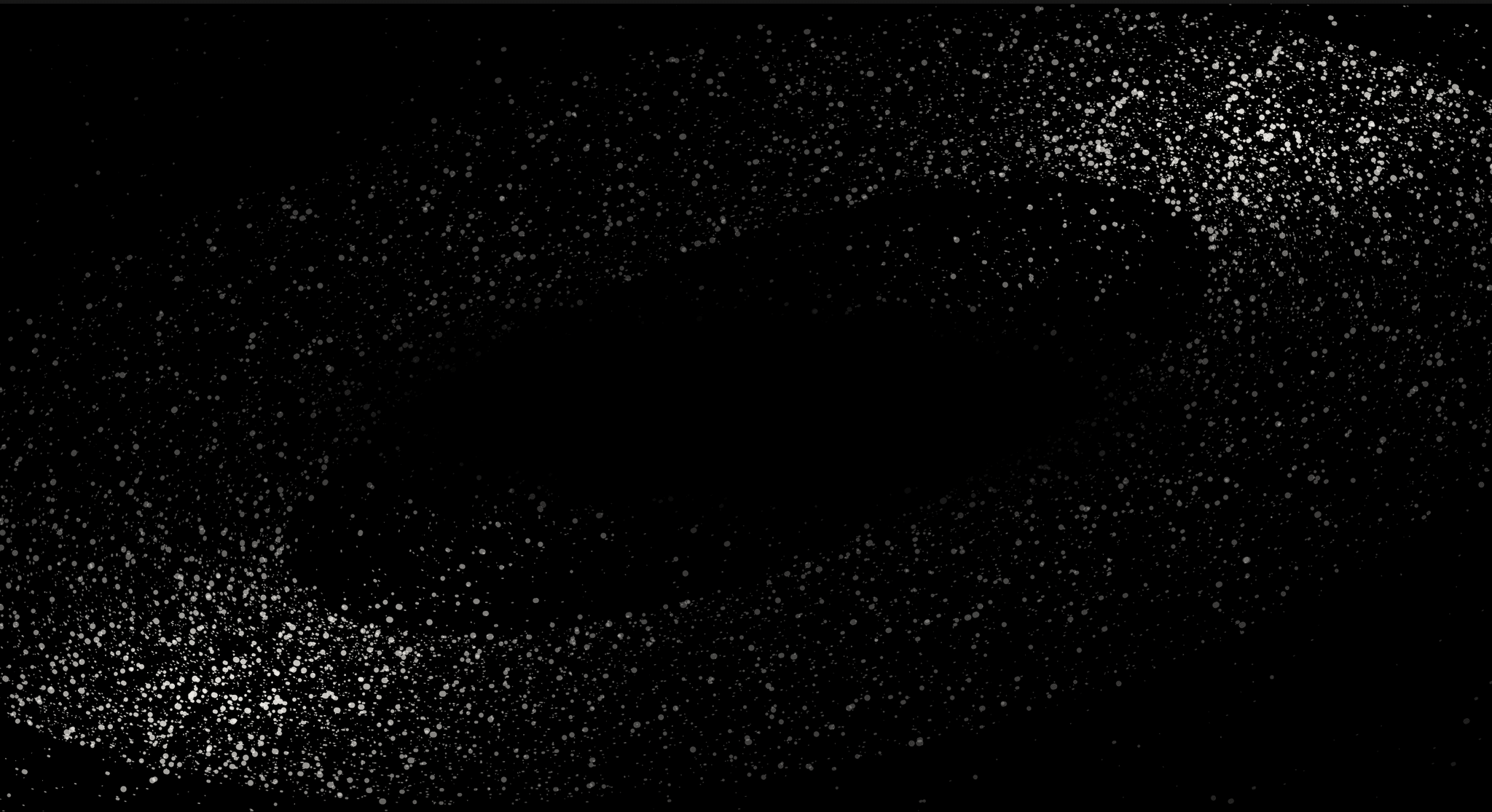
I just released Flow Field Particles, a generative background with thousands of particles flowing along elliptical orbital paths.

What makes it different: every particle has its own lane, speed, and size, so the field never repeats. Move your cursor and particles are pushed away in real time — creating a tactile, immersive feel that's hard to get from a static animation.

It's built for:

- Hero sections that need motion without distraction

- Ambient backgrounds for tech and SaaS landing pages

- Loading screens that actually feel alive

17 exposed properties let you control count, size, length, tilt, density, speed, and more. Auto-morph mode is also included for optional shape-shifting over time.

Try the live preview here: https://kineticparticlescenes.framer.website/preview-flow-field-particles

Curious where you'd use this — hero section? product page? Let me know in the replies.

Yuliana You
Yuliana Youin Marketplace·2w

I just made Flow Field Particles free.

Preview: https://kineticparticlescenes.framer.website/preview-flow-field-particles

It's one of six interactive particle components I built from scratch on raw <canvas> — thousands of particles flowing along elliptical orbital paths, repelled by your cursor in real time. No WebGL, no libraries, just a hand-written rendering loop.

I originally had it priced, but I'd rather more people try it and see what's possible with pure Canvas in Framer. If you've been curious about adding subtle motion to a hero section, this is a good place to start.

The component exposes 17 properties — particle count, size, length, tilt, density, speed, gradient colors, and an optional auto-morph mode. Drop it on any page and it just works.

I also built a full scroll-driven narrative engine called Kinetic Scenes — six of these components woven into one story, plus a text-wheel navigation. That one's on the Marketplace if you want the whole package.

Curious what you'll use it for.