About Expanding Portfolio
About Expanding Portfolio Gallery
Turn a portfolio grid into an immersive fullscreen project experience.
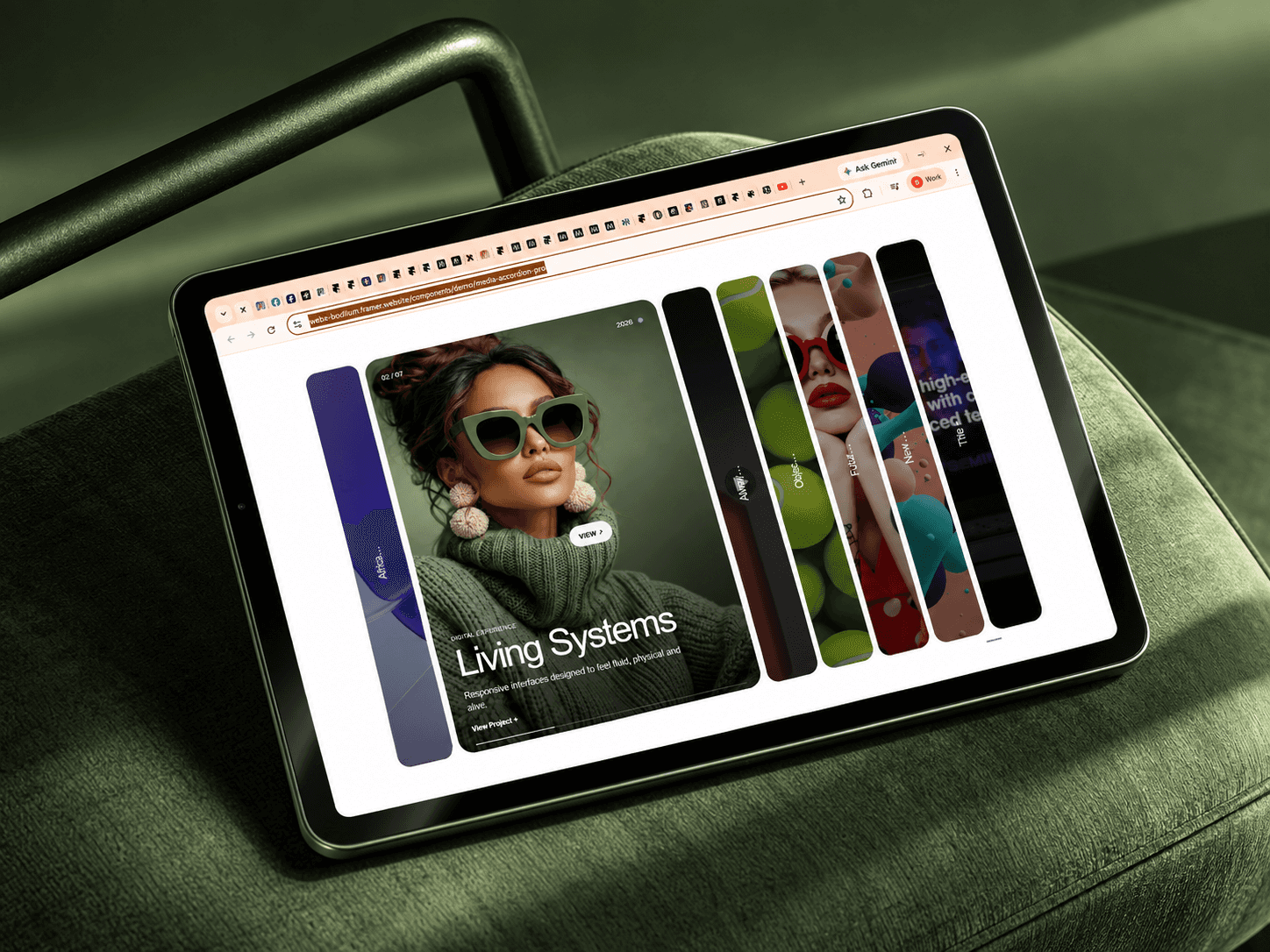
Expanding Portfolio Gallery lets visitors explore your work through beautifully arranged project cards that smoothly expand into full-screen case study previews — without leaving the page.
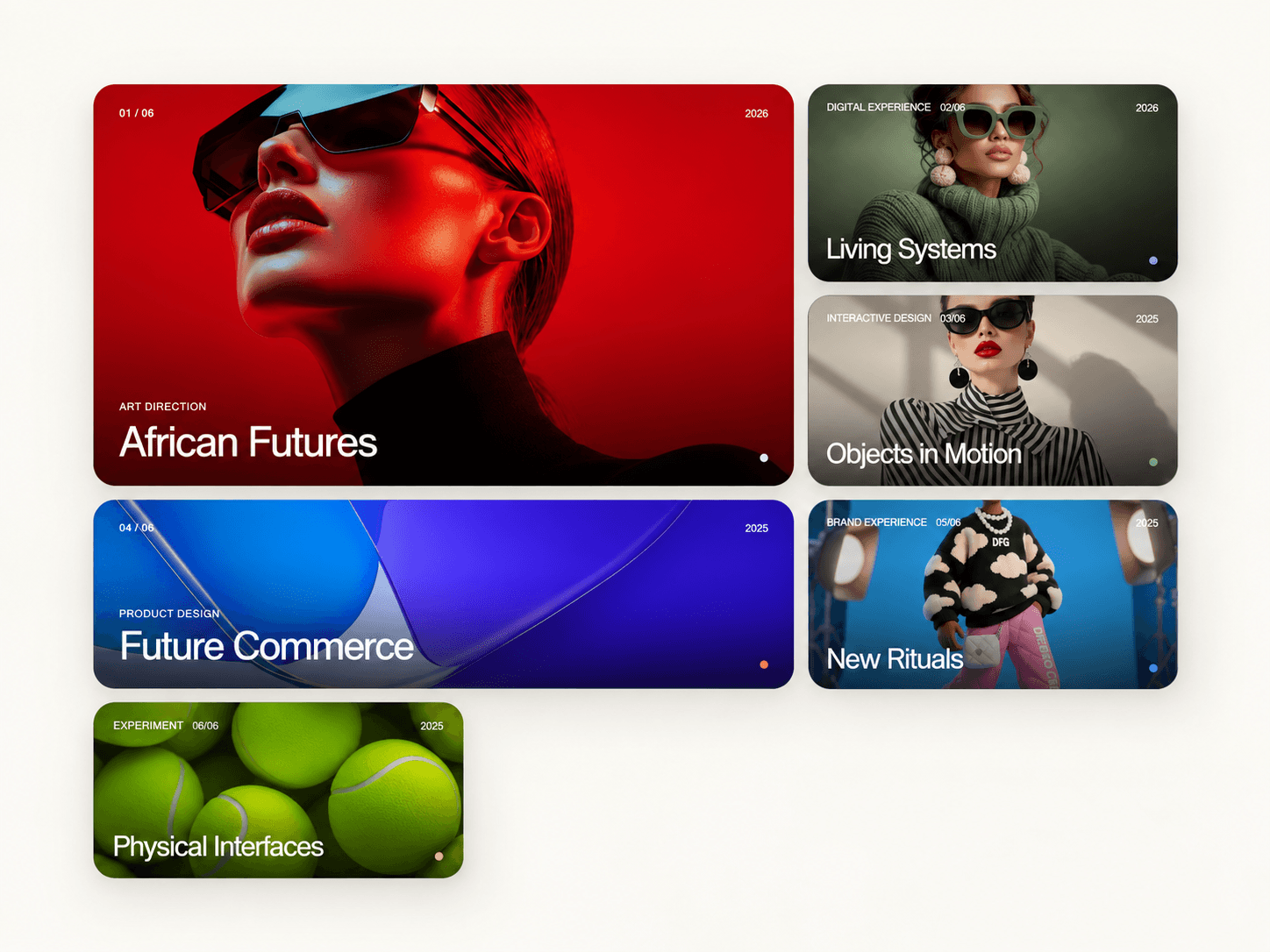
Choose between Editorial, Grid, and Masonry layouts, then customize the imagery, typography, spacing, overlays, colors, motion, and project content directly inside Framer.
✦ Smooth fullscreen expansion
Click any project and the card expands from its exact position into an immersive full-screen presentation.
Visitors can move between projects using navigation controls, keyboard arrow keys, or swipe gestures on touch devices.
✦ Three flexible layouts
Choose the presentation that best fits your work:
• Editorial • Grid • Masonry
Responsive column controls let you define layouts independently for desktop, tablet, and mobile.
✦ Built for portfolios
Each project can include:
• Image • Title • Category • Year • Description • Project link • Custom background, text and accent colors • Image alt text
✦ Refined interactions
Add subtle image zoom, dimensional hover tilt, project labels, parallax movement, overlays, vignette effects, borders and soft shadows.
Everything is adjustable from Framer's property panel.
✦ Responsive & accessible
Includes keyboard navigation, Escape-to-close, swipe navigation, semantic interactive controls, reduced-motion support and responsive typography.
It also uses Framer's static-rendering behavior for a clean Canvas and export experience.
✦ Optional Playground
Enable the minimal built-in Playground to let visitors experiment with layout, motion and hover zoom directly on the page.
Perfect for creative studios, designers, photographers, architects, agencies, artists and case-study driven portfolios.
Need help? hello@bodilum.com