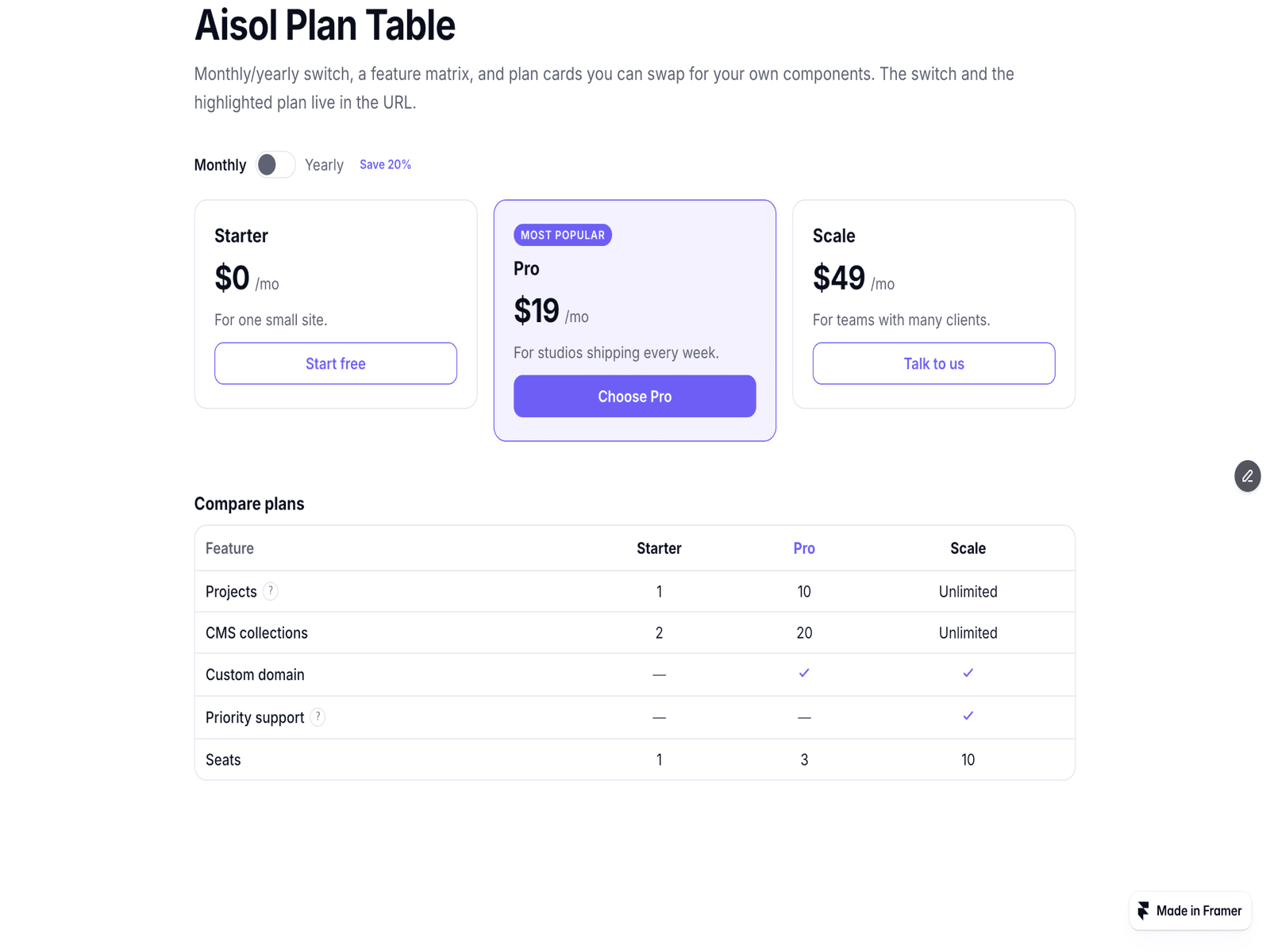
About Aisol Plan Table
Build a pricing table from a CMS collection in three steps. Drop a Collection List into Plans (CMS) and turn off its Pagination so every plan is read. Inside the item, name your text layers Name, Price and Features (and optionally Yearly price, Badge and Highlight). Publish: every CMS item becomes one plan card, and the billing switch moves each card between its Price and Yearly price.
The component reads your Collection List and draws its own plan cards; the original list stays hidden and is never changed, and a Load more button inside it is hidden. With Read layers off, each CMS item is shown as a copy of your own design. The copy is static: hover and press effects on the item do not run.
Features can be one per line or comma separated. Write yes, true or 1 in a Highlight layer to highlight that plan. A link inside the item becomes the plan's button. Layer names can be changed in the panel.
No CMS yet? Leave the slot empty and type plans in the panel, each with monthly and yearly prices, a blurb, bullets, a badge and a button.
Billing: a switch or pill tabs with a save badge, and optional count-up prices (off for reduced motion). The comparison matrix covers up to four plans with yes/no ticks, text and hints, with a sticky first column.
Solid or glass cards, left or centred. On phones the highlighted plan moves to the top. Deep links (?billing=, ?plan=) are optional. The canvas shows the Collection List as it is; plan cards appear in Preview and on the published site.