About Aisol Scroll Story
Aisol Scroll Story
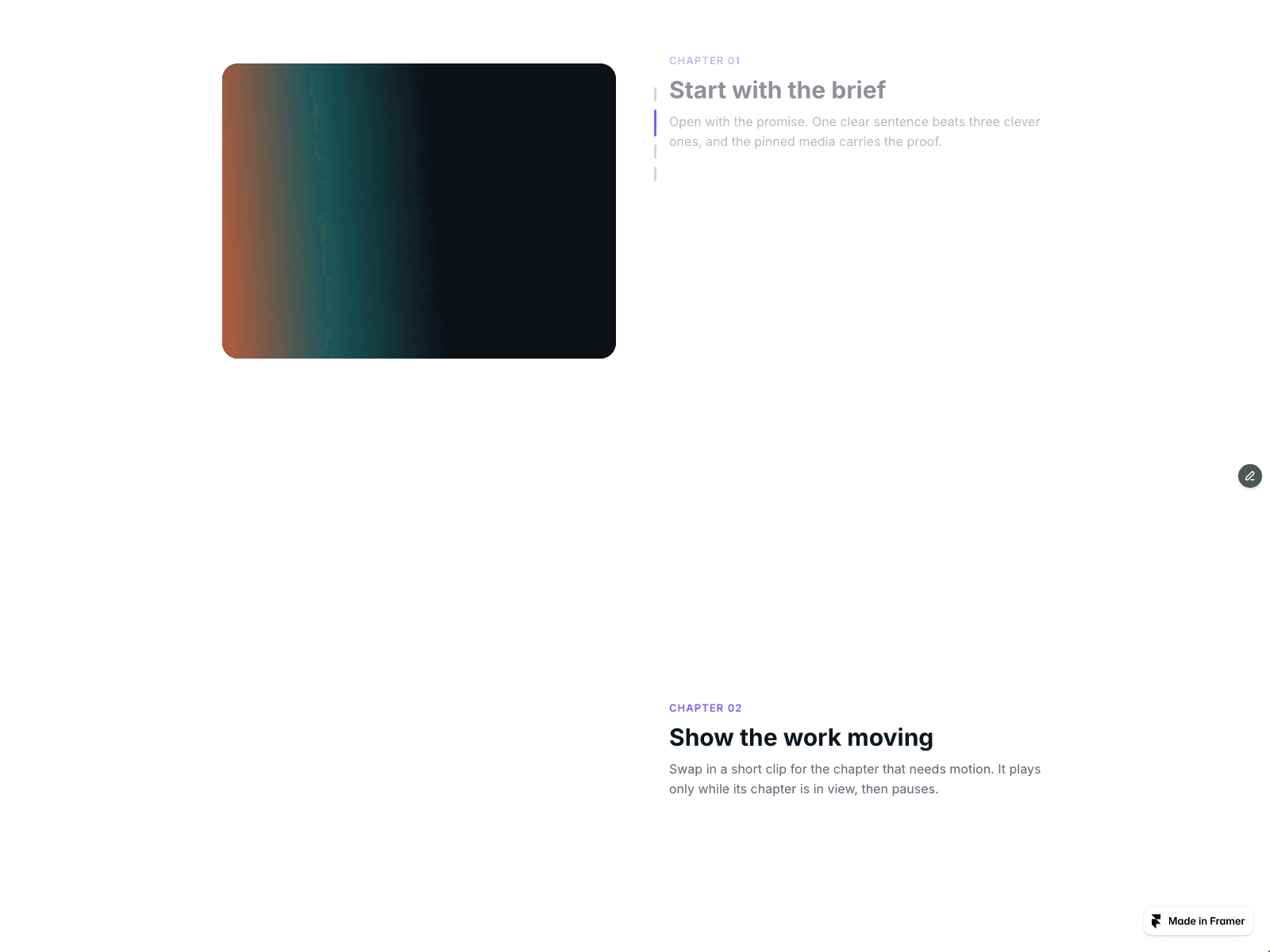
A scroll-driven story section. On wide layouts the media panel stays pinned while the chapters scroll past, and the chapter in the middle of the screen sets the media. Below 760px the section stacks into one column, each chapter with its own media, and the chapter in the middle of the screen stays the active one on phones too.
What you get
- Chapters with an eyebrow, title, body, image, poster and an optional mp4 or webm video (upload a file or paste a link).
- A link per chapter with a Read the chapter button, optionally opening in a new tab.
- A rail beside the text in bars or dots. It follows the reader and jumps to any chapter on click.
- Videos play muted only while their chapter is active and the section is on screen, and pause otherwise. Only one video plays at a time.
- Media side, pin distance from the top, media ratio (16:9, 4:3, 1:1, 3:4), radius, gap, font and colors.
- Reduced motion: transitions and video playback are turned off, the rail and the chapter tracking still work.
- On the canvas and in static exports the first chapter is shown as a clean still.
Notes
- Chapters are edited in the component's Chapters list. Fields inside the list cannot be connected to a CMS collection.
- Older Image URL, Poster URL and Link URL fields keep working and are used when the newer Image, Poster and Link fields are empty.