About Changelog Timeline
Using CMS: 1) Build a Collection List whose item has text layers named Date and Title (Body, Tag, Status, Meta and an Image are optional). 2) Drop it into Entries (CMS) and turn off its Pagination so every entry is read. 3) Preview or publish: each CMS item becomes one entry, sorted, grouped and filtered by its own date, status and tag.
The component reads your Collection List and draws its own timeline entries; the list stays hidden and unchanged, and its Load more button is not shown. Initial count shows only the first N entries (after sorting and filtering) with a Show more button that reveals N more per click; 0 shows all.
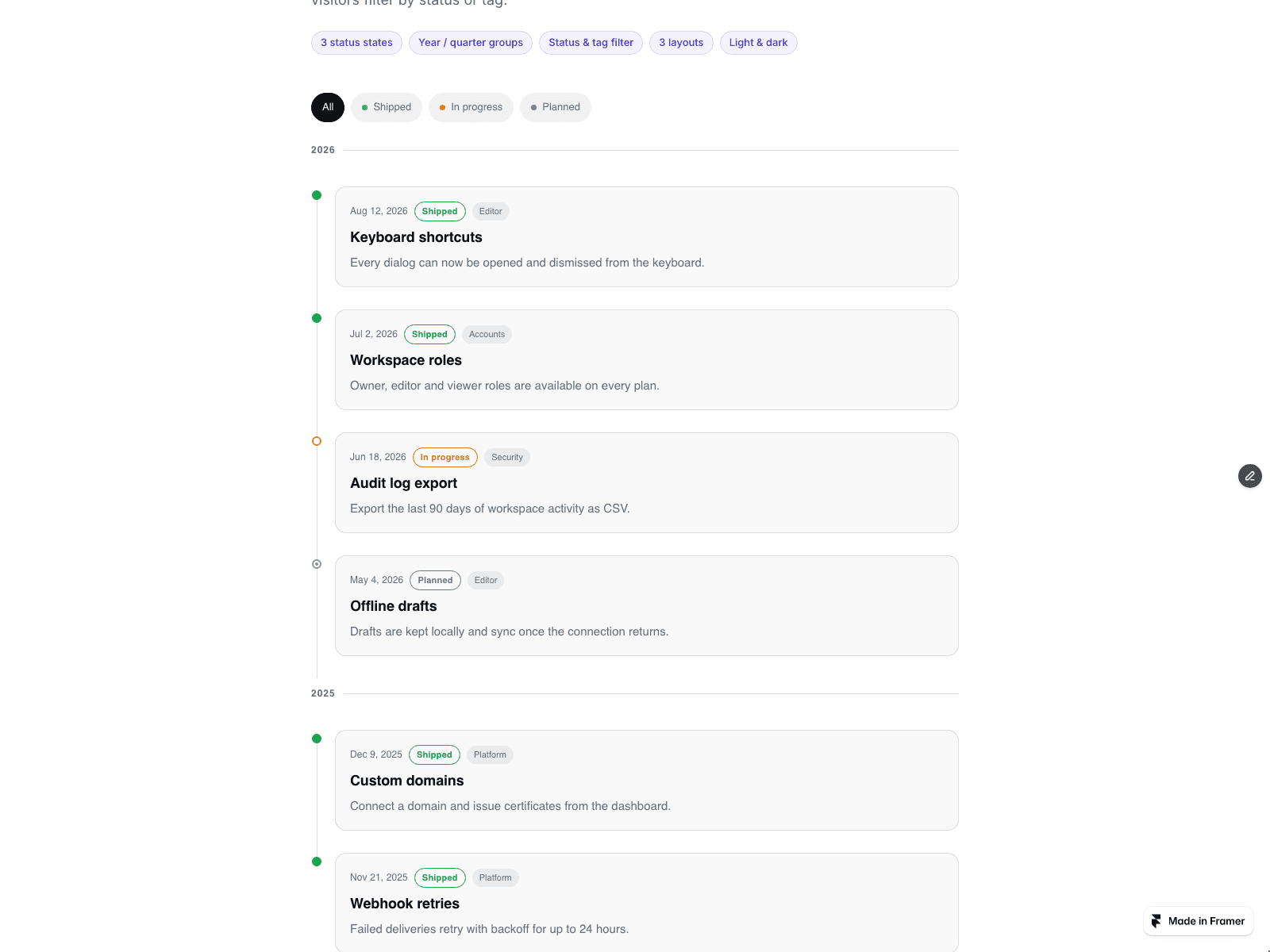
Changelog mode sorts newest, oldest or as entered, with sticky year or quarter headings. Roadmap mode keeps your order, numbers the steps and fills the rail to the last shipped step.
Status is plain text: shipped, in progress, planned, or words like beta and coming soon. It is shown by marker shape and a text badge, not colour alone. Dates accept 2026-08-12, Aug 12, 2026, 2026-08 or a CMS Date field; unreadable dates go last under No date. Entry images must use https. Links must be https, http, mailto, tel or a relative path.
Filter by status or tag. Layouts: vertical, alternating (from 700px wide) or horizontal.
No CMS yet? Type entries into the Entries list.
Ordered list markup and time elements. Reduced motion turns off reveal. The canvas shows the Collection List as it is; the timeline appears in Preview and on the site.