Joviseo KIM
Joviseo KIM

Joviseo KIM

Creator23 Components
Joviseo KIM
Joviseo KIMin Marketplace·11m

Synced Accordion is live, and it is free.

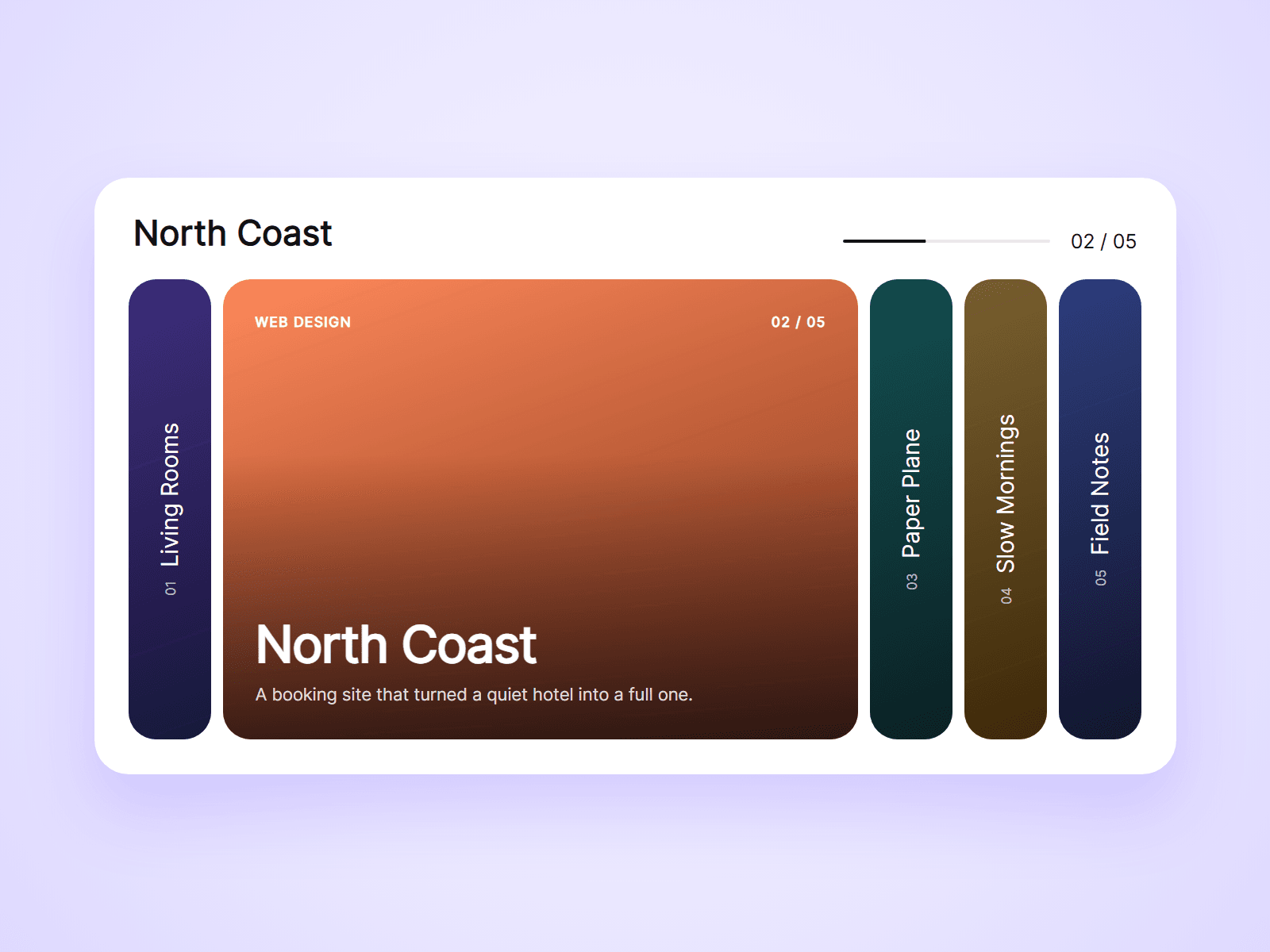
A row of image panels: one open and wide, the others folded into strips with their titles.

Text and a progress bar placed anywhere on the page follow the open panel, and on phones the panels stack so everything stays readable.

Joviseo KIM
Joviseo KIMin Marketplace·1h

Synced Hotspots is live, and it is free.

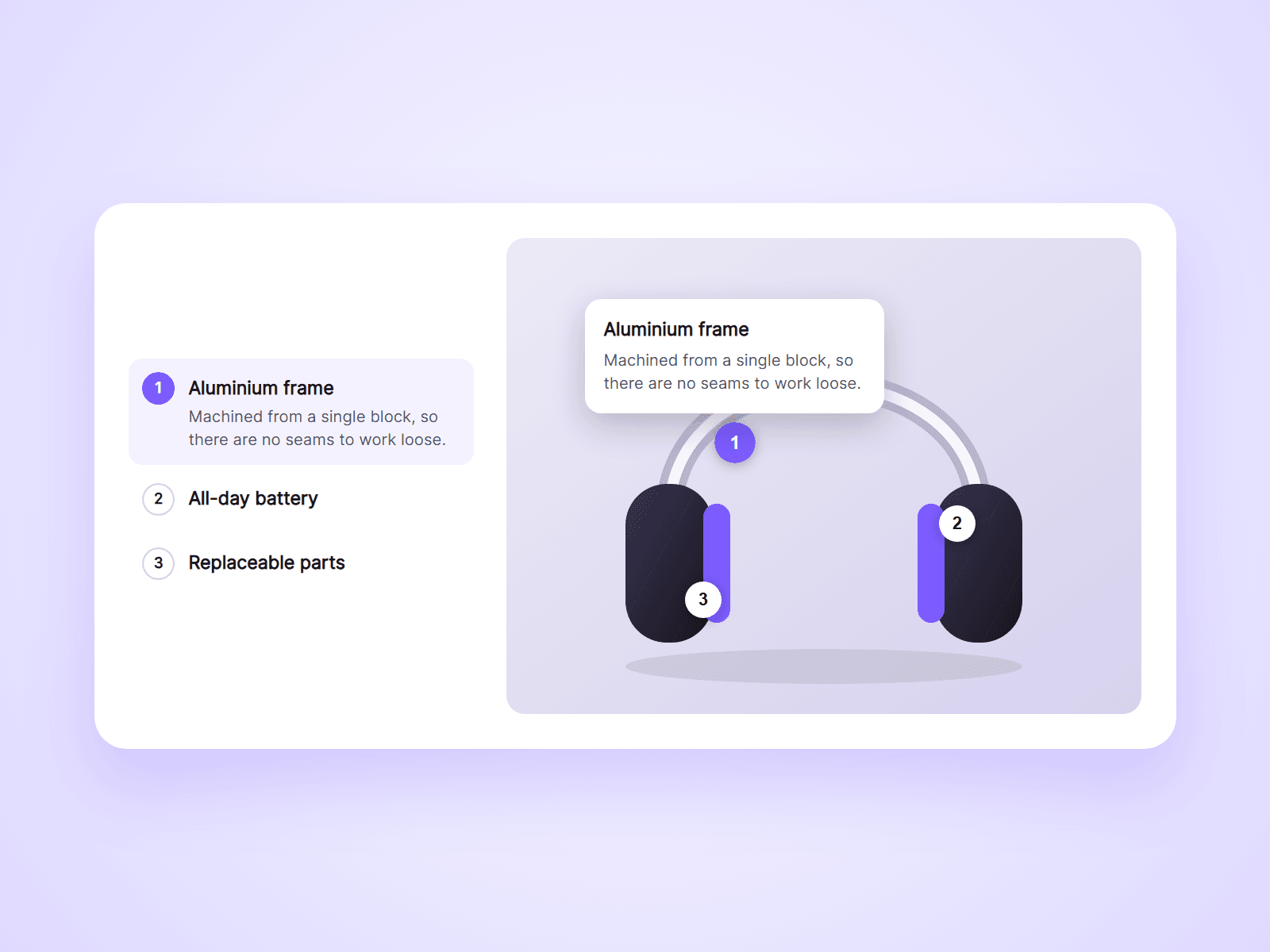
Place markers on an image and a card opens when visitors click one.

Add the linked list next to the picture and both stay in sync: click a row to open its marker, click a marker to light up its row.

Joviseo KIM
Joviseo KIMin Marketplace·3h

Info Tooltip is live, and it is free.

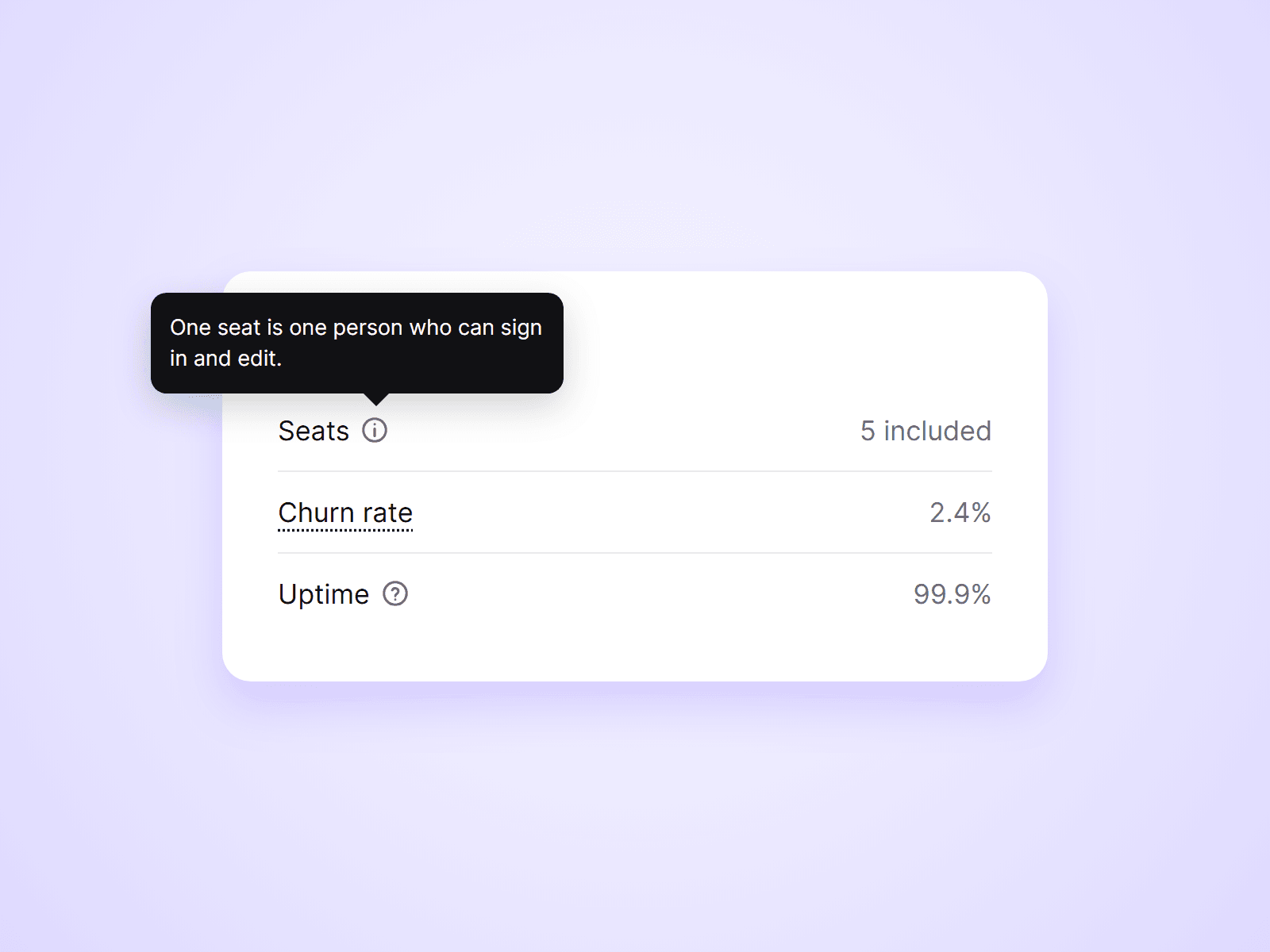
Put an info icon next to a label, or underline a word, and a short explanation appears on hover, tap or keyboard focus.

It flips to the other side when there is no room, and stays inside the window near the edges.

Joviseo KIM
Joviseo KIMin Marketplace·4h

Live Pricing Table is live.

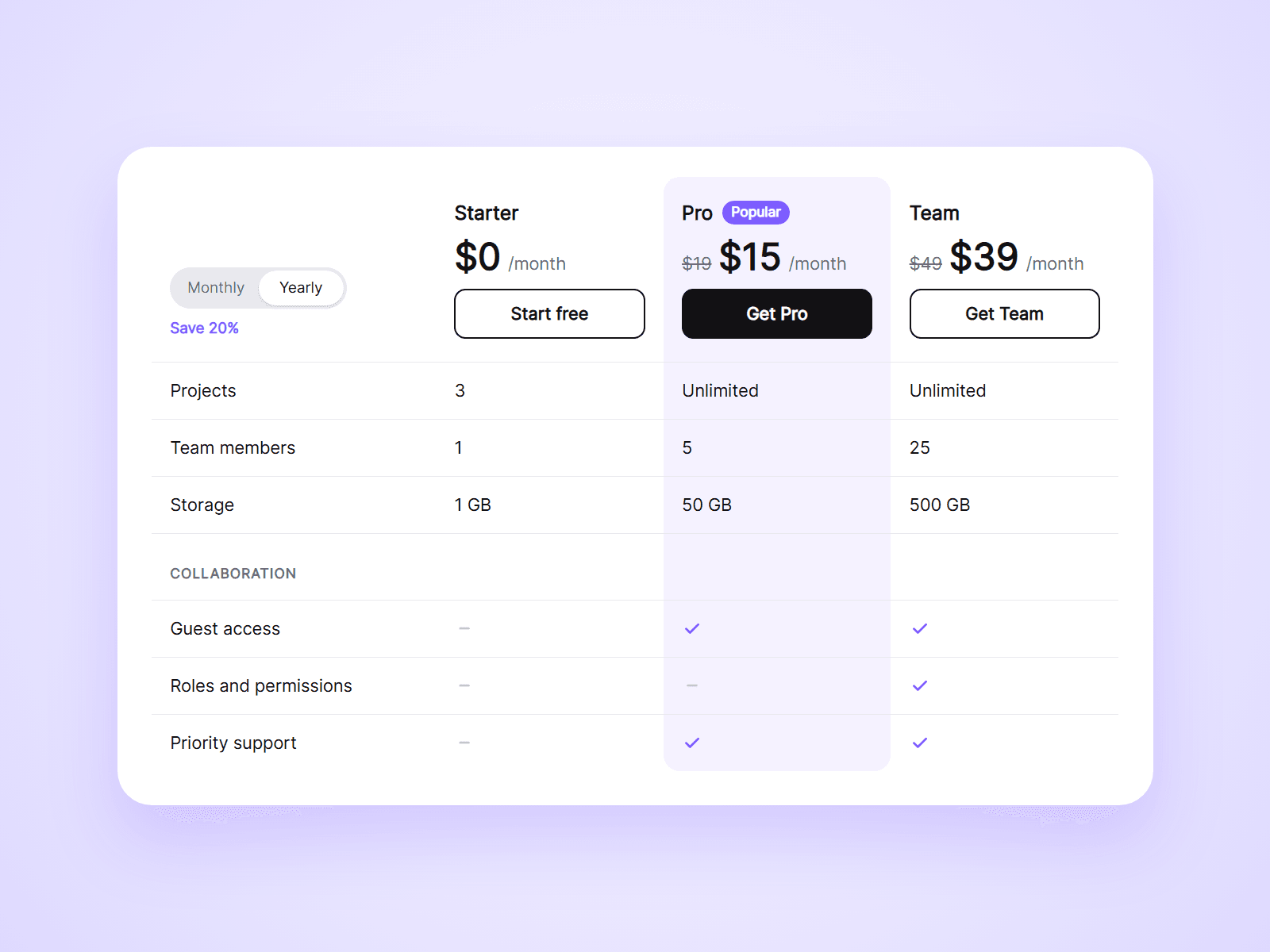
A plan comparison table for Framer with a Monthly / Yearly toggle built in. One click switches every price.

On phones it turns into cards that show one plan at a time, and it works together with Live Pricing Toggle and Live Pricing Slider.

Joviseo KIM
Joviseo KIMin Marketplace·1d

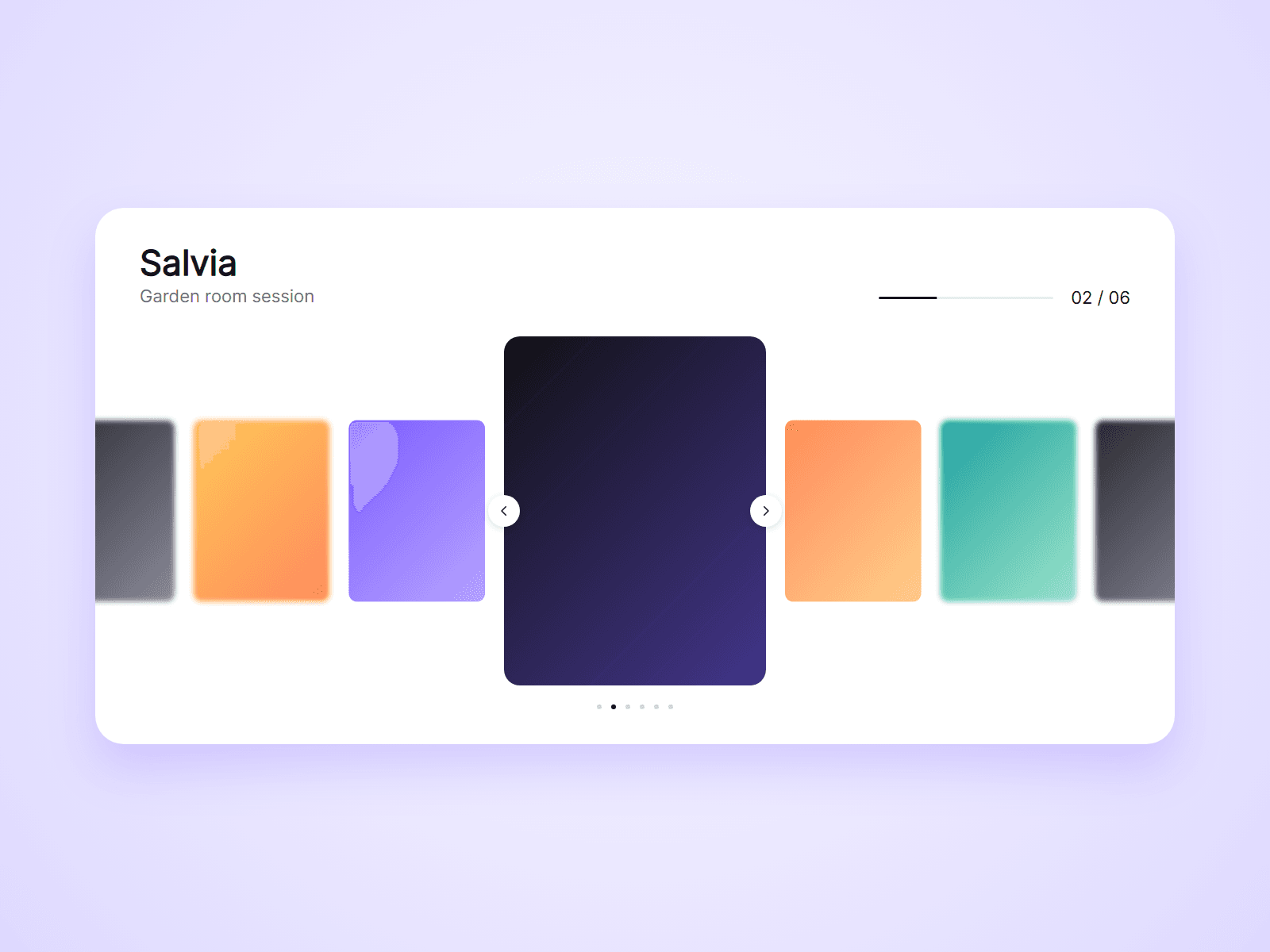
Synced Carousel is live.

A centered image carousel for Framer. The slide in the middle is large, the others wait on both sides.

Text and a progress bar placed anywhere on the page follow the active slide, so the carousel fits your layout instead of the other way round.

Joviseo KIM
Joviseo KIMin Marketplace·1d

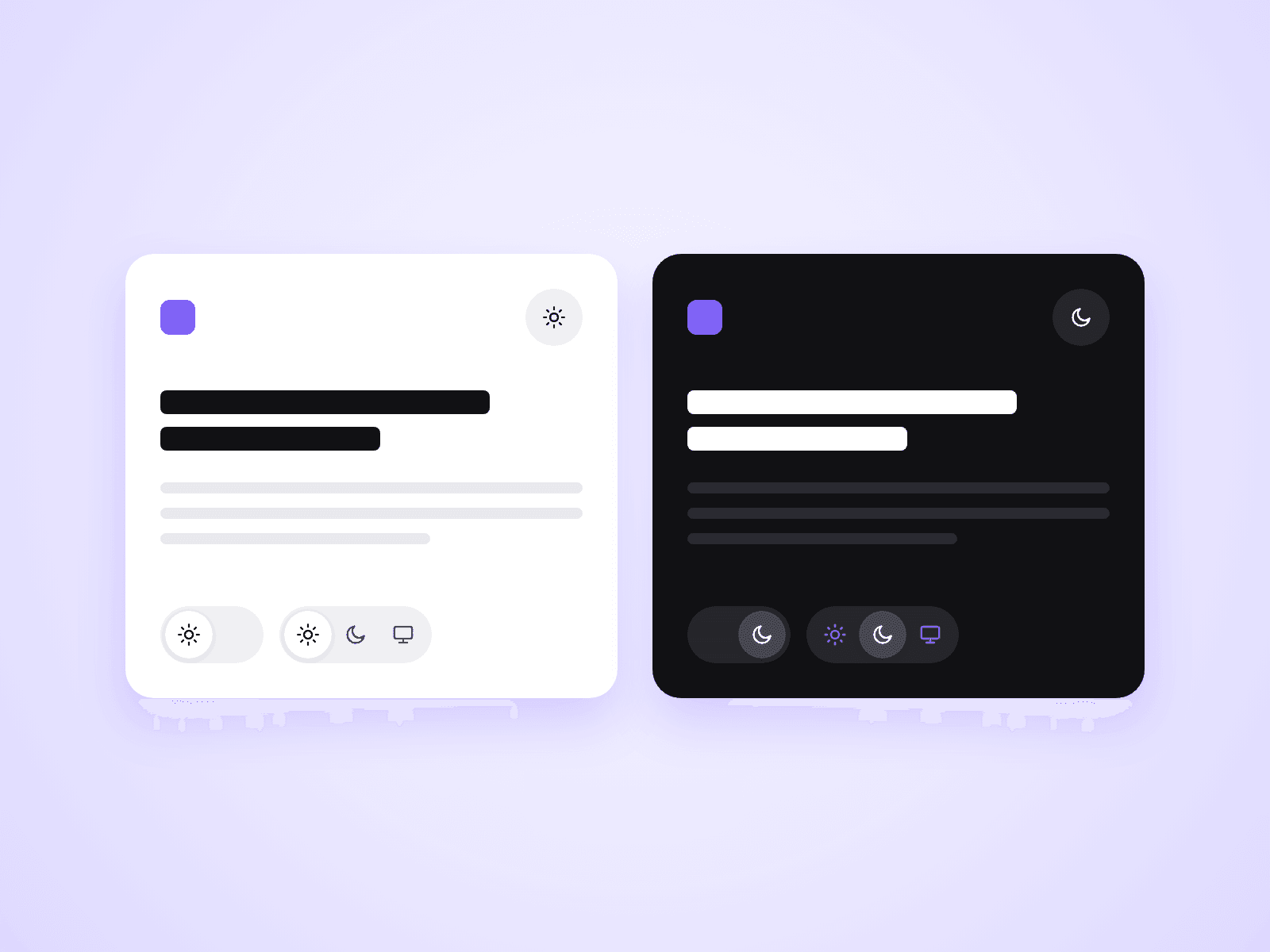
Dark Mode Toggle is live.

A toggle that lets visitors choose Light, Dark or System for your Framer site. The choice is saved for their next visit.

One component, three types: a switch, an icon button and a segmented control.

Joviseo KIM
Joviseo KIMin Marketplace·1d

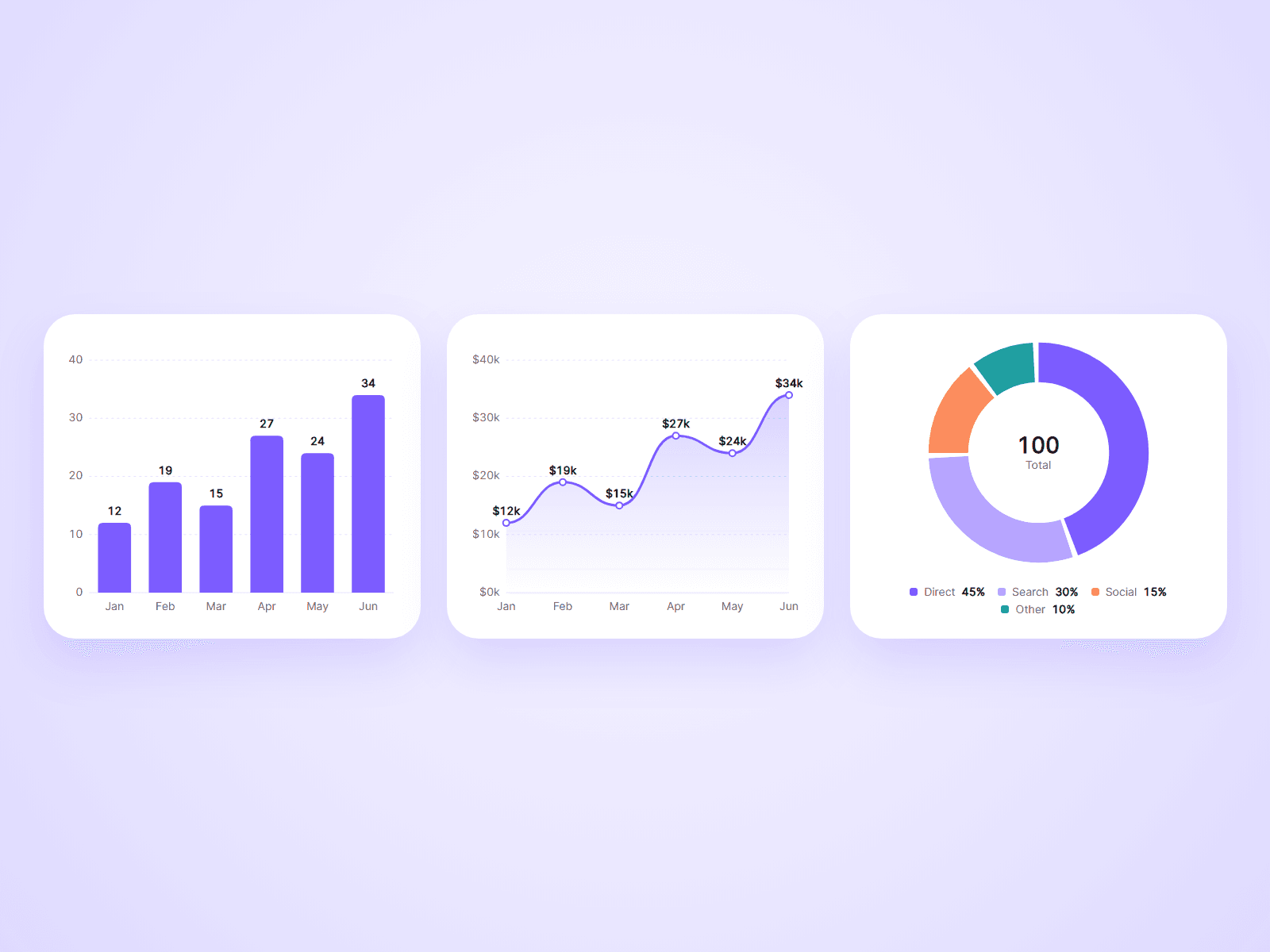
Animated Chart is live.

Bar, line and donut charts in one component. Type your labels and numbers into the property panel and the chart draws itself when your visitor scrolls to it.

Bars grow, the line draws from left to right, and the donut sweeps around.

Joviseo KIM
Joviseo KIMin Marketplace·1d

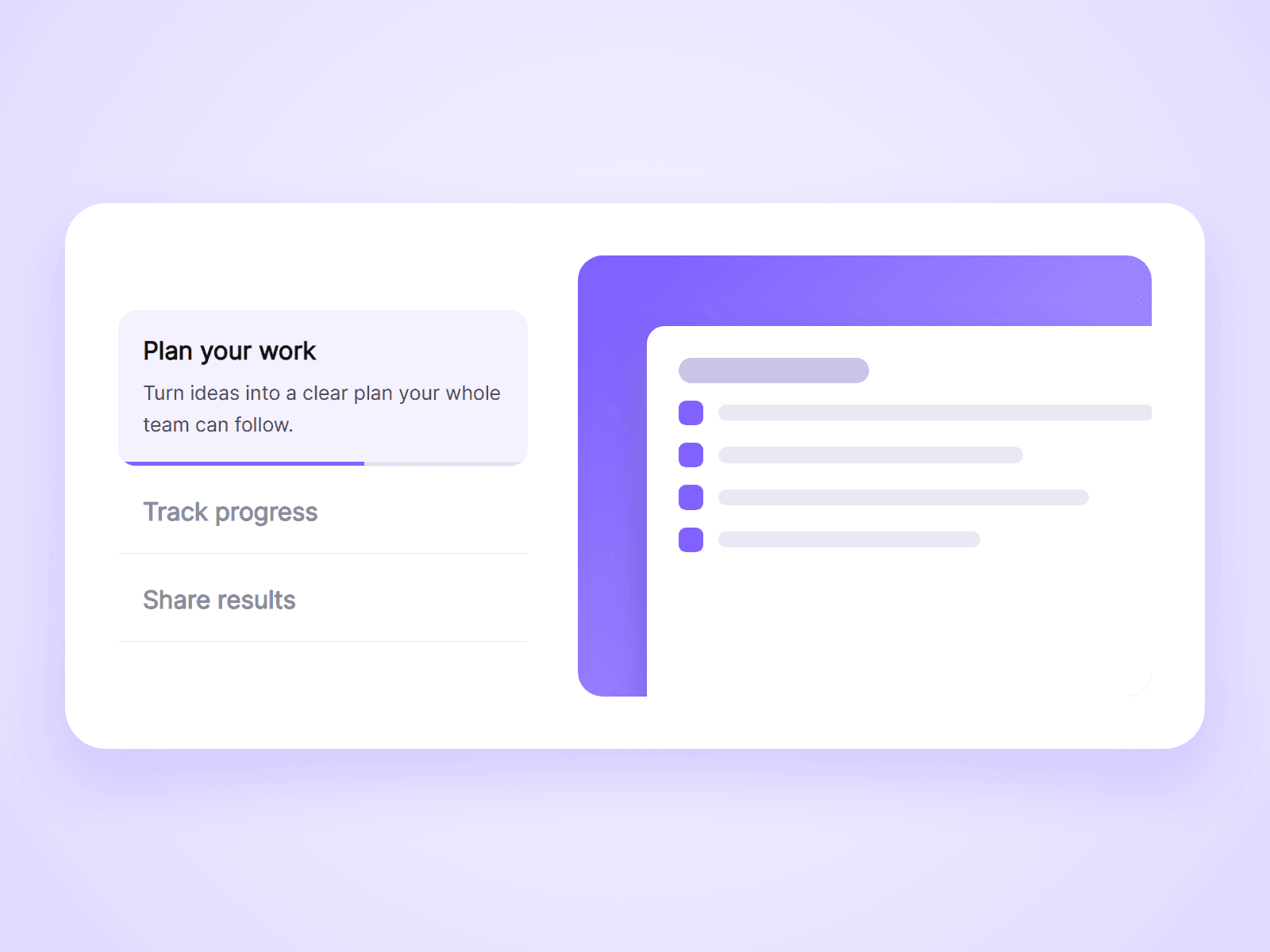
Feature Tabs is live.

A feature list beside a media box. One feature is open at a time, a progress bar fills under it, and the next one opens by itself.

Pick images with Framer's own image picker. No image URLs to paste.

Joviseo KIM
Joviseo KIMin Marketplace·2d

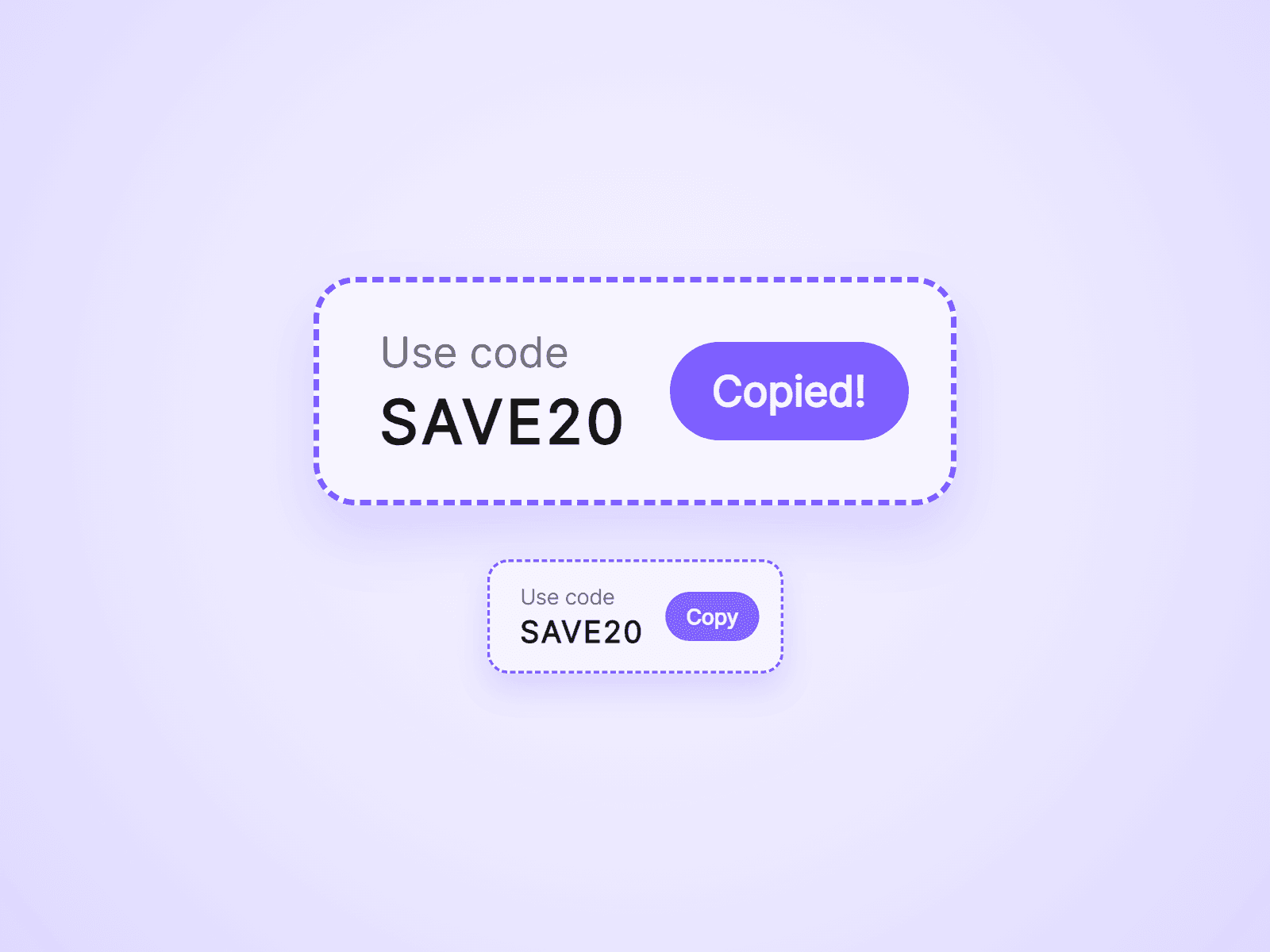
Coupon Code Box is live.

A box that shows your coupon code and copies it with one click. The button says Copied! so visitors know it worked.

You can hide the code until the click, and set an end date so it stops showing when your sale ends.

Joviseo KIM
Joviseo KIMin Marketplace·2d

Sticky CTA Bar is live.

A bar with a message and a button that slides in after your visitor scrolls, and stays at the edge of the screen while they read. Keep your main call to action in view on long pages.

It can hide near the footer, and visitors can close it.

Joviseo KIM
Joviseo KIMin Marketplace·2d

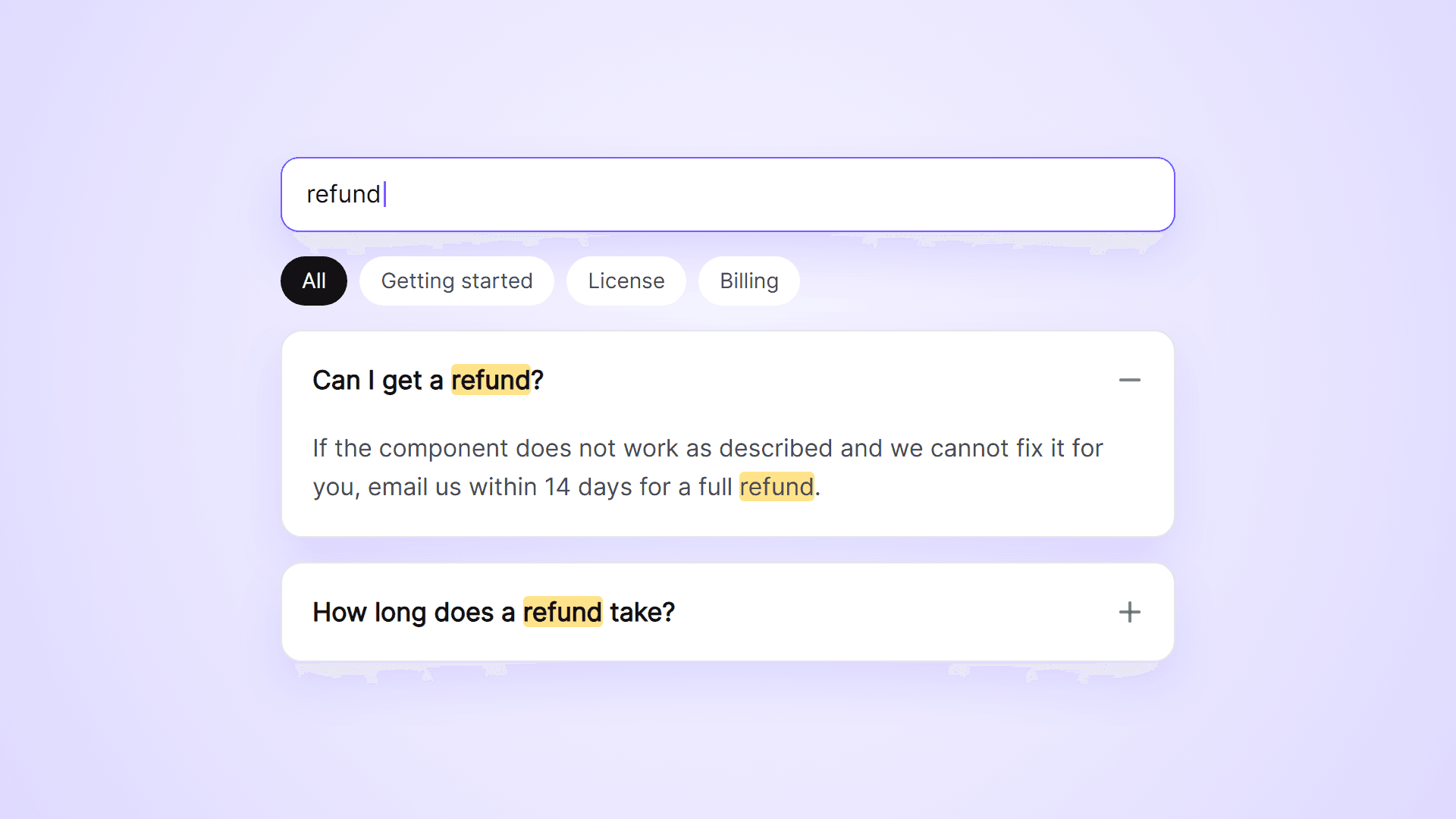
Searchable FAQ is live.

An FAQ list with a search field and category filters. Visitors type a word and see only the questions that match, with the matching words highlighted.

It also adds FAQ structured data for search engines and gives every question its own link.

Joviseo KIM
Joviseo KIMin Marketplace·2d

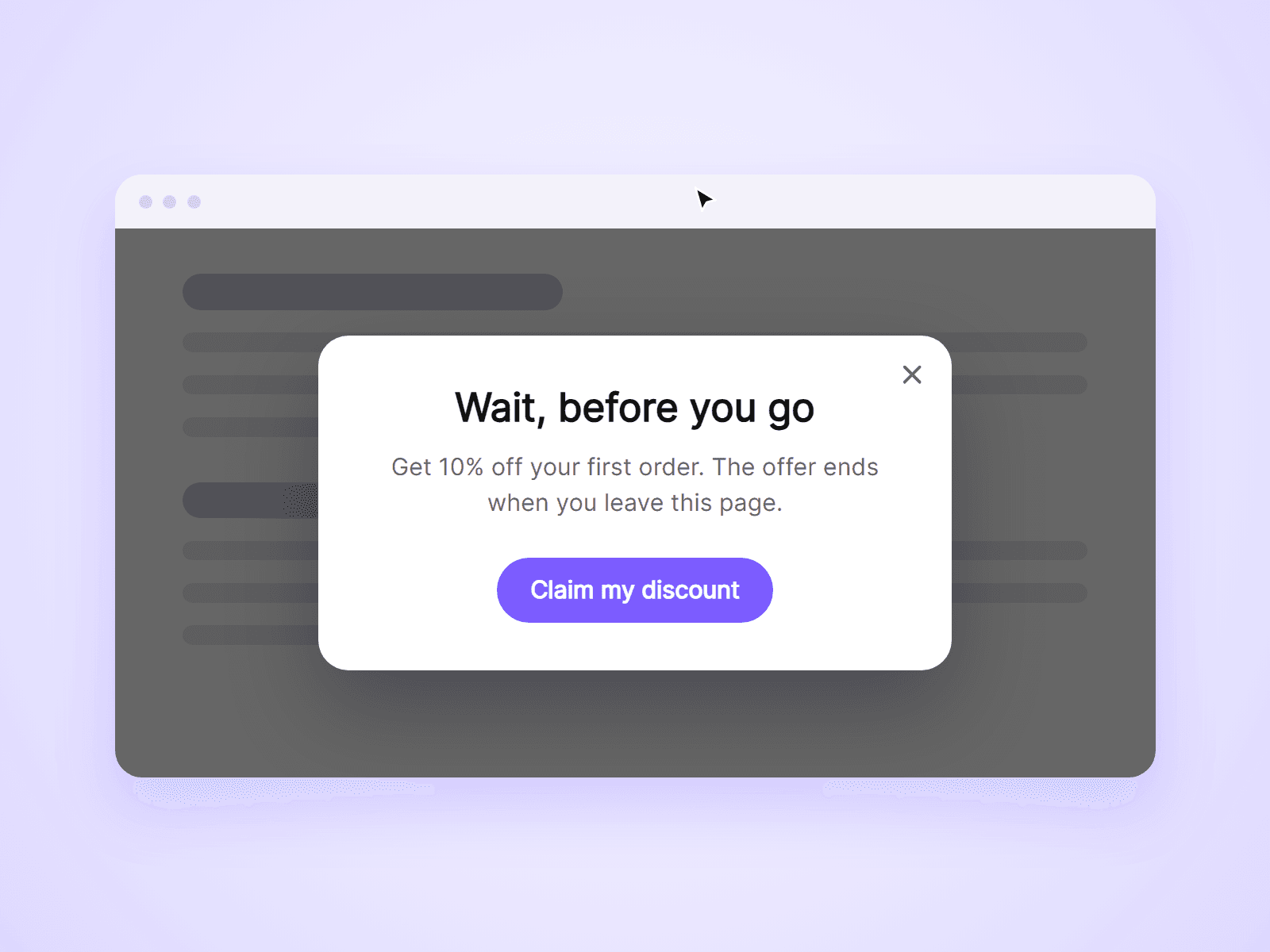
Exit Intent Popup is live.

A popup that opens when a visitor is about to leave your page. Show a discount, a newsletter sign-up or a last reminder, using the built-in card or any frame you design in Framer.

It can also open after a time or a scroll depth, and you choose how often each visitor sees it.

Joviseo KIM
Joviseo KIMin Marketplace·2d

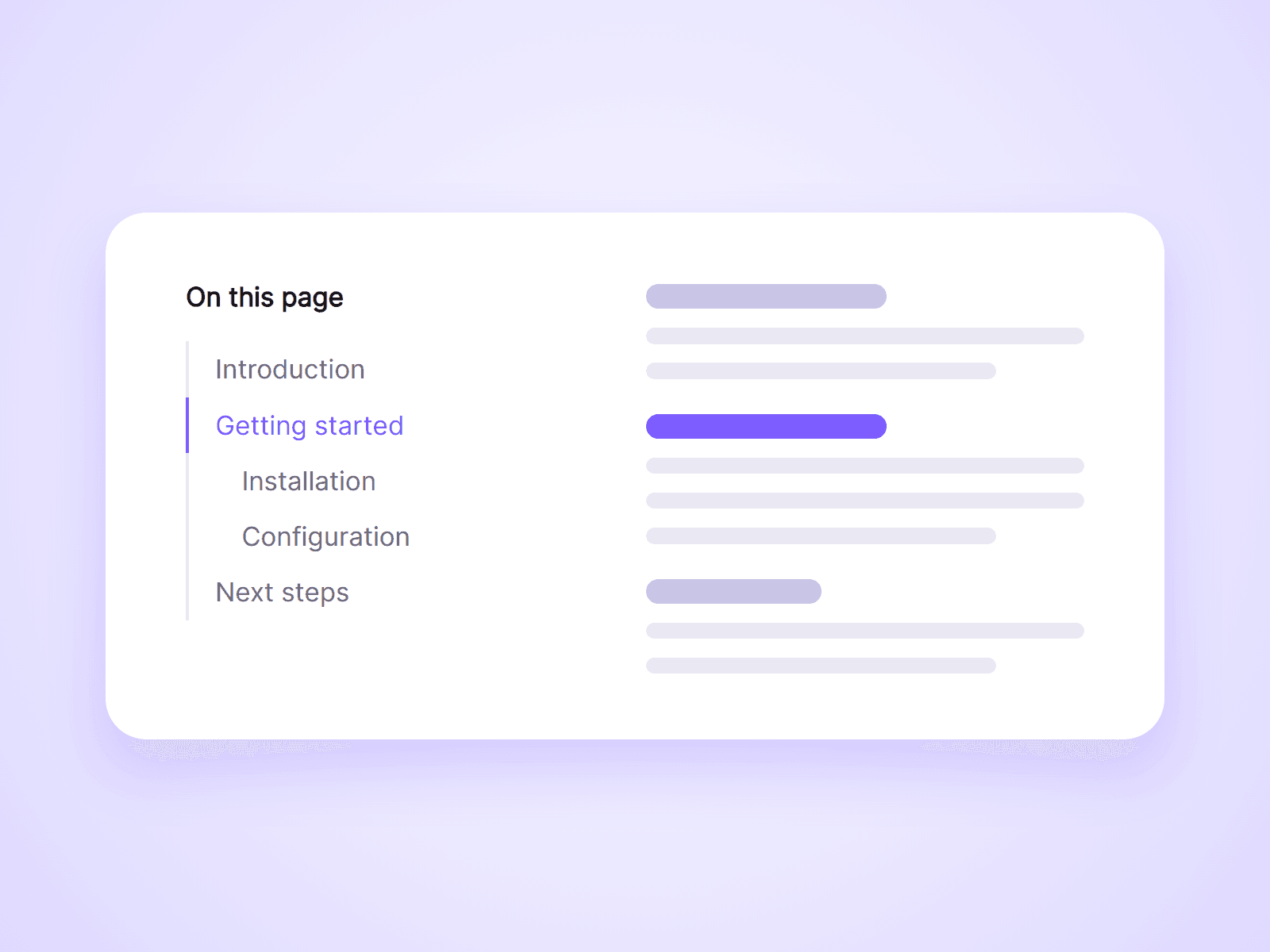
Article TOC is live.

An automatic table of contents for articles and blog posts. It reads the headings on your page, builds the list, and highlights the section your visitor is reading. Add it once to your CMS page and it works for every post.

Clicks update the page address, so visitors can share a link to any section.

Joviseo KIM
Joviseo KIMin Marketplace·3d

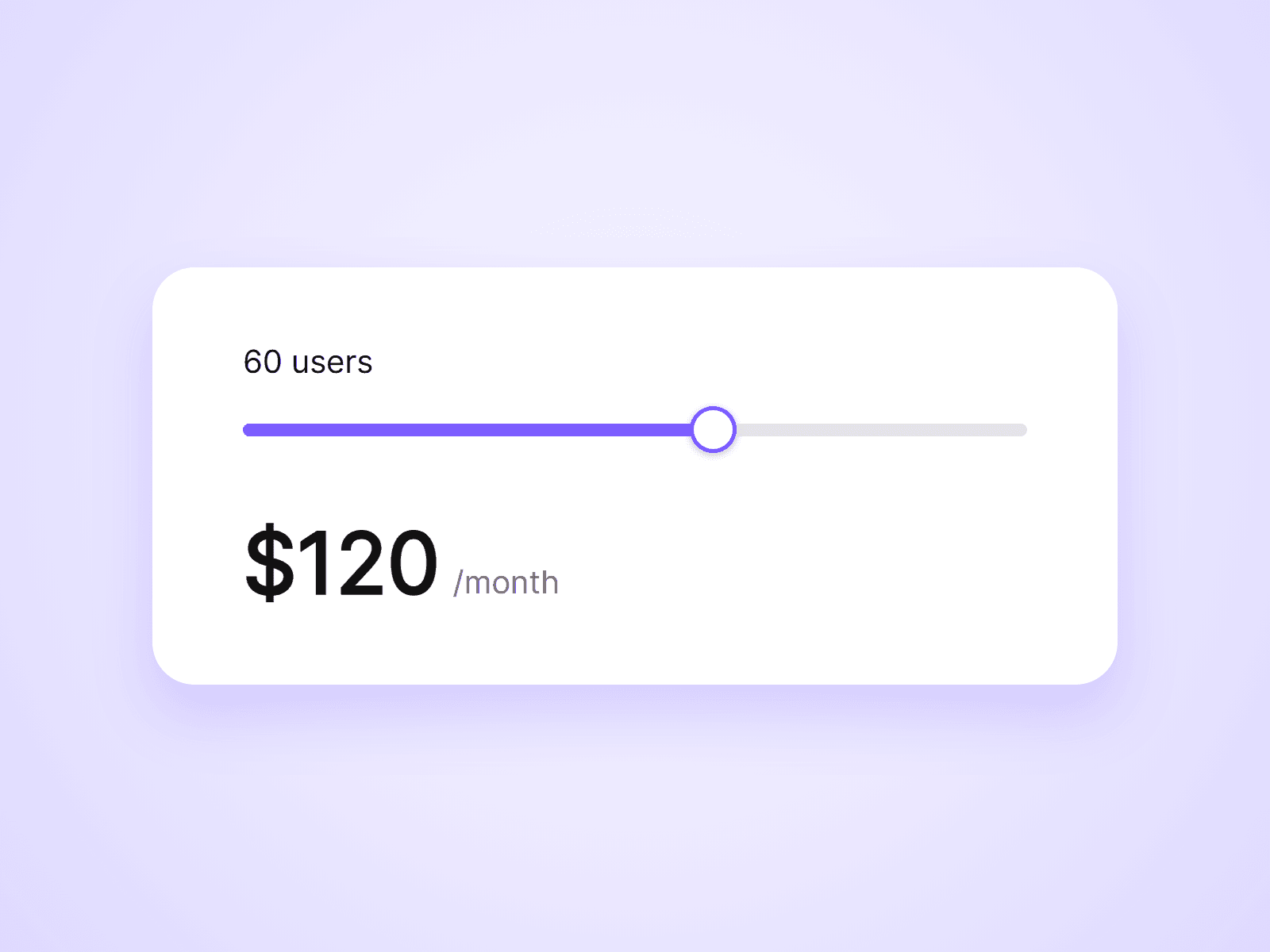
Live Pricing Slider is live.

A slider for usage-based pricing. Visitors drag to pick an amount, such as a number of users, and the price updates as they drag. Choose per-unit or tiered pricing from the property panel, with no formulas to write.

It also pairs with Live Pricing Toggle to apply a yearly discount.

Joviseo KIM
Joviseo KIMin Marketplace·3d

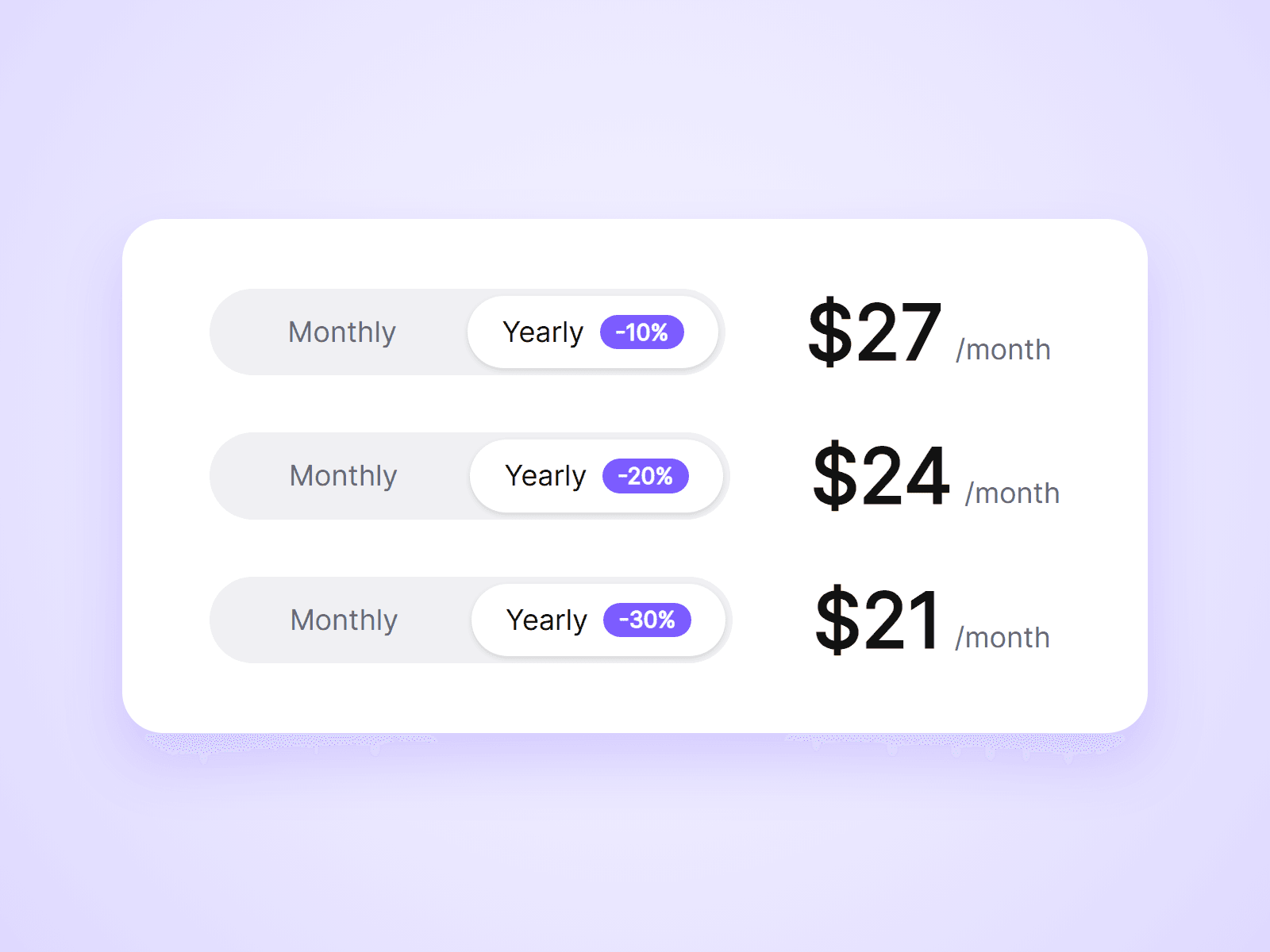
A monthly / yearly pricing toggle that actually changes your prices. Place one toggle on the page and one price in each plan card. When a visitor clicks the toggle, every price switches with it.

What you can customize

Everything is set from the property panel. No code needed.

- Type: Toggle or Price, from the same component

- Toggle labels, so it works for any two price sets

- Default option when the page loads

- Badge text and colors, such as -20% or 2 months free

- Track, thumb and label colors

- Font, radius, inset and padding

- Thumb transition

- Monthly and yearly price text, in any currency or format

- Suffix for each option, such as /month

- Optional crossed-out monthly price next to the yearly price

- Price and suffix fonts and colors

Details

- A toggle changes every price on the page with the same Group name. No variants or interactions to wire up.

- Use different Group names to run separate pricing tables on one page.

- Prices switch with a short fade and respect the visitor's reduced motion setting.

- The toggle works with mouse, touch and keyboard.

- The component changes the prices shown. It does not change checkout links.

How to use

Add the component to your pricing page. That is your toggle. Then drag another copy into each plan card, set its Type to Price, and type in the monthly and yearly prices. On the canvas the toggle cannot be clicked. Set Default to Yearly to see your yearly prices while designing, or open the preview.

Code

This is a code component. Unlinking is not available, so the source cannot be viewed or edited. When an update is released, an Update button appears next to the component in your Assets panel.

Support

Email joviseo1106@gmail.com. Replies usually take up to 3 business days.

More components, including four free ones, are at https://joviseo.vercel.app

Joviseo KIM
Joviseo KIMin Marketplace·3d

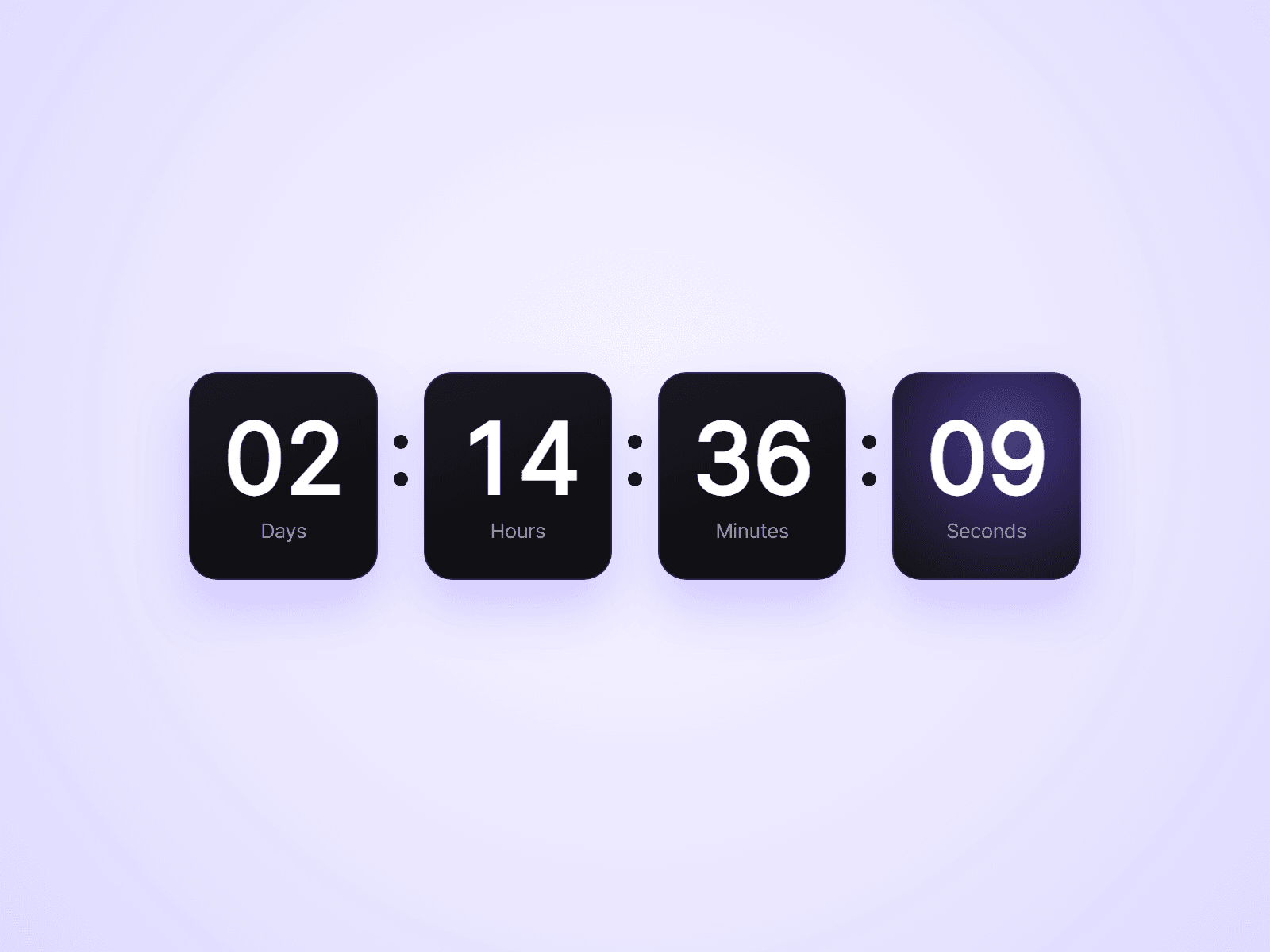
Countdown Timer is live.

Count down to a fixed date for a launch or a sale, or give every visitor their own timer that starts on their first visit and keeps running when they come back.

When time is up, it can show zeros, show a message, hide itself, or run a Framer interaction, so you can switch a section to a "Sale ended" variant.

Units, labels, fonts, colors and box style are all set from the property panel. No code needed.

Try the demo: https://cultural-universe-619242.framer.app/countdown

Joviseo KIM
Joviseo KIMin Marketplace·4d

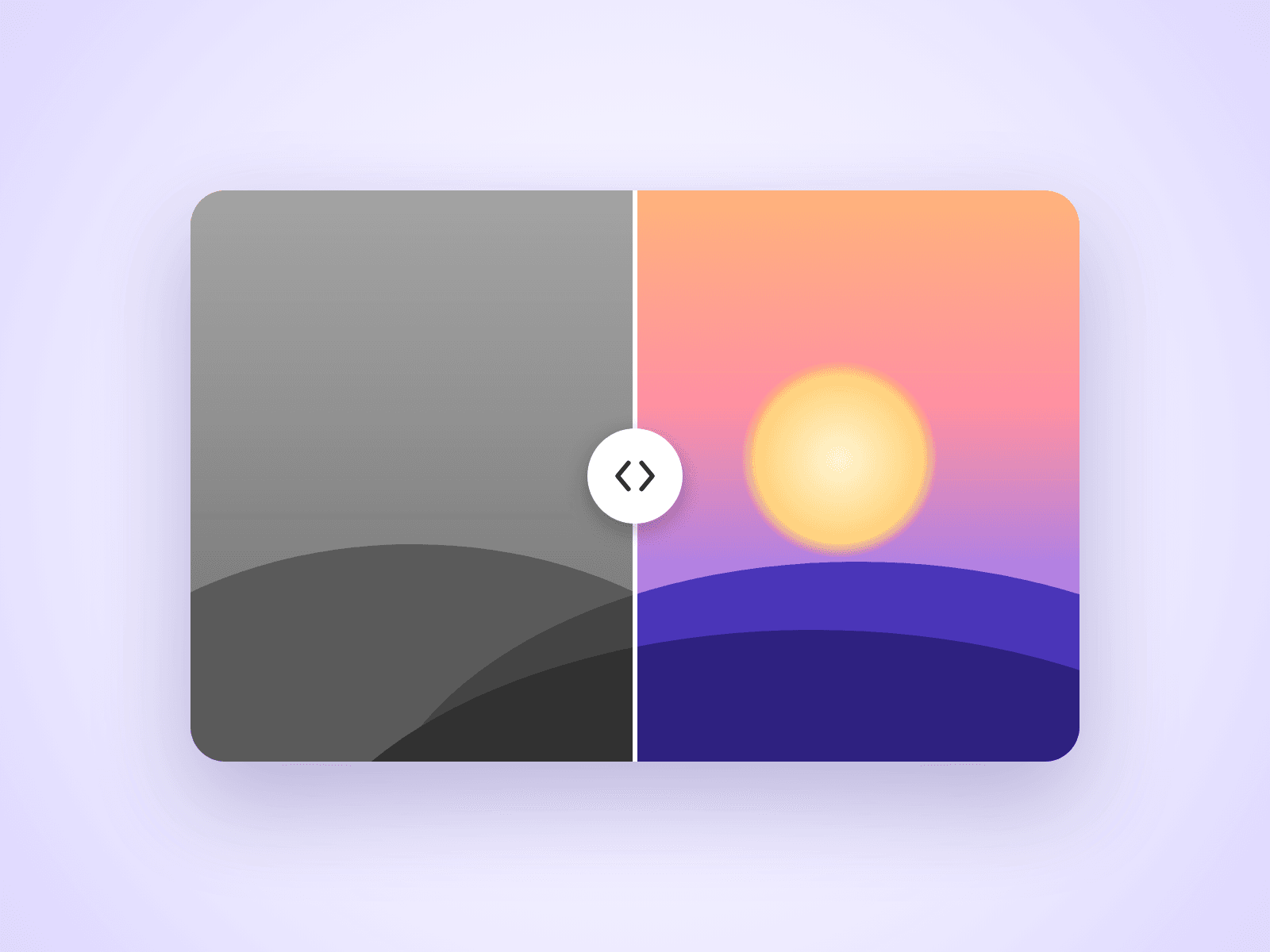
Before After Slider

An image comparison slider for Framer sites. Visitors drag the handle to reveal one image over the other, which makes it ideal for retouching, redesigns, renovations and any before and after story.

Customizable Properties

Everything is set from the property panel, with no code editing.

- Before and After: the two images to compare

- Direction: horizontal or vertical

- Move On: drag the handle, or follow the mouse on hover

- Start: where the divider begins

- Handle: size, color, line thickness and arrows

- Labels: text, colors and size, or hide them

- Radius: corner radius

Details

Works with mouse, touch and keyboard. A horizontal slider still lets the page scroll up and down on phones. Images use Framer's responsive image control, so they load at the right size.

How To Use

Drop the component on your page, pick a Before and an After image in the property panel, and resize the component to match your images.

About The Code

This is a code component, but no coding is needed. To keep quality consistent and deliver updates, unlinking is not available, so the source code cannot be viewed or edited. When an Update button appears next to the component, apply it to get the latest version.

Need Help?

Email joviseo1106@gmail.com. Questions are usually answered within 3 business days.

More Resources

More components by Joviseo, including four free ones: https://joviseo.vercel.app
Joviseo KIM
Joviseo KIMin Marketplace·4d

Typing Effect Text

A headline that types out a list of phrases one character at a time, deletes them, and moves on to the next. A fixed prefix stays in place, so you can write lines like "We design websites." and rotate the last word.

Customizable Properties

Everything is set from the property panel, with no code editing.

- Prefix and Phrases: the fixed text and the list of rotating phrases

- Tag: H1, H2, H3, P or Span, for correct heading structure

- Type Speed, Delete Speed and Pause

- Loop: repeat forever or stop on the last phrase

- Reserve Width and Align: keep space for the longest phrase so nothing shifts

- Cursor: character, color and blinking

- Font, Text color and Typed Text color

Details

Typing starts when the text scrolls into view. Visitors who prefer reduced motion see the first phrase without animation.

About The Code

This is a code component, but no coding is needed. To keep quality consistent and deliver updates, unlinking is not available, so the source code cannot be viewed or edited.

More Resources

More components by Joviseo: Scroll To Top Ring, Reading Progress Bar, Text Scramble Button and Magnetic Pull Button. https://joviseo.vercel.app